How to Set Up a Second Monitor Without Buying an Expensive Dock
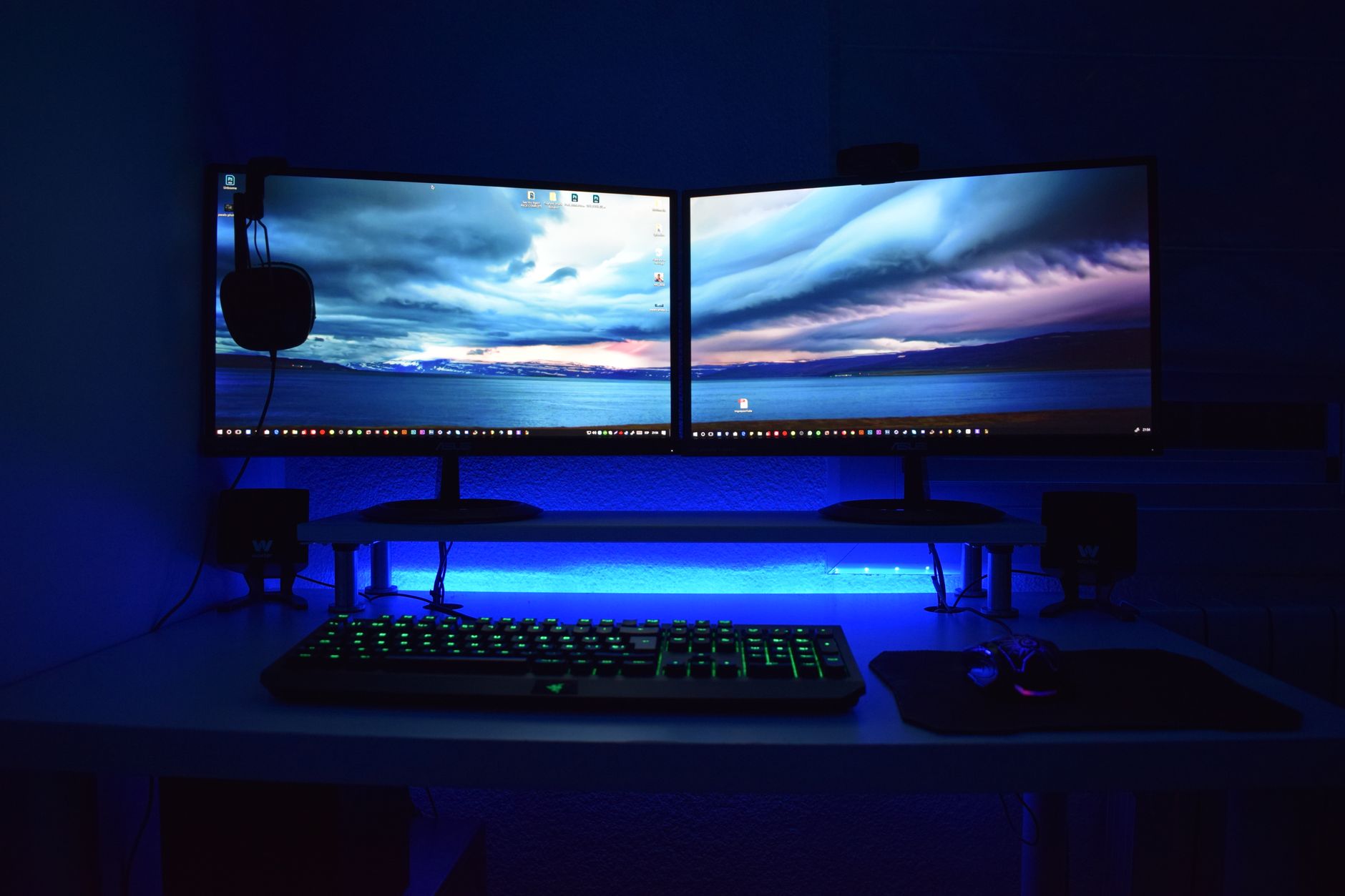
I needed a second monitor for work. The Thunderbolt dock my IT department recommended cost $280. My laptop only had one USB-C port and one HDMI port. The obvious solution was expensive, so I looked for the not-obvious one.
Turns out you can connect a second monitor for under thirty dollars. Here is how.
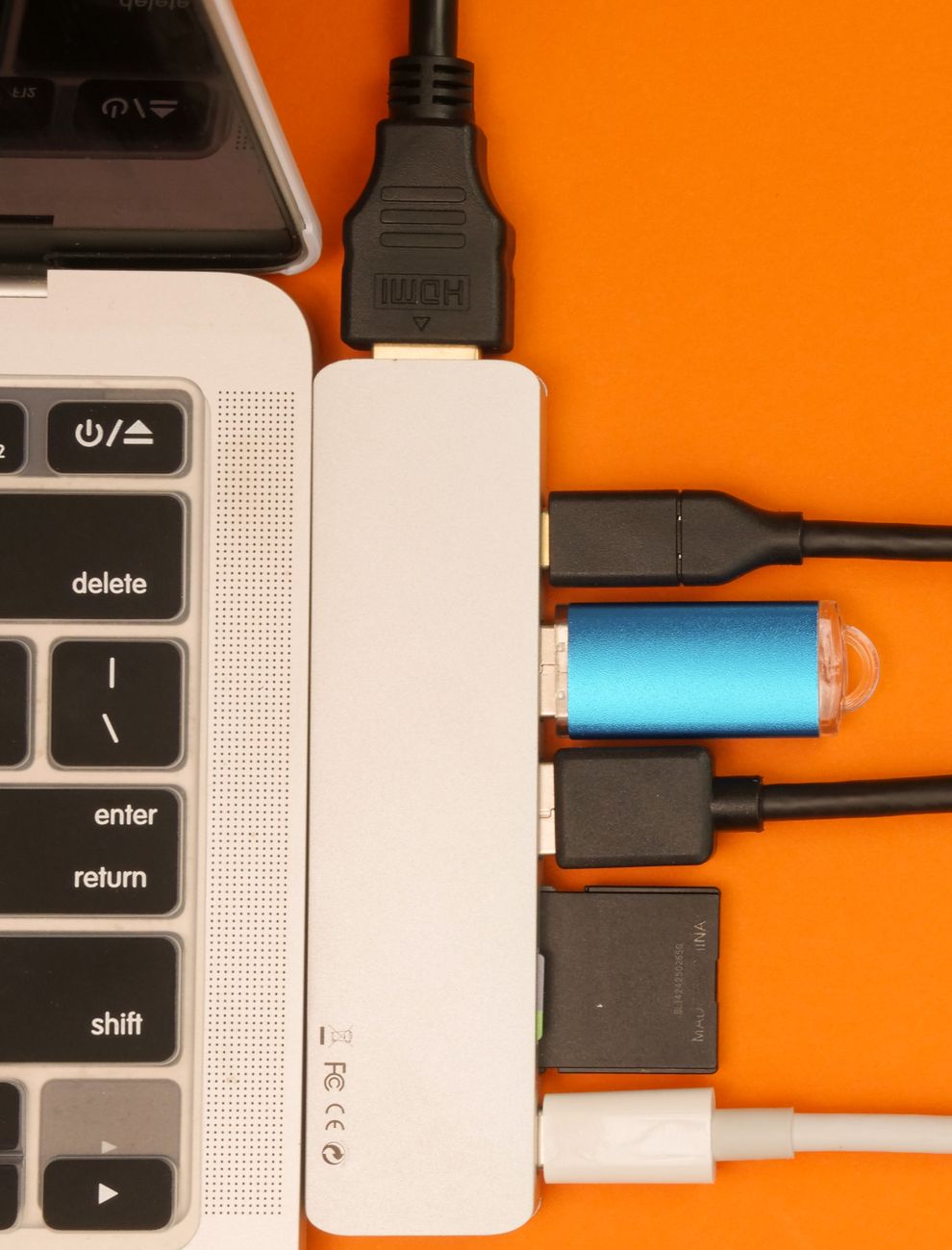
Check what ports you already have
Look at your laptop. You probably have more than one video output option, even if you do not realize it. Most laptops from the last five years have at least two ways to output video.
Common combinations: HDMI + USB-C (with DisplayPort Alt Mode), HDMI + DisplayPort, USB-C + USB-C (if both support video). Even older laptops often have VGA or DVI ports that work fine with an adapter.
Open your laptop’s specifications online and search for “video output.” If your USB-C port supports DisplayPort Alt Mode or Thunderbolt, you can use it for video with a simple adapter cable — no dock required.
The cheap adapter approach
USB-C to HDMI cable: About fifteen dollars. Plug the USB-C end into your laptop, the HDMI end into your monitor. Done. This only works if your USB-C port supports video output — check the spec sheet.
HDMI splitter: About twenty dollars. Plugs into your single HDMI port and gives you two HDMI outputs. This mirrors the same image to both screens — it does not extend your desktop. Good for presentations, not for multitasking.
USB to HDMI adapter: About twenty-five dollars. Plugs into a regular USB-A port and gives you an HDMI output. This is the one I used. It installs a basic display driver and works for web browsing, documents, and spreadsheets. It will not handle gaming or video editing — the bandwidth is too low — but for office work it is fine.
If you only have one port total
Some ultrabooks have exactly one USB-C port and nothing else. In that case, you need a small USB-C hub — not a full dock. A hub with HDMI, a couple of USB-A ports, and passthrough charging costs around thirty dollars. It is smaller than a deck of cards and does not need its own power supply.
The key difference between a hub and a dock: hubs use your laptop’s existing video capability and just pass it through. Docks have their own video processing hardware. That is why docks cost more.
My second monitor setup cost $25 for the USB-to-HDMI adapter. It is not pretty — there is an extra cable on my desk — but my spreadsheet work is twice as fast with two screens. Well worth twenty-five bucks.
📋 Quick Summary: Use a USB-C to HDMI cable ($15) if your port supports video, a USB-A to HDMI adapter ($25) for basic office work, or a small USB-C hub with HDMI ($30) if you only have one port.