How to Stop Your Laptop from Overheating When It Is On Your Lap
My laptop burned my thigh. Not a metaphor. I was working on the couch, laptop on my lap — the thing it was literally named for — and after an hour the bottom was hot enough that I flinched when I touched it. The fan was screaming. The keyboard was warm. Chrome had about forty tabs open, which in retrospect was part of the problem.
Laptops overheat on laps because fabric blocks the air intake vents on the bottom. Your jeans, your blanket, your pillow — they all smother the cooling system. The laptop compensates by running the fan faster, which drains the battery and throttles performance. Here is how to fix it.
The Lap Desk (Actually Works)
Get a lap desk with a hard flat surface. Not the beanbag kind. Not the cushion kind. You want a solid slab of bamboo, plastic, or wood that sits on your lap and gives the laptop a flat surface. The hard surface creates an air gap between the laptop bottom and your legs — exactly what the cooling system needs.
I bought a bamboo lap desk for twenty dollars. It has a slight tilt that angles the keyboard toward me — bonus ergonomic points — and a wrist rest. I use it every day. My laptop has not overheated once since.
Free Fix: The Book Method
Grab two hardcover books of equal thickness. Place them under the back corners of the laptop — the edge near the screen hinges. This tilts the keyboard toward you and lifts the bottom off the surface, creating airflow underneath. The books act like a stand. It is not elegant, but it costs zero dollars and works immediately.
I did this for two weeks before I bought the lap desk. It was so effective I almost did not bother upgrading. The only downside is the books slide around on soft surfaces, so you end up adjusting them every time you shift position.
Clean Your Fans (The Problem You Are Ignoring)
If your laptop overheats even on a hard surface, the internal fan and heatsink are clogged with dust. Over time, dust forms a felt-like mat between the fan blades and the exhaust vent. Air cannot move. The laptop cooks.
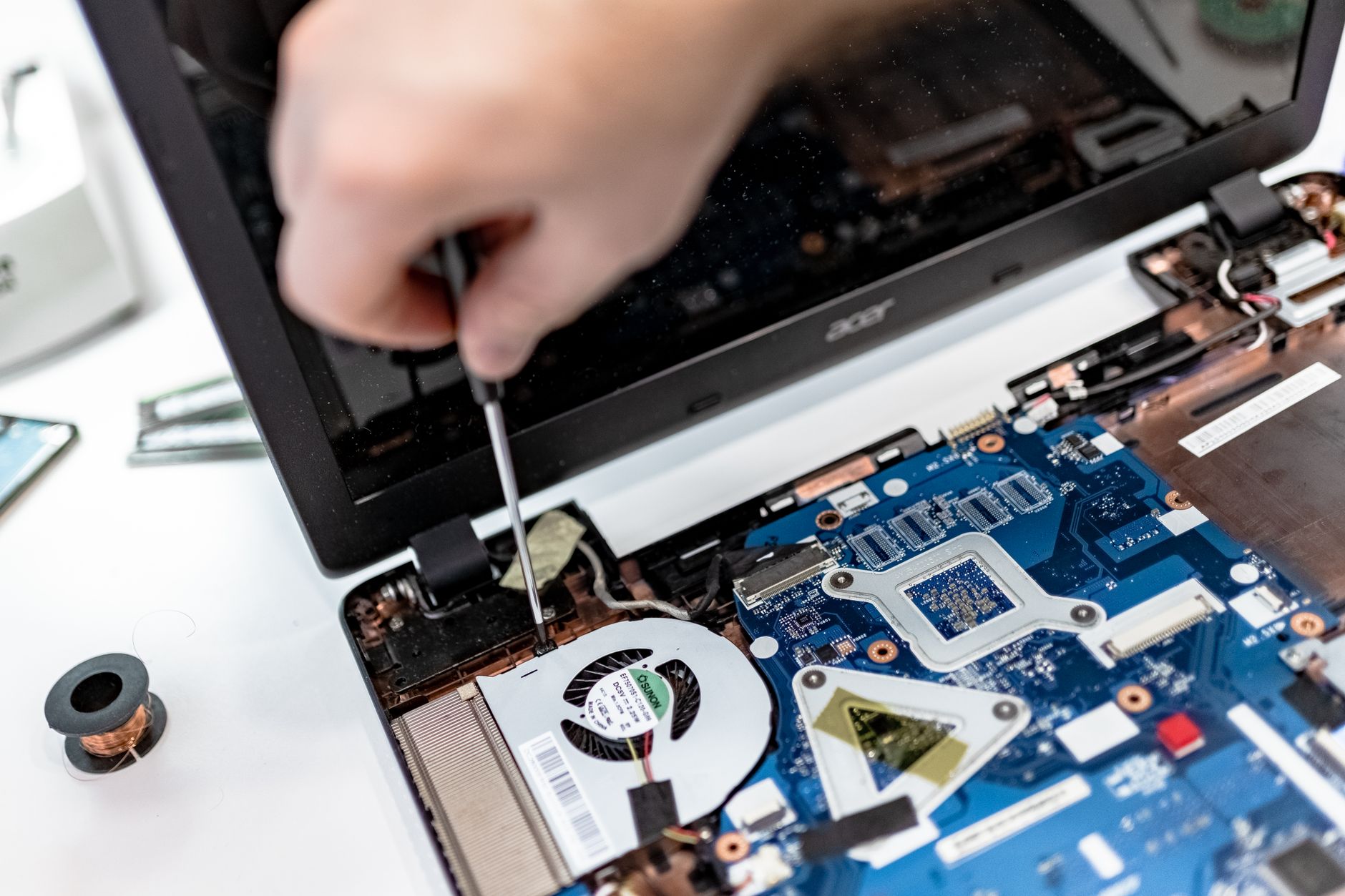
Turn off the laptop. Get a can of compressed air. Spray short bursts into the exhaust vent — you will see dust billow out. Do this outside. Then spray into the intake vents on the bottom. If you are comfortable opening the case, blowing directly on the fan while holding the blades still with a toothpick is even more effective. If you are not comfortable opening the case, compressed air from the outside is better than nothing.
I cleaned my fan after two years of never thinking about it. The dust cloud was alarming. The laptop ran ten degrees cooler afterward and the fan noise dropped by half.
📋 Quick Summary: Stop laptop overheating by using a hard lap desk (creates airflow underneath), propping the back on books (free temporary fix), or cleaning dust from internal fans with compressed air. Fabric surfaces block intake vents — never put a laptop directly on a blanket or your lap for long periods.