Things Your Amazon Echo Show Can Do That You Forgot
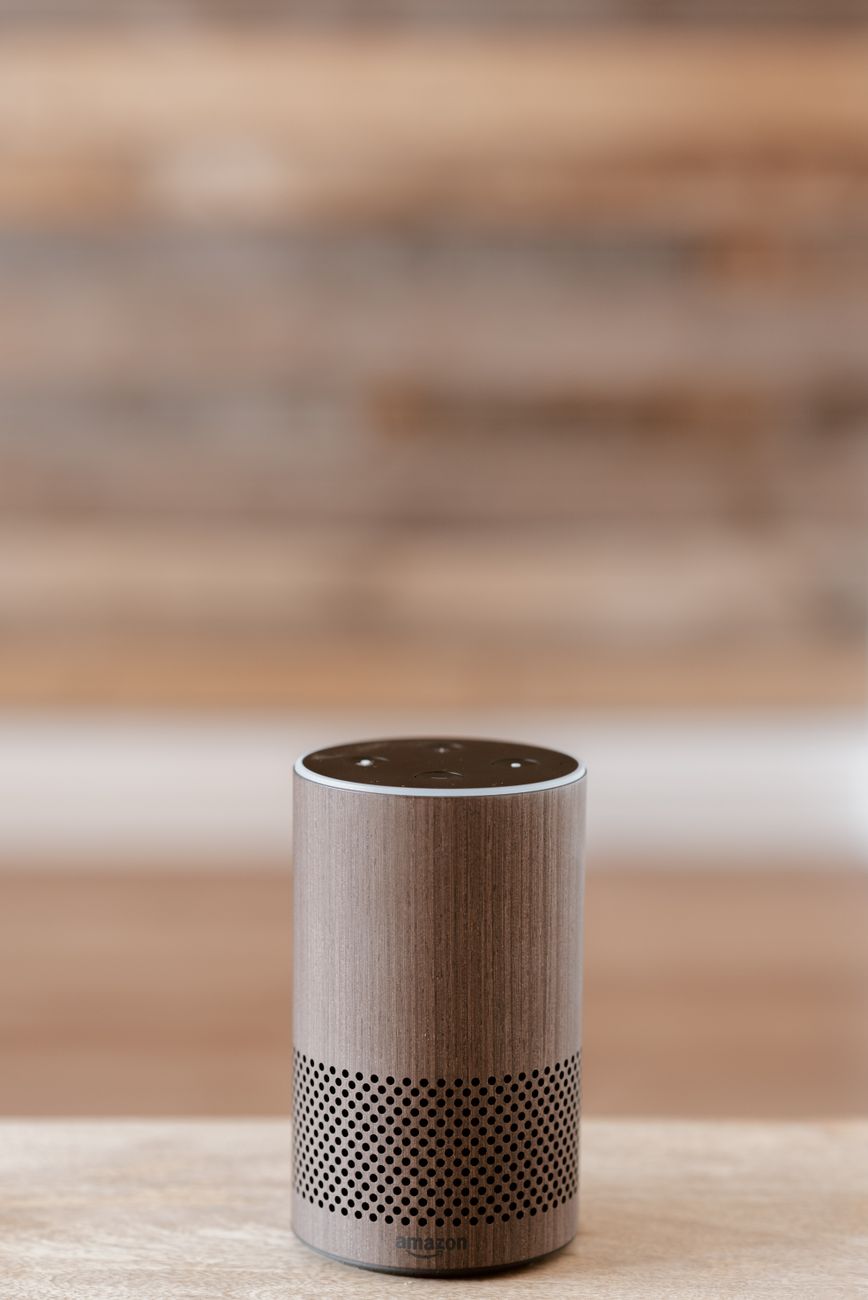
I bought an Echo Show three years ago and used it as a kitchen timer and a music speaker for about two and a half of those years. Then I stumbled onto a YouTube video of someone using theirs as a digital photo frame, a security camera monitor, and a recipe display all at once. I had been using maybe ten percent of what the device could do.
If you have an Echo Show sitting on your counter doing nothing but showing the time and weather, here are the features you are probably not using.
Digital Photo Frame
This is the feature that should have been obvious but I missed for two years. Upload photos to Amazon Photos and set them as the Echo Show background. The screen cycles through your pictures when idle. It turns a utilitarian black box into something that actually adds warmth to your kitchen.
Amazon Photos is free for Prime members with unlimited photo storage. Download the app, upload your albums, then in the Alexa app go to Devices → Echo Show → Home Screen → Photo Display and pick your album. Photos display for about a minute each before transitioning. It genuinely makes the device feel like it belongs in your home instead of being another screen demanding attention.
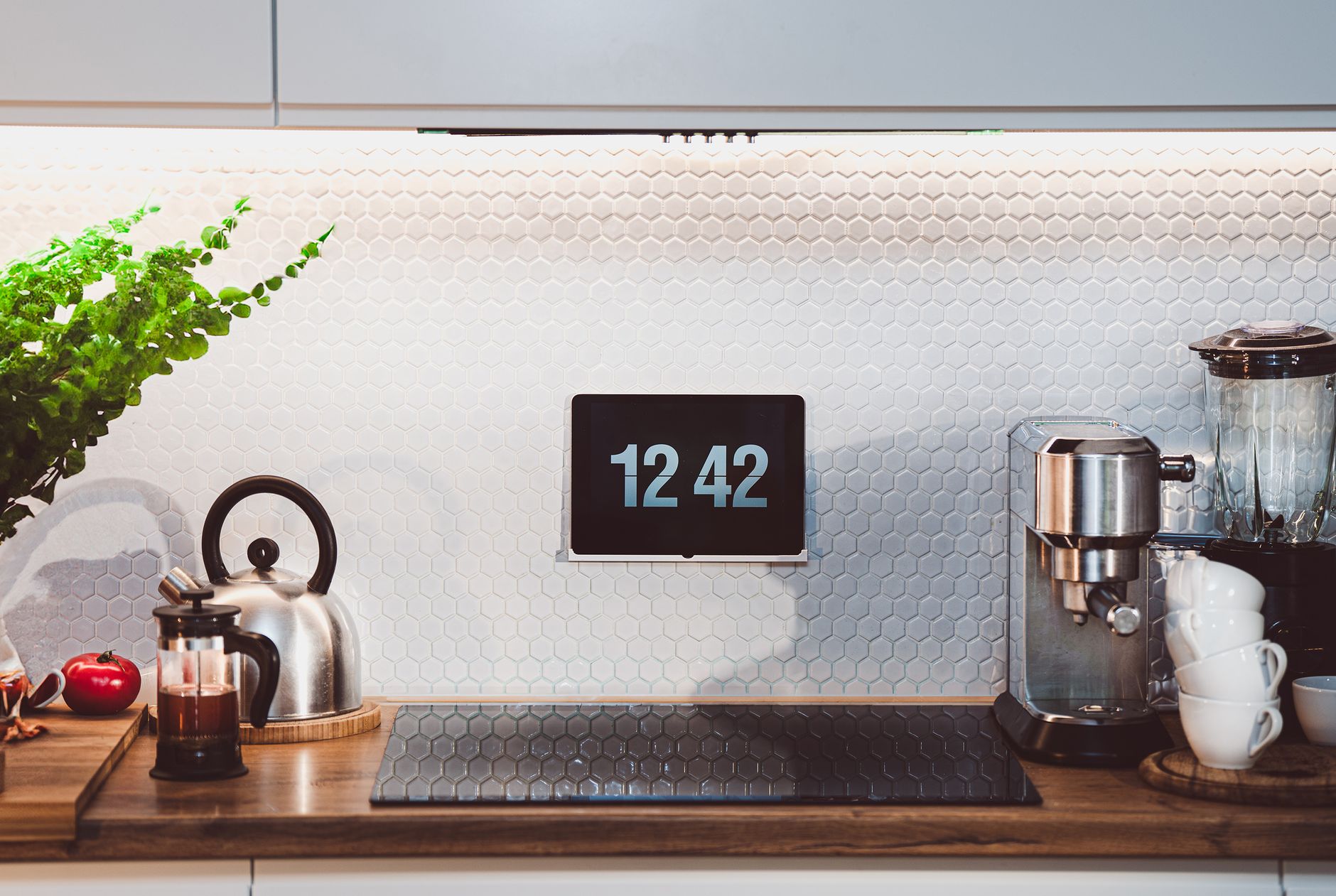
Security Camera Feed
If you have a Ring doorbell or any compatible security camera, you can say “Alexa, show me the front door” and the feed appears on the Echo Show screen. This is faster than pulling out your phone and opening an app. It is especially useful when you are cooking and your hands are covered in flour — voice command, glance at the screen, decide if it is worth washing your hands to answer the door.
Works with Ring, Blink, Arlo, and most cameras that support Alexa integration. You can also set up routines — for example, automatically show the front door camera when someone rings the doorbell.
Sticky Notes and Lists
You can leave digital sticky notes on the screen for other household members. “Picked up the kids, back by 5.” “Lasagna in the fridge.” The notes display on the home screen. It is essentially a family bulletin board that updates from anywhere — you can add notes through the Alexa app when you are not home.
Also: shopping lists sync to your phone. Say “Alexa, add milk to the shopping list” and it appears in the Alexa app on your phone. You do not need to remember to check the list before leaving — it is already in your pocket.
Drop In (If You Are Into That)
Drop In turns Echo devices into an intercom system. You can connect to another Echo Show in your house — or a family member’s house if they have granted permission — and have a video call without them answering. The screen turns on automatically. Useful for checking on kids in another room or asking your partner something without shouting across the house.
That said: this feature creeps some people out. You can disable it per device. If you live alone, it is irrelevant. If you have family who also use Echo devices, it is surprisingly useful.
Recipe Display
Say “Alexa, show me recipes for chicken thighs” and it displays step-by-step recipes with photos. It reads the instructions aloud while you cook and you can say “next step” to advance. Your screen stays clean because you are not touching it with chicken hands. This is the feature I now use most often and it was there the whole time.
I still mostly use it as a timer and a music player. But now I also use it for photos, recipes, lists, and checking the door. Four more things, zero more effort, device I already owned.
📋 Quick Summary: Digital photo frame with Amazon Photos, live security camera feeds by voice, digital sticky notes for family, Drop In intercom, voice-controlled recipe display. Your Echo Show does way more than tell time.