The Right Way to Charge Your Laptop Battery So It Lasts Years
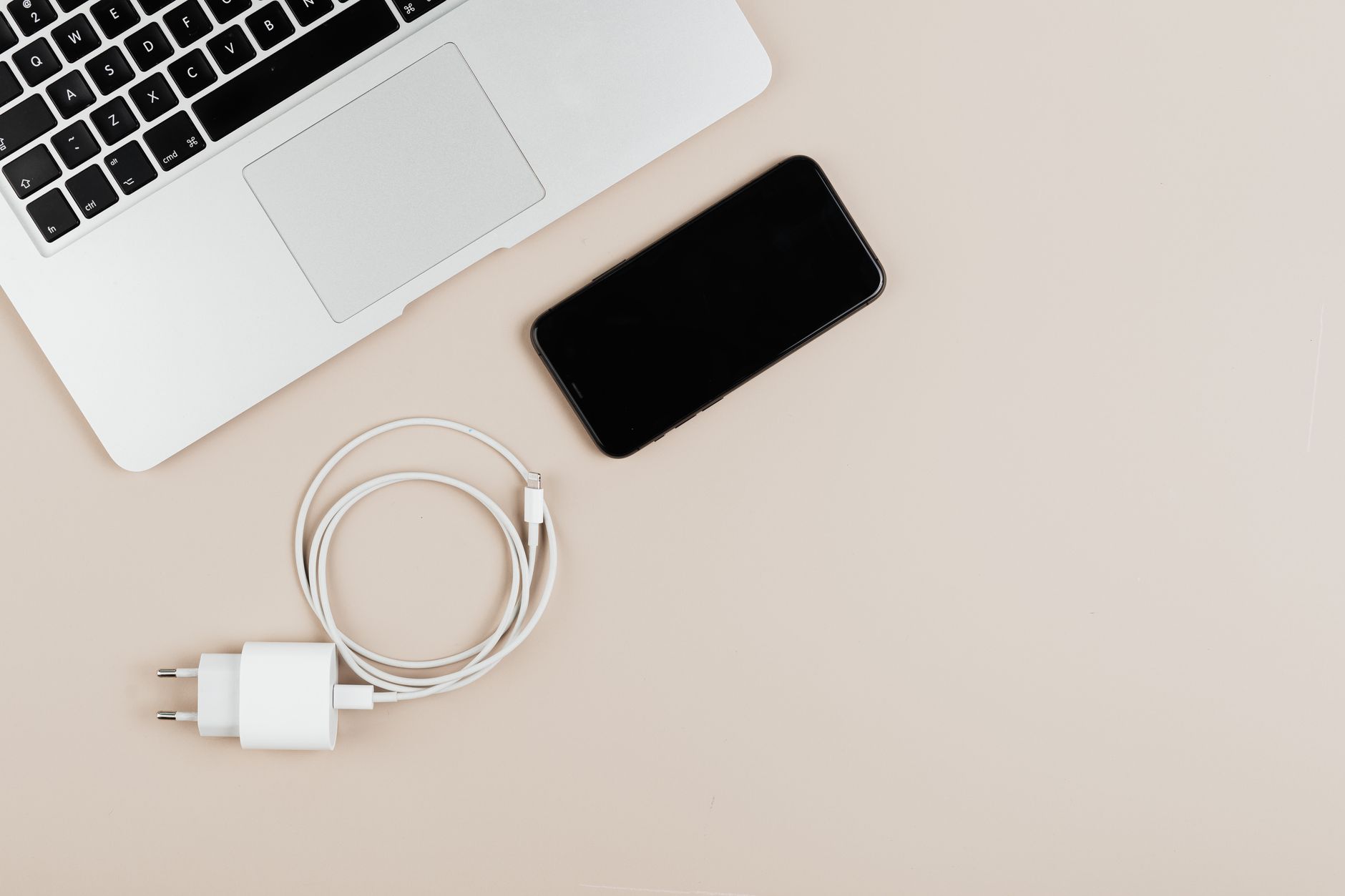
I killed a laptop battery once. By the second year, it would die after forty minutes off the charger, and the battery was the most expensive part of the whole machine to replace. I thought I was doing everything right. Turns out I was doing the one thing wrong.
Leaving a laptop plugged in at 100 percent all the time wears the battery out faster. Lithium batteries are happiest in the middle of their range, not at the top.
The simple rules
- Keep it between 20 and 80 percent for everyday use. That range stresses the battery the least.
- Do not drain it to zero on purpose. Deep discharges are hard on lithium cells.
- Unplug it once it is full, or use the battery charge limit if your laptop has one. Many new laptops let you cap charging at 80 percent.
- Heat is the enemy. Do not leave a charging laptop on a pillow or under a blanket. The battery ages faster when it is hot.
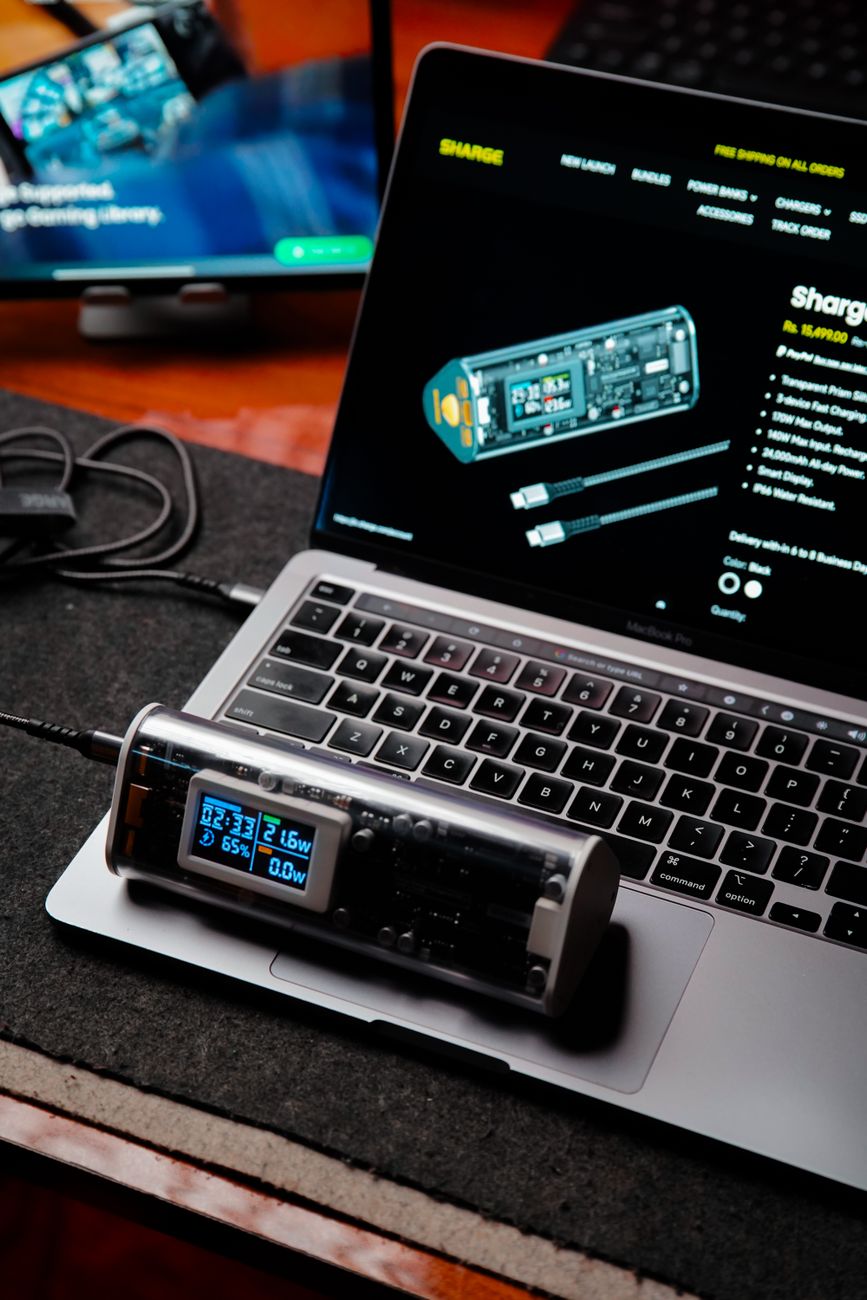
Why this matters
Battery wear is about cycles and heat. Staying at 100 percent keeps the cells at max voltage, which causes them to age faster. The 20 to 80 range cuts that stress, and the battery keeps more of its capacity over two years.
My mistake
My old laptop sat on a desk plugged in for two years, full battery, running hot under a stack of papers. It did not stand a chance. My current laptop I keep between 20 and 80, and after a year the battery still reports nearly full health. Same brand, same kind of use, completely different result.
Does this matter for phones too
Yes, exactly the same chemistry. Your phone does not need to charge to 100 percent overnight. If your phone lets you cap the charge, use it. If not, unplug it when you wake up, not at midnight, and it will be fine.
What about fast charging
Fast charging is fine now and then. It generates more heat, so it is slightly harder on the battery, but the convenience usually wins. Just avoid fast charging every single time if you can.
📋 Quick Summary: Keep laptop batteries between 20 and 80 percent, avoid deep drains, cap charging when possible, and keep the machine cool. Heat and 100 percent are what wear cells out.
The rules are easy. My next battery will last longer than my old one did, and that is the whole point.