The Proper Way to Clean a Laptop Screen Without Streaks
I used to spray glass cleaner straight onto my laptop screen and wipe it with a paper towel. The result was a streaky, smeared mess that looked worse than the dust I started with. I was also slowly damaging the coating. Here is the right way.
Why glass cleaner is wrong
Laptop screens are not glass. They have a thin anti-glare coating that harsh cleaners and ammonia can strip. Paper towels are rough enough to leave fine scratches. Both are a fast way to ruin a screen.
How to clean it properly
- Turn the laptop off and unplug it.
- Wipe the screen gently with a dry microfiber cloth to remove dust.
- If there are smudges, dampen the cloth with water, never spray the screen directly.
- Wipe in one direction, then buff dry.
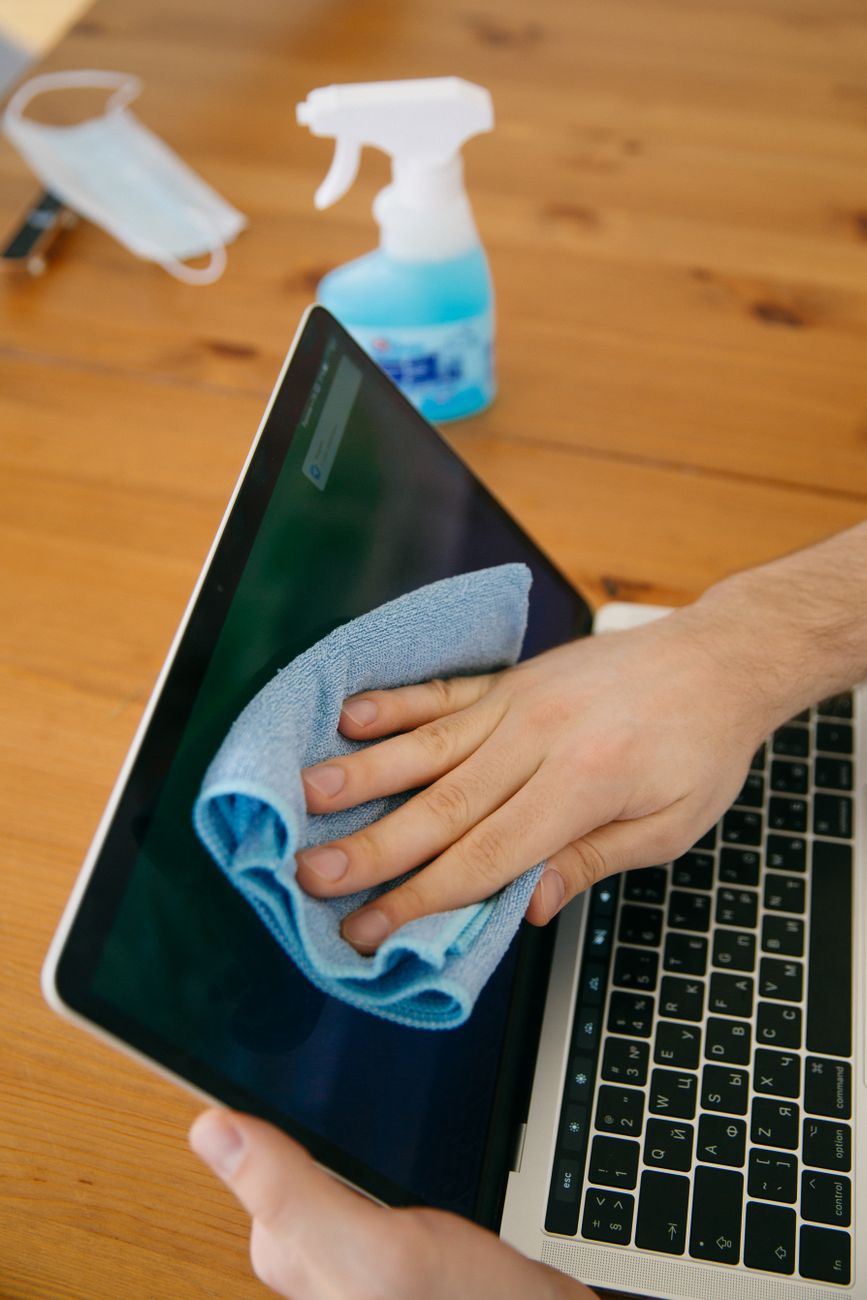
Water on a microfiber cloth handles almost everything. For stubborn marks, a tiny drop of dish soap in the water helps. Wring the cloth out so it is damp, not wet.
What I stopped doing
No more paper towels, no more spray bottles, and definitely no more window cleaner. I keep a clean microfiber cloth in my laptop bag and give the screen a quick dry wipe every couple of days.
The screen looks better and the coating is intact. A streak-free screen is mostly about what you do not use on it.
📋 Quick Summary: Clean a laptop screen with a damp microfiber cloth and water only, never spray cleaner directly on it.