Why Your Bluetooth Keeps Disconnecting and How to Pair It Right
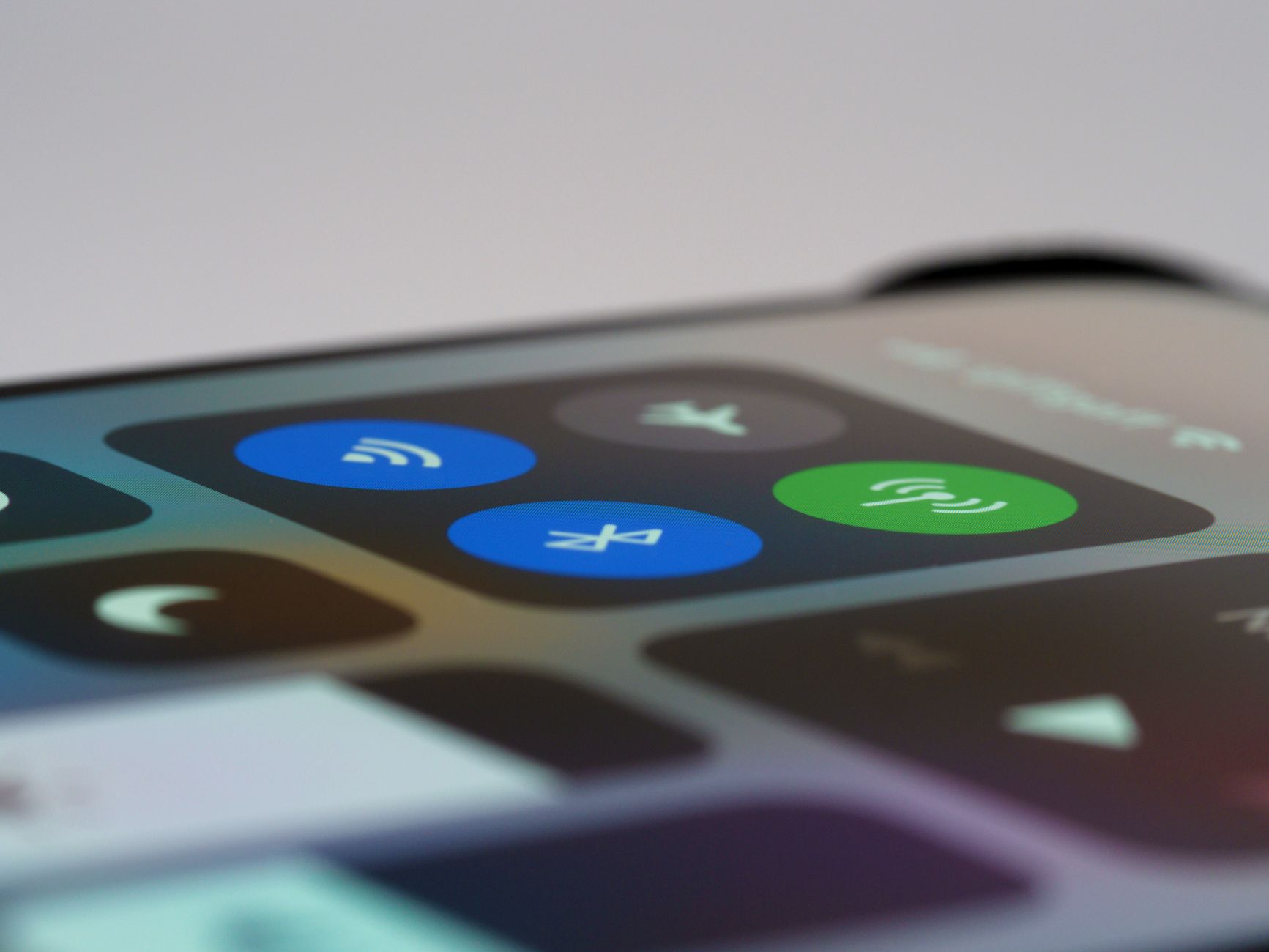
My wireless earbuds cut out every time I put my phone in my back pocket. Walking the dog. Doing dishes. The audio would stutter, drop, reconnect, drop again. I blamed the earbuds and almost returned them.
The problem was not the earbuds. It was signal interference — and my own body was part of it.
Your Body Blocks Bluetooth
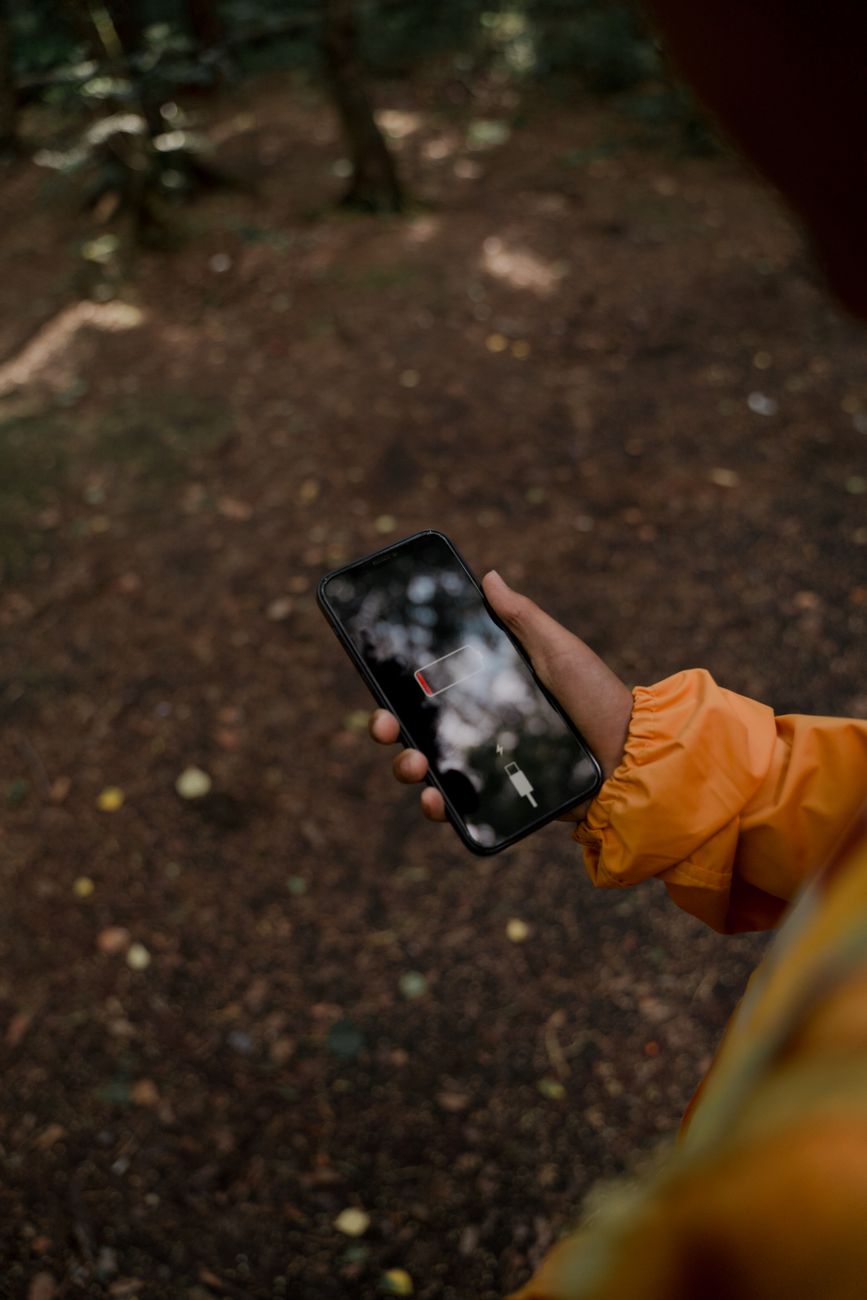
Bluetooth uses 2.4 GHz radio waves, same frequency as Wi-Fi and microwave ovens. Water absorbs these waves really well. And guess what your body is mostly made of? Water. When you put your phone in your back pocket, your entire torso is between the phone and your earbuds. The signal drops — simple physics.
Keep your phone on the same side of your body as your earbuds’ primary receiver. Most wireless earbuds have one “master” bud that connects to the phone and relays to the other. If the master is in your right ear, keep your phone in your right pocket — or better yet, hold it in your right hand.
Other Things That Interfere
Crowded spaces are Bluetooth nightmares. Airports, subways, gyms — dozens of Bluetooth devices all broadcasting on the same tiny frequency band. Your earbuds are literally shouting over everyone else’s earbuds.
Wi-Fi routers and microwaves also broadcast on 2.4 GHz. If your Bluetooth cuts out every time someone heats up lunch, the microwave is your culprit. Move away from it, or switch your Wi-Fi to 5 GHz to reduce congestion on the 2.4 band.
The Nuclear Option: Re-pair
Go into your phone’s Bluetooth settings, forget the device, then pair it again from scratch. This clears any corrupted connection data and often fixes random drops that have no obvious cause. Do this before you factory-reset anything or spend money on replacements.
Update Your Firmware
Check if your earbuds or headphones have a companion app with a firmware update. Manufacturers quietly fix Bluetooth bugs in firmware all the time. I had a pair of earbuds that dropped connection constantly until a firmware update fixed it overnight.
📋 Quick Summary: Keep your phone on the same side as your earbuds. Avoid microwaves and crowded 2.4 GHz spaces. Forget and re-pair from scratch. Check for firmware updates.