Make Your Printer Ink Last Twice as Long
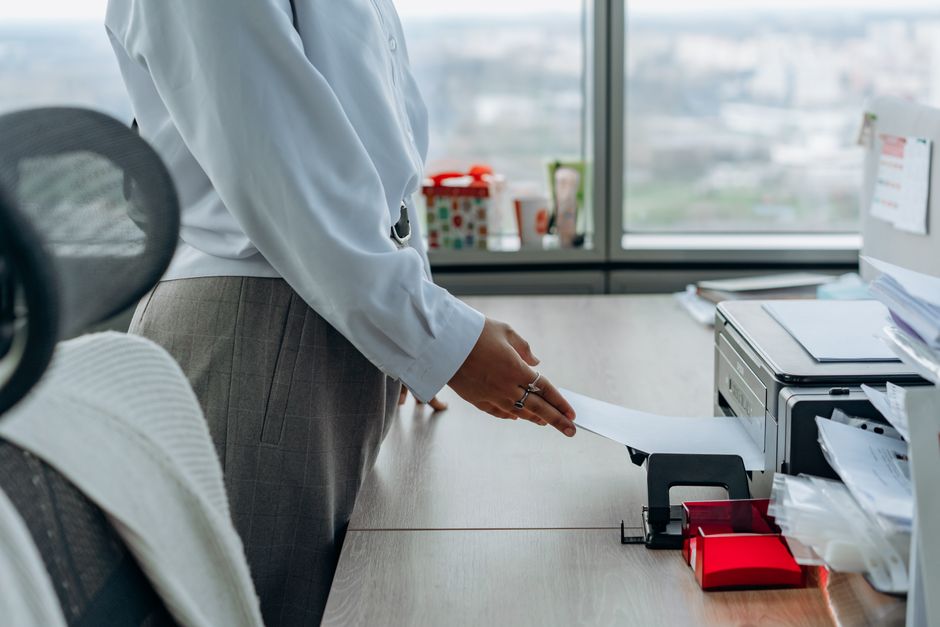
My printer once told me it was out of cyan ink when I was trying to print a black-and-white document. I just stared at the screen. The printer was not out of cyan. It just wanted me to buy cyan. That was the day I stopped trusting my printer.
Ignore the Low Ink Warning
Printer ink warnings are conservative. Sometimes absurdly so. Many cartridges report “empty” when 20 to 40 percent of the ink remains. If your printer has a “continue” or “override” option when the warning appears, use it. Keep printing until the output actually looks faded. The warning is a suggestion, not a measurement.
Print in Draft Mode
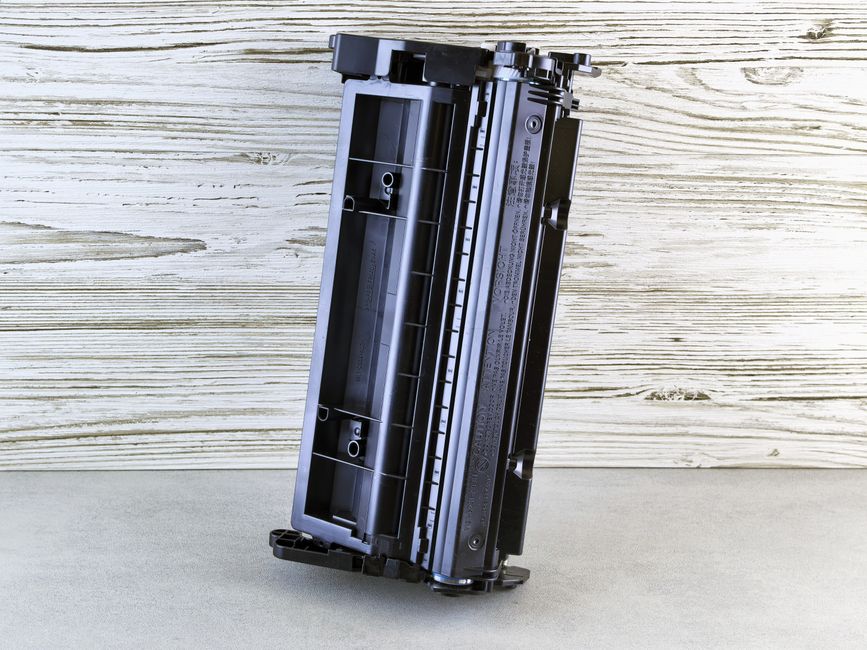
For anything internal — shipping labels, recipes, directions — switch to draft or economy mode in your printer settings. This uses significantly less ink per page. The text is lighter but still perfectly readable. Reserve normal mode for things someone else will see.
Use the Right Font
Some fonts use less ink than others. Times New Roman and Garamond use about 25 percent less ink than Arial. Century Gothic uses about 30 percent less. Ecofont is a font designed specifically to use less ink by having tiny holes in each letter — invisible at normal size but it uses less ink to print. Switch your default document font and save ink without changing anything else.
Do Not Print Unless You Have To
This sounds obvious but printers are habit machines. We print things because we always printed them. Boarding passes live on your phone now. Receipts can be emailed. Contracts can be signed digitally. Every page you do not print is ink you did not use. I cut my printing by half just by asking “does this actually need to be on paper?” before hitting print.
Clean the Print Head, Do Not Replace the Cartridge
If prints come out streaky, run the print head cleaning utility in your printer software. This uses some ink but fixes clogs without replacing anything. If that does not work, remove the cartridge and gently wipe the copper contacts with a slightly damp paper towel. Dry thoroughly before reinstalling. I revived a cartridge I thought was dead this way.
📋 Quick Summary: Override low ink warnings. Use draft mode. Switch to ink-saving fonts like Garamond. Only print what actually needs paper. Clean print heads before replacing cartridges.