I Solved My Slow Wi-Fi with a Five-Dollar Thrift Store Find

📋 Quick Summary
Photo by Aditya Singh on Pexels For nearly a year, I accepted that the Wi-Fi in my bedroom was just bad. The router was in the living room, about forty feet and three walls away, and by the time the signal reached my bedroom, streaming video would…
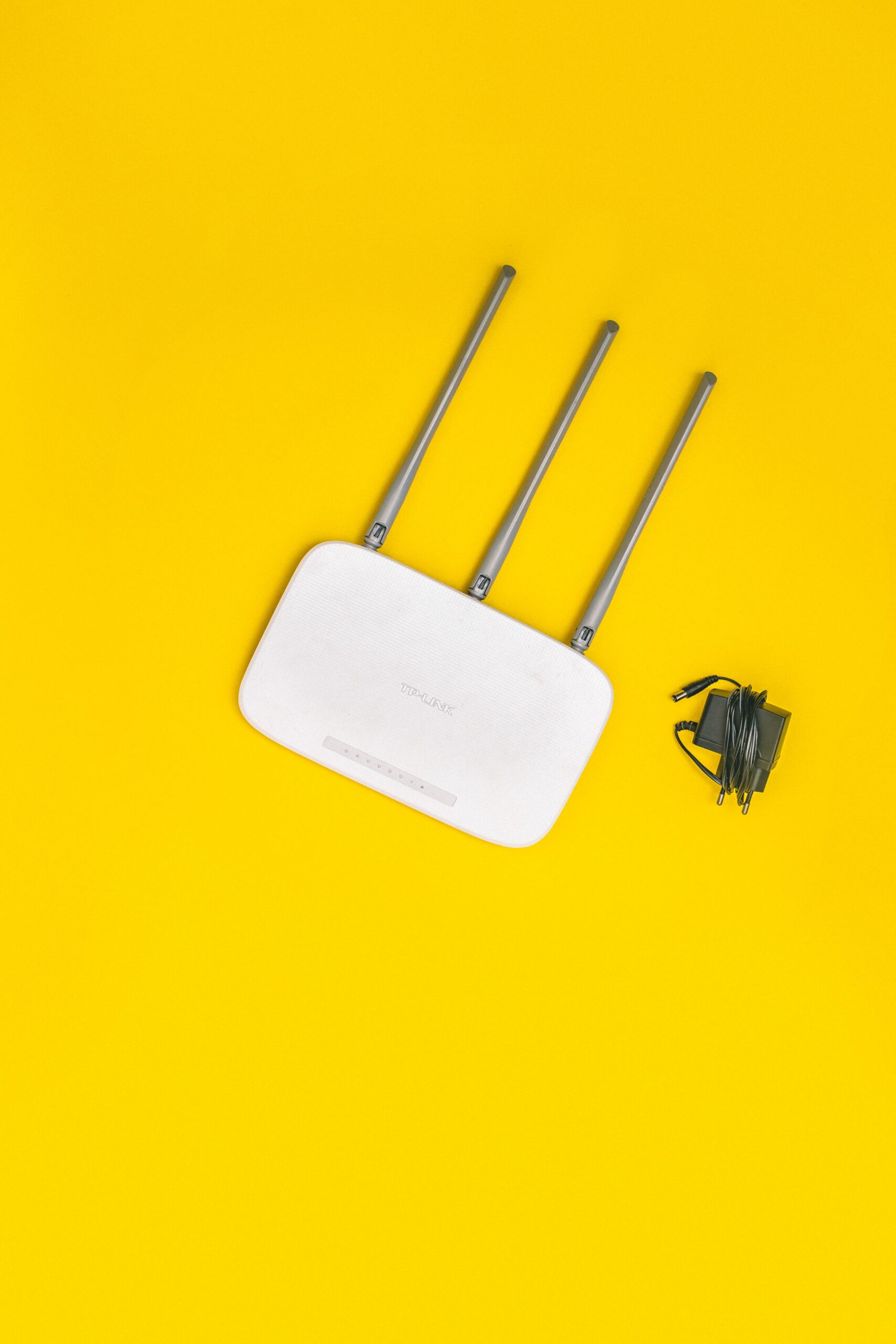
For nearly a year, I accepted that the Wi-Fi in my bedroom was just bad. The router was in the living room, about forty feet and three walls away, and by the time the signal reached my bedroom, streaming video would buffer, video calls would freeze, and loading a webpage sometimes felt like using dial-up in 1998. I researched mesh Wi-Fi systems, which started at around a hundred and fifty dollars. I looked into running Ethernet cable through the walls, which my landlord would not allow. I resigned myself to watching Netflix in the living room.
Then I was browsing a thrift store on a Saturday afternoon — I go for books, mostly — and spotted a used Wi-Fi extender in the electronics section. It was an older model, slightly scuffed, priced at four dollars and ninety-nine cents. I figured that even if it did not work, I was out less than the cost of a sandwich.
I took it home, plugged it into an outlet in the hallway halfway between the router and my bedroom, and followed the setup instructions, which involved pressing a WPS button on both the router and the extender and waiting about two minutes. The light turned solid green. I walked to my bedroom, opened a speed test app, and watched the numbers come in: my download speed had gone from 8 Mbps in the bedroom to 47 Mbps. My upload speed tripled. The dead zone was dead no longer.
A Wi-Fi extender works by receiving the existing Wi-Fi signal from your router and rebroadcasting it, effectively extending the range. The key is placement: it needs to be close enough to the router to receive a strong signal, but far enough to reach the area where the signal is weak. My hallway turned out to be the perfect midpoint. If you put an extender in the same room where you already have weak Wi-Fi, it will simply rebroadcast a weak signal, which does not help anyone.
There are some trade-offs with extenders. They typically create a separate network name (like “MyNetwork_EXT”), which means your device will not automatically switch between the router and the extender as you move around the house. This is slightly annoying but manageable — I just connected my bedroom devices to the extender network and left everything else on the main network. The speed on the extender network is also roughly half of what the router puts out, because the extender has to use some of its bandwidth to communicate back to the router. But half of 100 Mbps is 50 Mbps, which is more than enough for streaming, browsing, and video calls.
If you are willing to spend more, a mesh Wi-Fi system solves these trade-offs — it creates a seamless network with a single name and typically maintains higher speeds. But for five dollars at a thrift store, a used extender transformed my bedroom from a connectivity dead zone into a perfectly usable space. I can now watch movies in bed, take work calls from my desk, and browse the internet without watching loading spinners spin.
The takeaway is not that you should specifically buy a used Wi-Fi extender at a thrift store. It is that many common tech problems have solutions that cost dramatically less than the premium options that get all the marketing attention. Before spending hundreds on a mesh system, try a twenty-dollar extender. Before replacing your router, try repositioning it. The cheap solution often works better than you expect.