Get Your Inbox to Zero and Keep It There
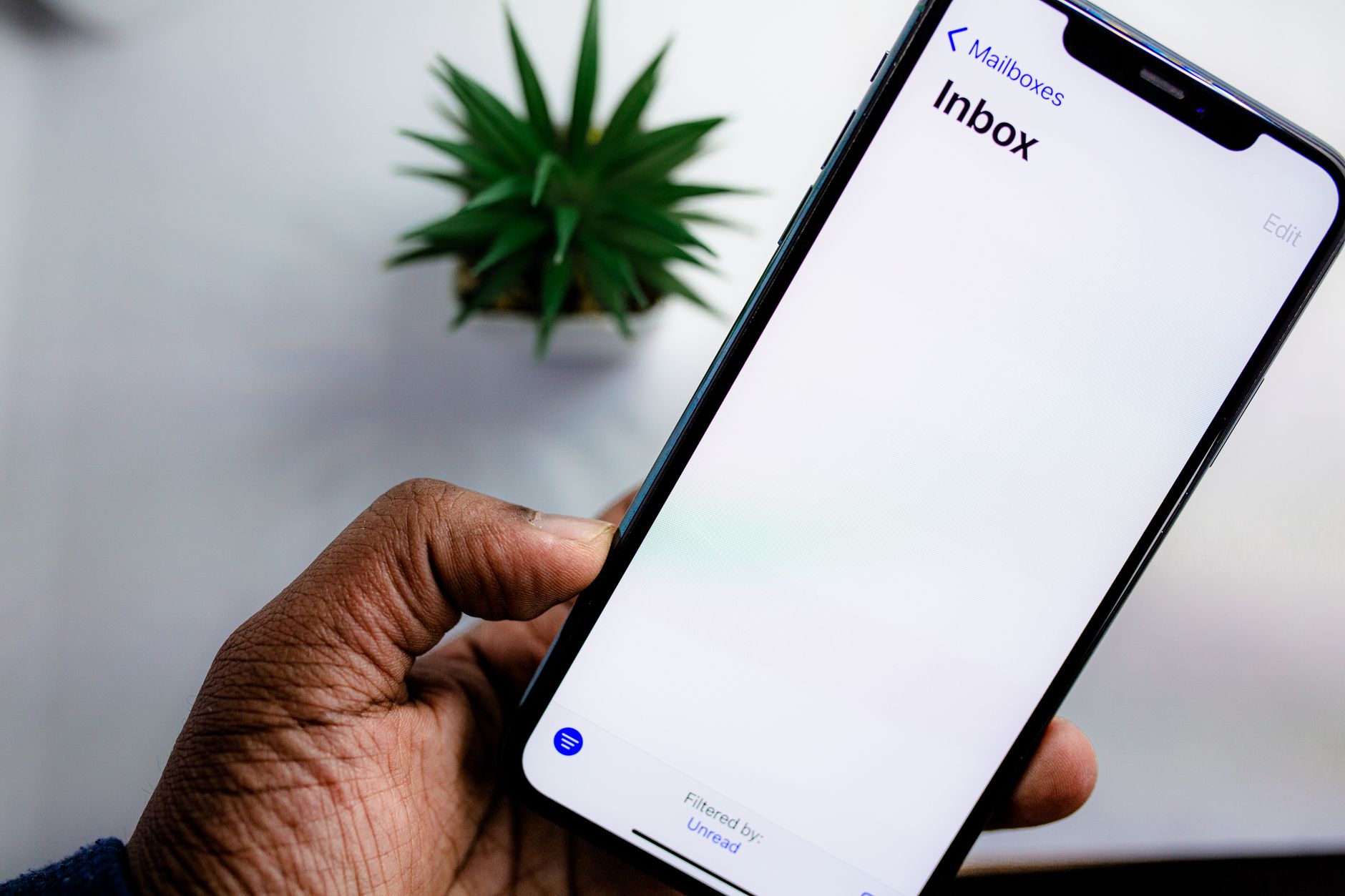
At its peak, my personal inbox had 8,742 unread emails. I know the number exactly because I took a screenshot before I fixed it. Most of it was marketing emails, newsletters I did not remember subscribing to, shipping confirmations from 2018, and one very old email from a coworker asking about lunch that I never answered.
Getting to zero took about three hours spread over a weekend. Staying at zero takes about five minutes a day. Here is the system.
Phase One: The Nuclear Option
You are not going to read 8,000 old emails. Archive everything older than two weeks in one click. In Gmail, search for “older_than:14d” and select all. Archive. If something was important, someone will follow up. If nobody followed up, it was not important.
I was terrified to do this. What if I needed a receipt? What if there was something critical buried in there? It has been two years. I have never once needed an email I archived that day. Not once. Important emails come back. Unimportant emails do not.
Now search for “is:unread” and do the same thing. Archive all unread emails older than two weeks. You were not going to read them anyway. Be honest with yourself.

Phase Two: Unsubscribe From Everything
This takes longer but it is the only part that actually prevents the problem from returning. Every marketing email you receive, open it, scroll to the bottom, click unsubscribe. Do not just delete it. Deleting treats the symptom. Unsubscribing treats the cause.
Alternative: search your inbox for the word “unsubscribe.” Every result is a marketing email you can unsubscribe from. Batch-process them. I unsubscribed from something like sixty mailing lists over the course of an hour while watching TV. My incoming email volume dropped by about seventy percent within a week.
Also: use a separate email address for shopping. All online orders, account registrations, and shipping confirmations go to a secondary address. Your primary inbox is for people you actually know and things you actually need to read. This alone cuts clutter by half.
Phase Three: The Daily Triage
Every email you receive fits into one of four actions. Do the action immediately:
- Delete or archive — It does not require a response or action. Gone.
- Reply in under two minutes — If you can answer it quickly, answer it now. Do not “save it for later.” Later never comes.
- Delegate or forward — If someone else needs to handle it, forward it now and archive the original.
- Defer — It needs a longer response or real work. Move it to a “Reply Later” folder or star it. Set a specific time to handle it — Friday afternoon, end of day — and actually do it then.
Do not use your inbox as a to-do list. An email sitting in your inbox is not a reminder. It is clutter. If you need to do something about it, put it on your actual to-do list and archive the email.
The Maintenance Habit
I process my inbox twice a day — once in the morning, once after lunch. Each session takes about three minutes. If I am at zero, I am done. If something new arrived, I triage it immediately.
The biggest shift was realizing that email is not urgent by default. Just because someone sent it does not mean you owe them an instant reply. Most emails can wait hours or days. The anxiety comes from the pile, not from any individual message.
I have been at or near zero for two years. The number 8,742 still lives in my camera roll as a reminder. I do not miss it.
📋 Quick Summary: Archive everything older than two weeks. Unsubscribe from all marketing. Use a shopping-only email. Process inbox twice daily — delete, reply, forward, or defer. Your inbox is not a to-do list.