The USB Charger Mistake That Fries Your Battery
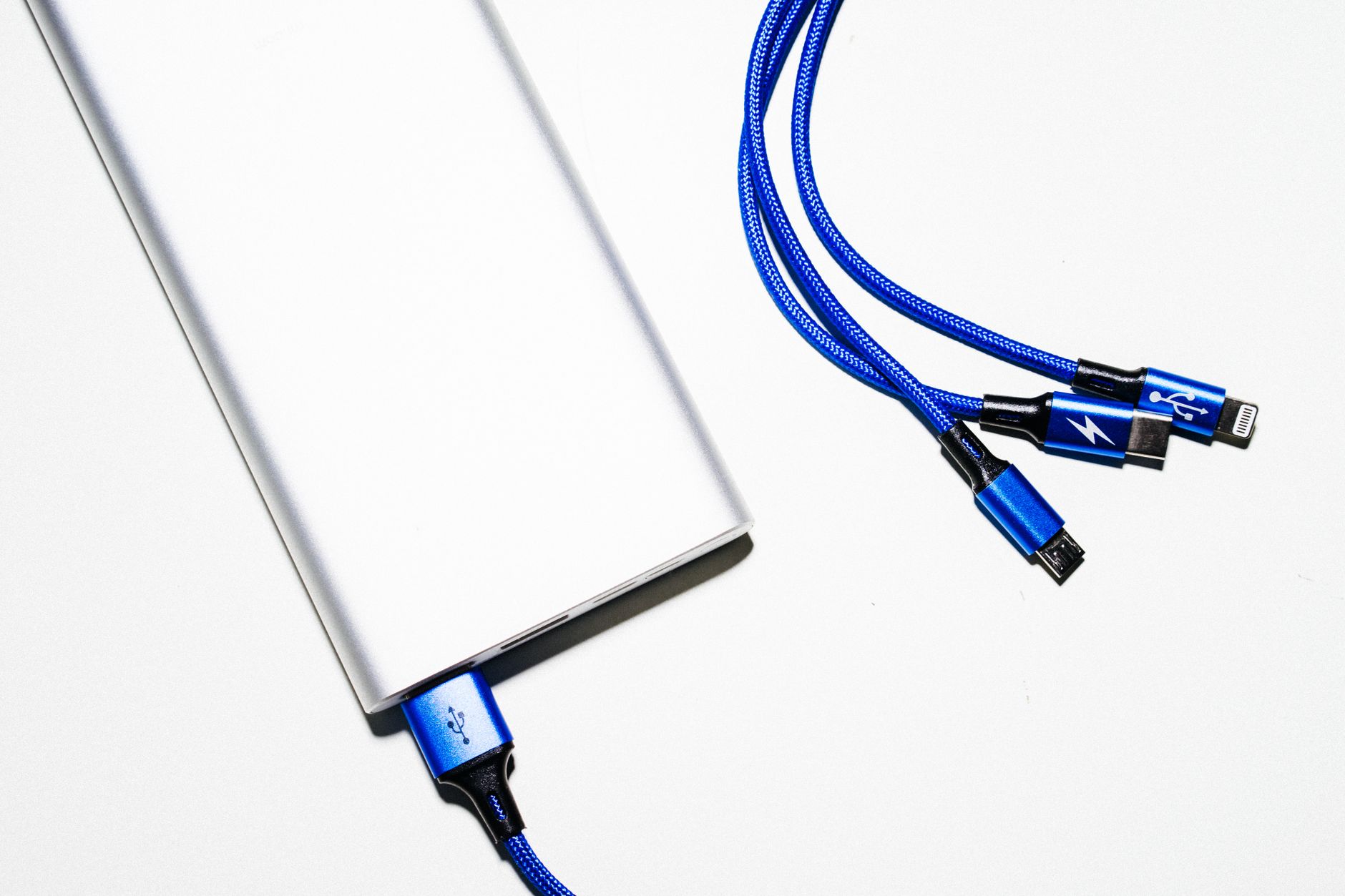
I bought a cheap gas-station USB charger on a road trip because I forgot mine at home. Three months later, my phone battery started swelling. Not dramatically — just enough that the screen lifted slightly on one side. I took it to a repair shop and the guy asked what charger I’d been using.
Turns out cheap chargers that aren’t USB-IF certified can deliver unstable voltage. Your phone’s battery management system tries to compensate, but it’s fighting a losing battle. Over weeks and months, the battery degrades faster than it should. In worst cases, it swells or fails completely.
The certification that matters
Look for USB-IF certification on the packaging or product page. Or just buy chargers and cables from the company that made your phone, or from reputable brands like Anker, Belkin, or Spigen. The extra ten dollars is cheaper than a battery replacement.
Cheap cables are just as bad. A cable with thin internal wiring and poor shielding can overheat at the connector. I melted a charging cable once — literally melted the plastic around the Lightning connector. It was a gas-station cable. Of course it was.
Fast charging is fine if you do it right
There’s a persistent myth that fast charging destroys batteries. It doesn’t — heat destroys batteries, and fast charging generates heat. As long as your phone stays cool and you’re using a quality charger, fast charging is safe. Modern phones have sophisticated thermal management that throttles charging speed if the phone gets too hot.
That said, if you want to maximize long-term battery health: charge to about 80 percent instead of 100, and don’t let it drop below 20 percent regularly. Lithium-ion batteries are happiest in the middle of their range. Some phones have an “optimized battery charging” setting that does this automatically by holding at 80 percent and finishing the last 20 percent right before you usually wake up.
Signs your charger is doing damage
- The charger or cable gets hot enough to hurt when you touch it
- The phone charges much slower than it should for the wattage
- The battery percentage jumps erratically — 40 to 42 to 39 to 45
- You hear a faint buzzing or whining from the charger
- The phone gets hot during charging, not just warm
Any of these: stop using that charger. It’s not worth the risk. I learned this the expensive way. Don’t be me.
📋 Quick Summary: Only use USB-IF certified chargers and cables from reputable brands. Cheap chargers deliver unstable voltage that degrades your battery. Heat is the real enemy — keep your phone cool while charging. If the charger gets hot, whines, or causes erratic battery readings, replace it immediately.