The USB Cable Trick for Checking If a Power Adapter Actually Works
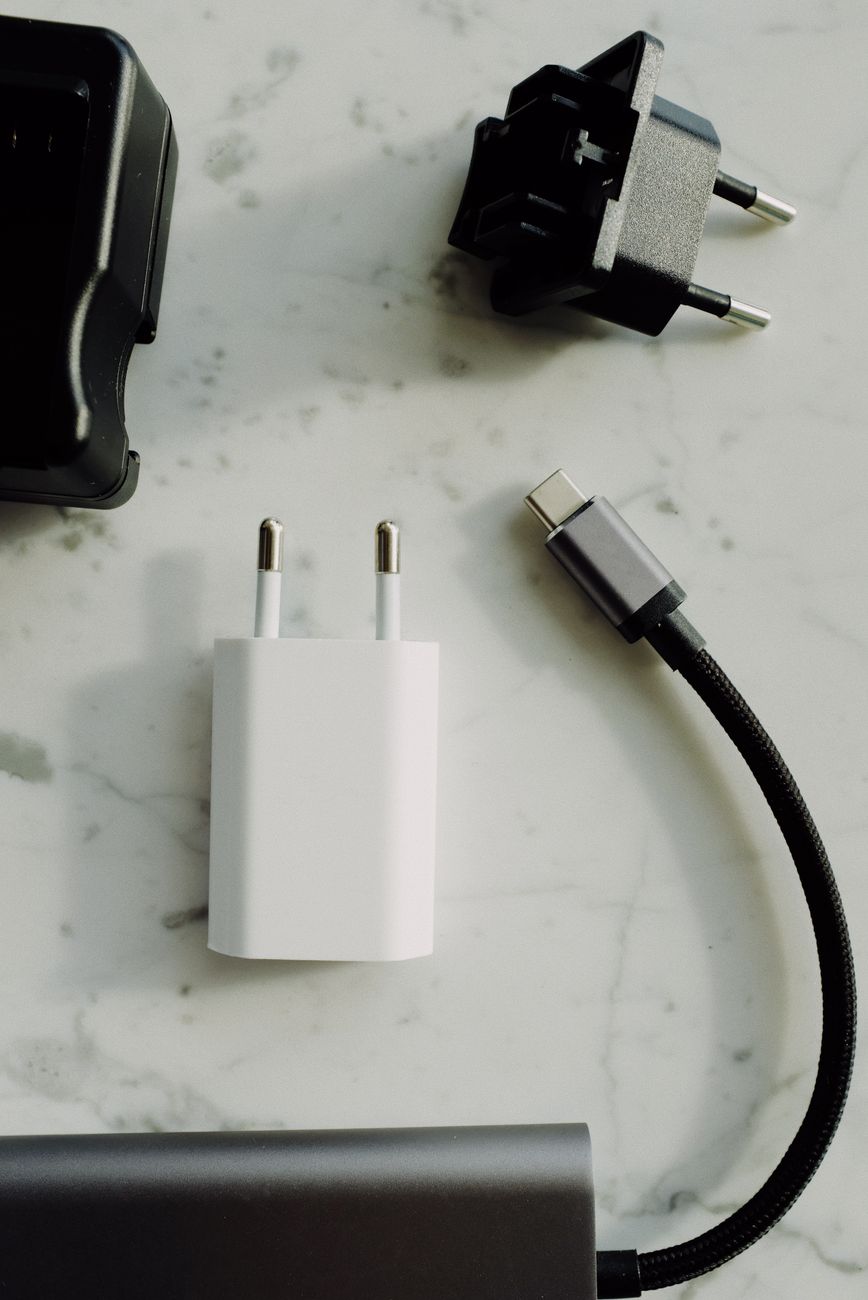
I had a drawer full of power adapters. Black ones, white ones, ones with outputs I could not read without a magnifying glass. Some were dead. Some were fine. I had no idea which was which. When my phone stopped charging, I would swap adapters until something worked — a process that could take five tries and always happened when I was already late.
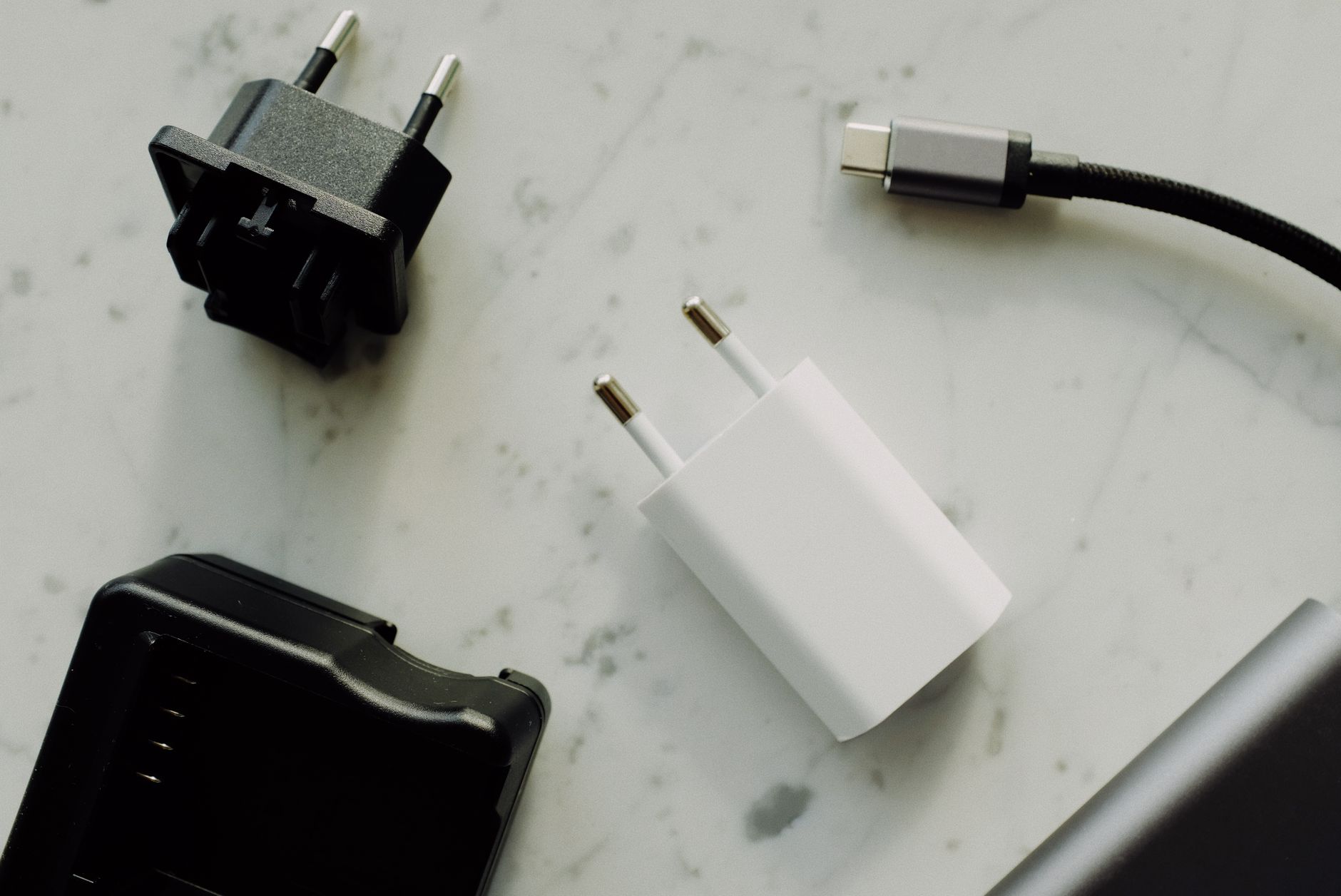
Then a friend who repairs electronics for a living showed me a trick that takes ten seconds and requires nothing but a USB cable you are willing to sacrifice. Here is how to tell if a power adapter is putting out power — without any special tools.
The Tongue Test (Do Not Actually Do This)
A 9-volt battery on your tongue tingles. Some people do this with USB adapters too. Do not. A 5-volt USB output will not kill you, but it can give you a small burn and it tastes terrible. Also, if the adapter has an internal short, you are putting your tongue on a potentially dangerous device. Skip this.
The Actual Trick: Sacrifice an Old Cable
Take an old USB cable — one you do not mind destroying. Cut off the end that plugs into your phone (the micro-USB, USB-C, or Lightning end). Strip about half an inch of the outer insulation to expose the wires inside. Most USB cables have four wires: red, black, white, and green. Red is positive (+5V). Black is ground.
Strip a small amount of insulation from the red and black wires. Plug the other end of the cable into the adapter you want to test. Touch the exposed red and black wires to the leads of an LED (any cheap LED — the kind from a dollar store keychain light or a broken gadget). If the LED lights up, the adapter works. If not, it is dead.
LEDs are polarized — the longer leg is positive. Connect red wire to the long leg, black to the short leg. If nothing happens, reverse them. Still nothing? Dead adapter. Toss it.
When You Should Use a Real Tester
This trick tells you whether an adapter outputs any power at all. It does not tell you how much power. A failing adapter might light up an LED but not deliver enough current to charge a phone. For that, you need a USB multimeter — a ten-dollar gadget that plugs between the adapter and your device and displays voltage and current draw on a tiny screen.
I bought one after the LED trick helped me identify four dead adapters. Now I use it to test charging speed too — different cables deliver different current, and the meter shows exactly which one is fastest.
📋 Quick Summary: Test if a USB power adapter works by sacrificing an old cable — cut the device end, strip the red (+5V) and black (ground) wires, and touch them to an LED’s legs. If it lights, the adapter outputs power. For precise voltage and current measurement, use a USB multimeter (about $10).