The Setting That Stops Your Phone Battery from Draining Overnight
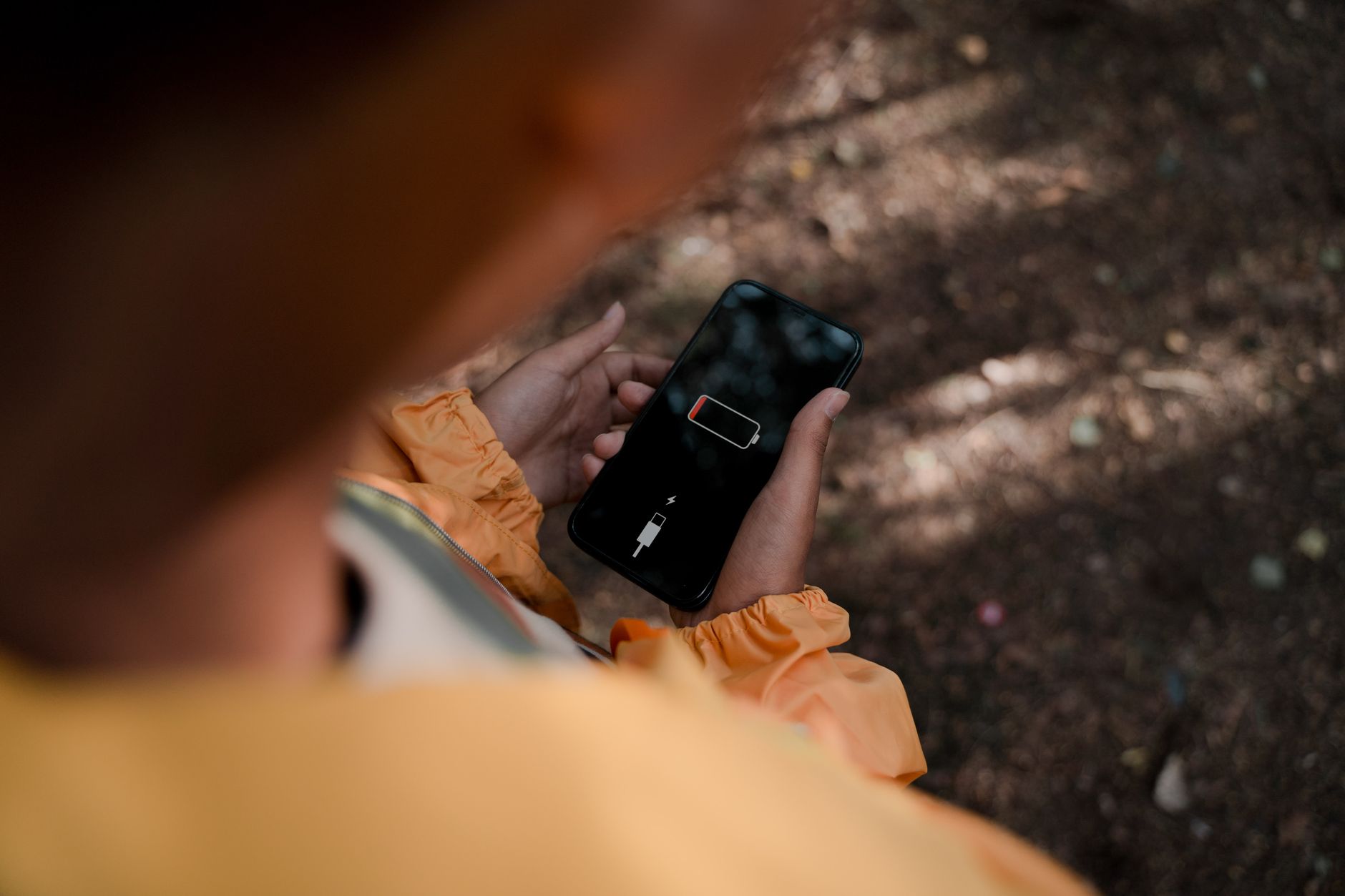
I went to bed with my phone at forty-two percent. I woke up to seven percent. My alarm almost did not go off. I was late for a meeting and spent the first hour of my day hunting for a charger in a coffee shop.
I had assumed overnight battery drain was just how phones worked. Batteries get old, they lose charge, nothing you can do. Wrong. There is one setting that, when I changed it, cut my overnight drain from thirty-five percent to about three.
The culprit: background app refresh
Your phone is busy while you sleep. Apps refresh their content, check for notifications, update their data, and ping servers. Every app you have ever installed thinks it needs to run in the background. Most of them do not.
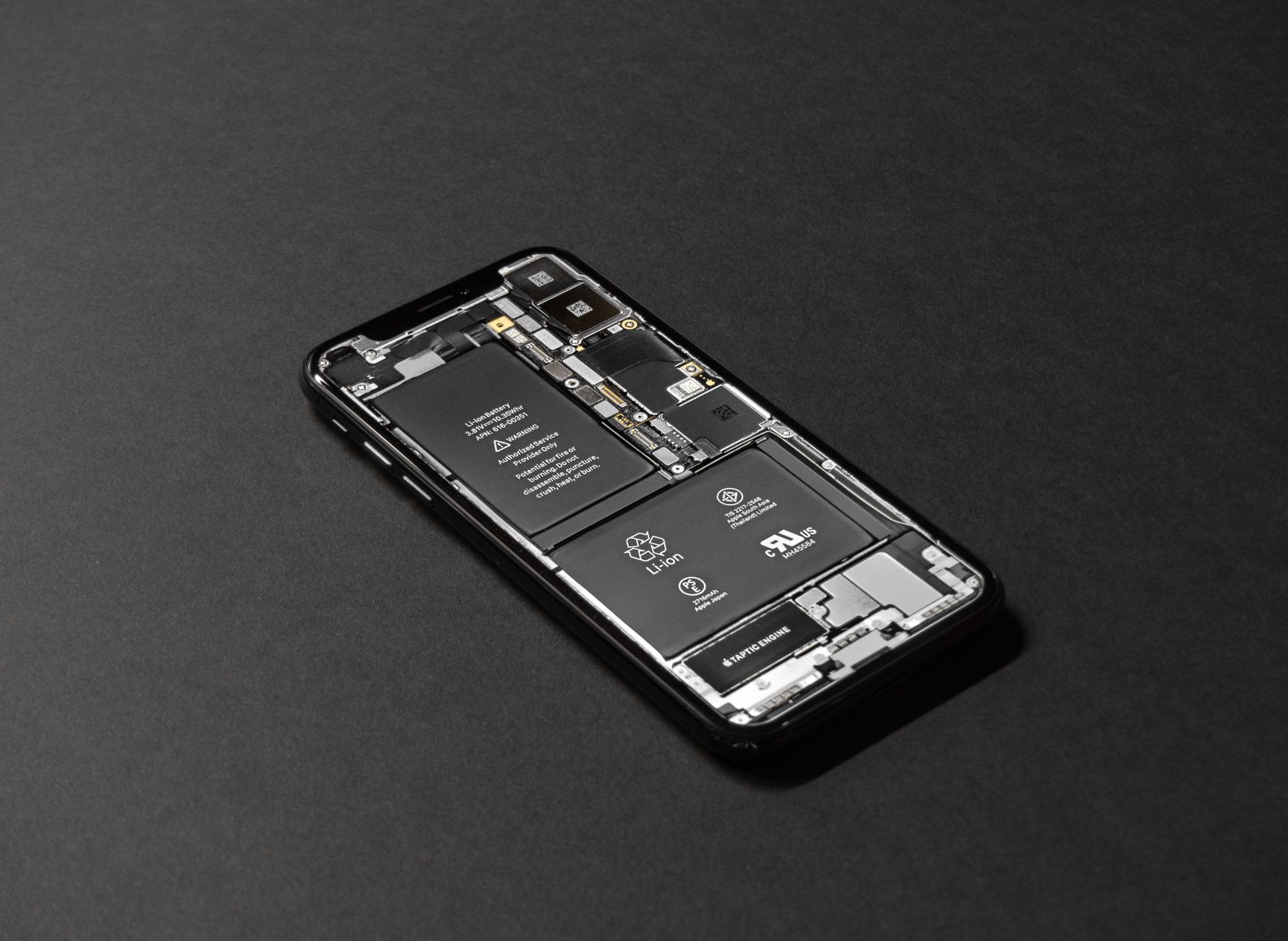
On iPhone: Settings → General → Background App Refresh. Turn it off entirely or selectively for apps that do not need to update constantly. I kept it on for messaging apps and email, turned it off for everything else.
On Android: Settings → Battery → Battery usage (varies by manufacturer). Look for “Background restriction” or “Battery optimization” and set non-essential apps to “Restricted” or “Optimized.”
Other overnight drains to check
Location services are a battery killer. Go to your location settings and see which apps have access. A weather app needs your location. A photo editing app does not. Set everything to “While Using” instead of “Always” unless it genuinely needs constant location.
Push email keeps your phone constantly checking the server. Switch to Fetch — set it to every fifteen or thirty minutes — or manual for accounts that are not urgent.
Screen brightness and Bluetooth left on overnight also drain. Turn off Bluetooth if you are not connected to a sleep tracker or smartwatch.
Low Power Mode (iPhone) or Battery Saver (Android) is a quick toggle that does most of this automatically. I turn it on every night before bed now. Three seconds, huge difference.
📋 Quick Summary: Turn off Background App Refresh for non-essential apps. Restrict location to “While Using.” Switch push email to fetch. Toggle Low Power Mode before bed. Cut overnight drain from 35% to 3%.