The Secret Battery Saver Mode Most Phones Hide From You
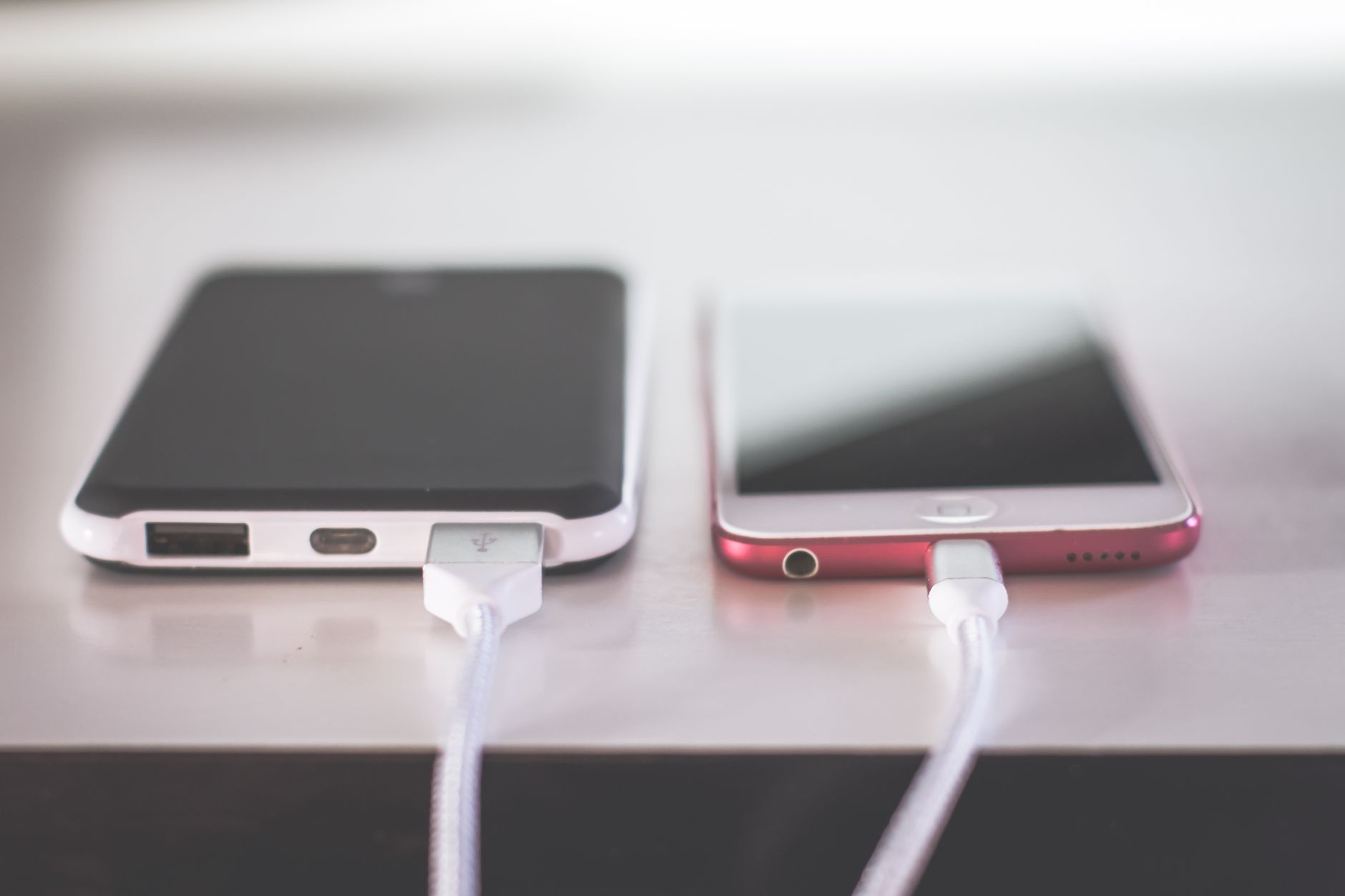
My phone was dying by mid afternoon every day, and I just accepted it as normal. Then a friend reached over and flipped a setting I had never seen, and my battery life jumped by hours. The feature was there the whole time, buried in a menu most people never open.
The Setting Is Real
Every modern phone has a battery saver or low power mode, and it does more than you think. It limits background activity, dims the screen, and slows down things you are not using. Some phones also have a more aggressive hidden mode that squeezes out even more time.
Where to Find It
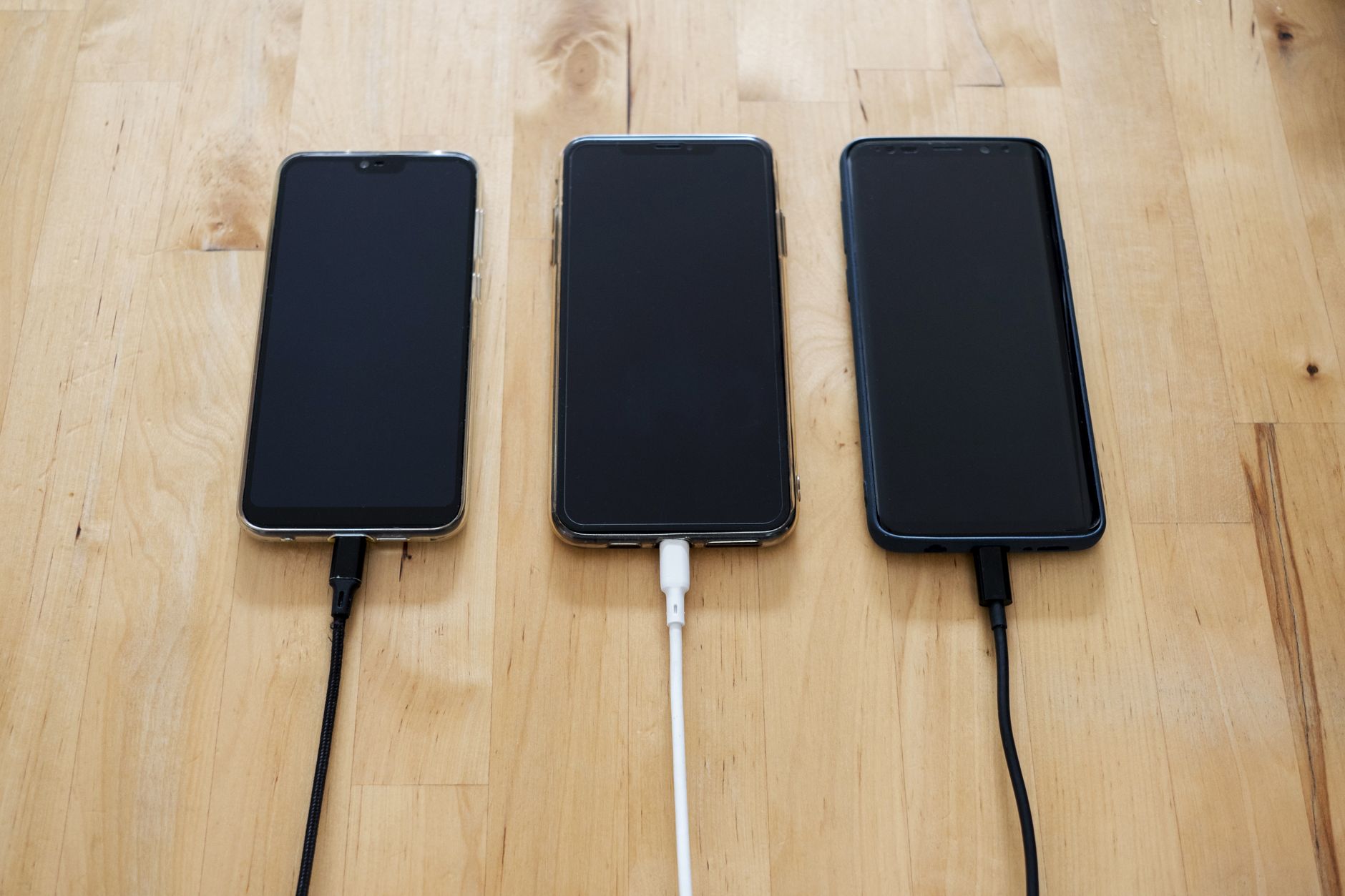
- iPhone: Settings, Battery, then Low Power Mode. Or add it to Control Center.
- Android: Settings, Battery, then Battery Saver. Some phones have an extreme mode too.
- Check adaptive battery on Android to limit apps you rarely use.
What I Changed
Turning on low power mode was the big one, but I also found my screen brightness was cranked way up and a handful of apps were refreshing in the background all day. I set the screen to auto, restricted the worst background apps, and the combination bought me a full evening of battery back.
The tradeoff is that some notifications and updates wait until you charge. For me, that was an easy price to pay for a phone that actually lasts the day.
📋 Quick Summary: Enable low power mode, set screen brightness to auto, and restrict background apps to get hours more battery from the same phone.