The Best Way to Back Up Your Photos So You Never Lose Them
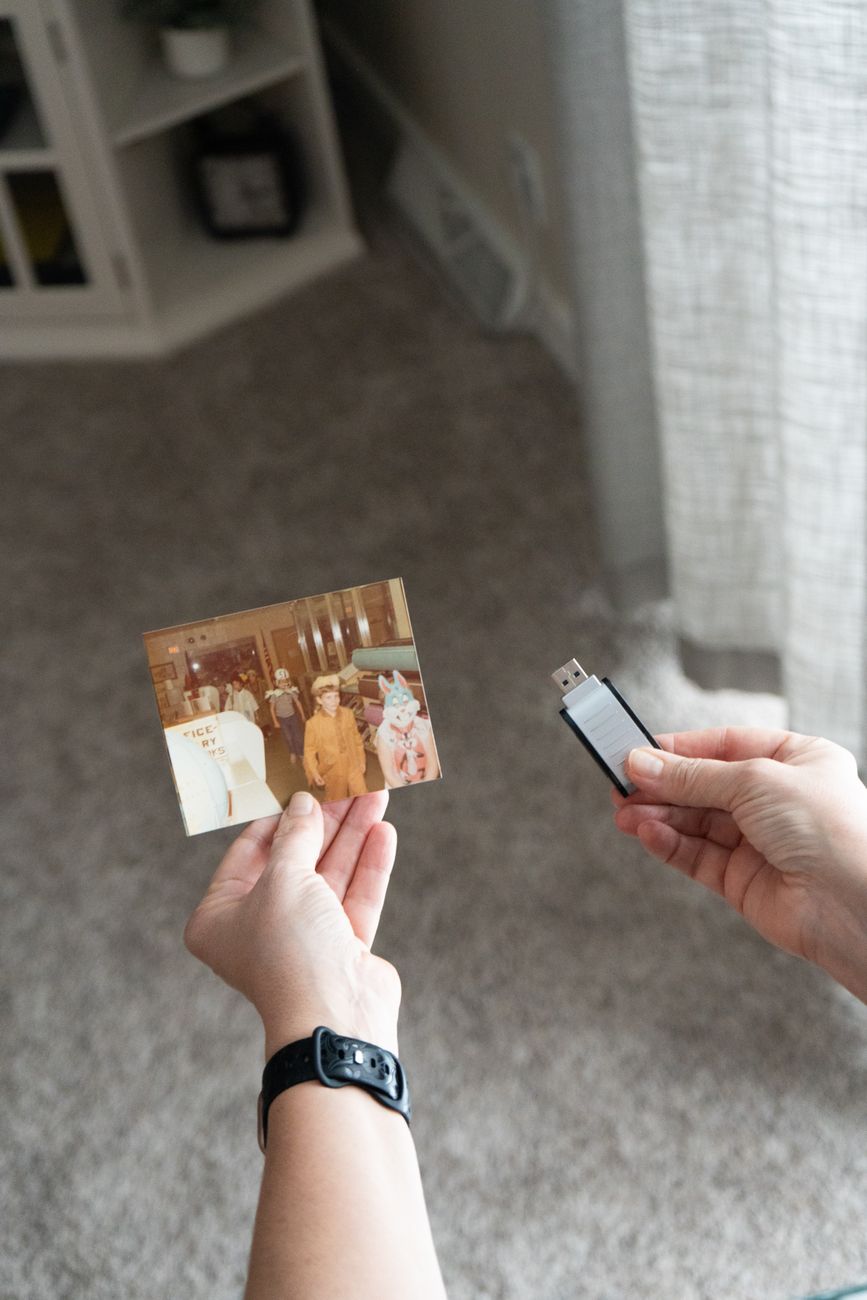
A single backup is not a backup. If your photos exist in only one place — your phone, your computer, a single external drive — you are one accident away from losing everything. Phones get dropped in toilets. Hard drives fail without warning. Cloud services shut down or change their pricing. The only reliable strategy is the three-two-one rule: three copies, on two different types of storage, with one copy off-site.
I learned this the hard way when an external drive with four years of photos made a clicking sound and died. Gone. No recovery. That was the day I set up a real backup system.

The three-two-one system, simplified
- Copy one: Your phone or computer. This is the working copy. It is not a backup. It is the original.
- Copy two: An external hard drive at home. A two-terabyte portable drive costs about sixty dollars. Plug it in once a month, copy everything over. Keep it in a drawer when not in use.
- Copy three: Cloud storage or a drive stored somewhere else. This is the off-site copy. If your house burns down, your photos survive.
Cloud options that work well for photos
- Google Photos — free up to 15GB shared across all Google services. After that, 100GB is two dollars a month. The search feature is excellent — you can type “dog” or “beach” and it finds those photos.
- iCloud Photos — seamless if you use Apple devices. Five dollars a month for 200GB. The integration with iPhone and Mac is automatic.
- Amazon Photos — free unlimited full-resolution photo storage if you have Prime. Videos are limited to 5GB. If you already pay for Prime, this is the best deal.
- Backblaze — seven dollars a month for unlimited backup of one computer and all attached external drives. It runs in the background and you never think about it. This is the set-it-and-forget-it option.
The manual method if you do not trust the cloud
Buy two identical external drives. Once a month, copy your photos to Drive A. Keep Drive A at home. Once every three months, swap Drive A with Drive B, which lives at a friend’s house or in your desk drawer at work. This gives you an off-site copy without any subscription. The downside is the manual effort and the three-month gap between off-site updates.
After my drive died, I paid a data recovery service nine hundred dollars to get back maybe thirty percent of my photos — corrupted, half-resolution, filenames scrambled. It was cheaper than losing the memories but far more expensive than just backing them up would have been. A sixty-dollar drive once a month. That is all it would have taken.
📋 Quick Summary: Follow the 3-2-1 rule: three copies, two different storage types, one off-site. Use cloud storage plus a local external drive. Amazon Photos is free with Prime.