The WiFi Router Placement Mistake That Kills Your Signal
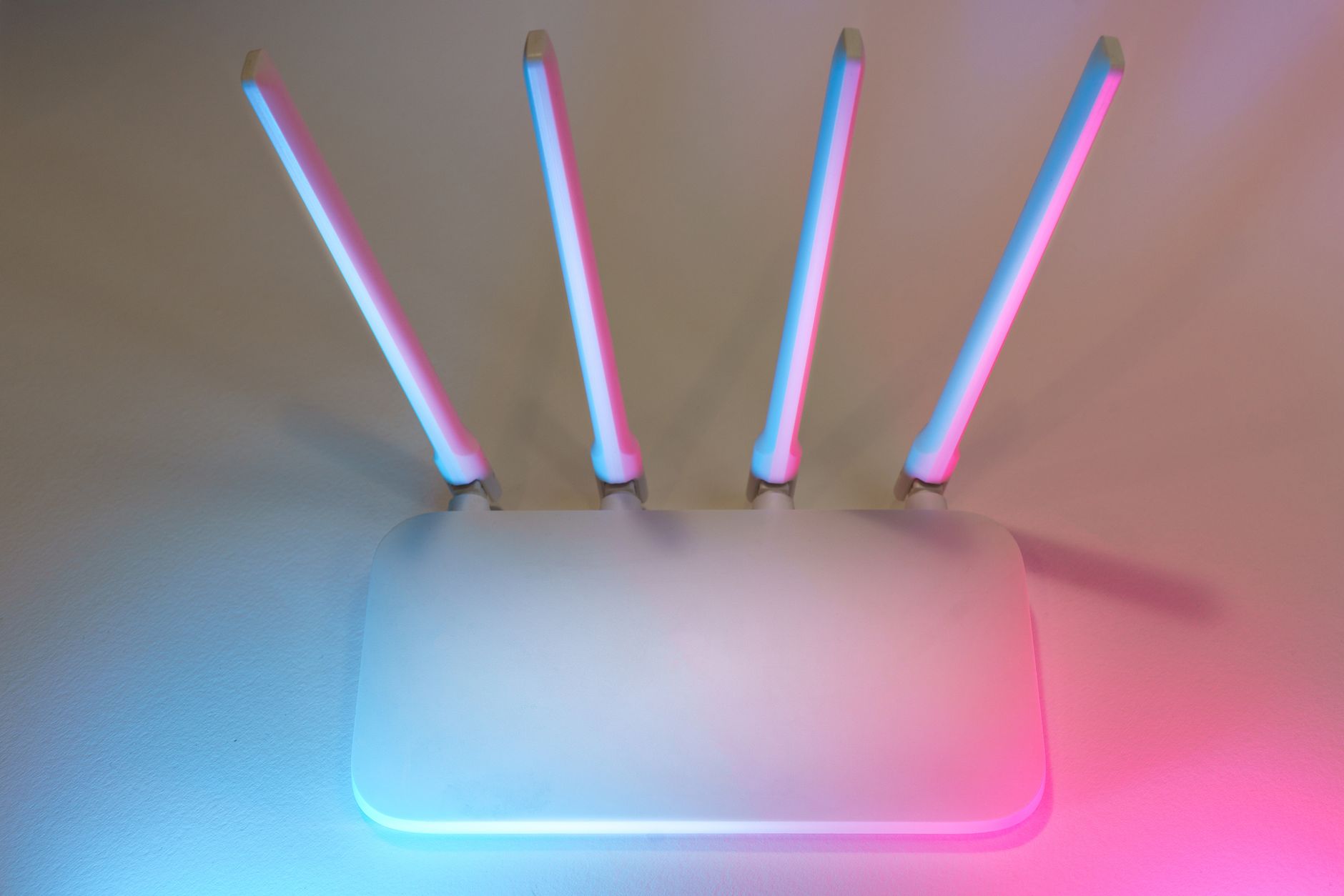
My WiFi kept dropping in the bedroom. The living room was fine — full bars, fast speeds. But the bedroom, which is maybe thirty feet and two walls away, would buffer Netflix and drop video calls. I blamed the internet provider. I called and complained. They sent a tech who walked into my apartment, looked at the router sitting behind the TV on the floor, and said, “There is your problem.”
The router was inside a wooden entertainment center, behind a television, on the floor, in the corner of the apartment. I had placed it in the single worst possible location without realizing any of those things mattered.
Where Not to Put Your Router
- On the floor. WiFi signals radiate outward and downward from the antennas. A router on the floor sends half its signal into the subfloor. Place it at least waist-high — shelf height or higher.
- Behind a TV or large metal object. TVs have metal frames and screens that act as a partial Faraday cage. A router behind a TV is broadcasting into a reflective wall of metal. Same goes for mirrors — the silver backing blocks WiFi.
- Inside a cabinet or closet. Wood, drywall, and especially the metal mesh in some cabinet doors all attenuate the signal. Each barrier cuts signal strength.
- In the corner of the house. If your router is in a corner, half the signal is radiating into the neighbor’s house or the yard. Center it as much as possible.
- Near a microwave or cordless phone. Microwaves operate at 2.4 GHz — the same frequency as many WiFi bands. A running microwave can knock out WiFi in the immediate area.
- Next to a fish tank or large water feature. Water absorbs the 2.4 GHz frequency. A large aquarium between your router and your device is effectively a WiFi shield.
The Ideal Spot
The best placement is central, elevated, and unobstructed. On top of a bookshelf in the middle of the house. On a wall-mounted shelf in a central hallway. Even moving the router from the floor to a shelf on the same wall can significantly improve coverage.
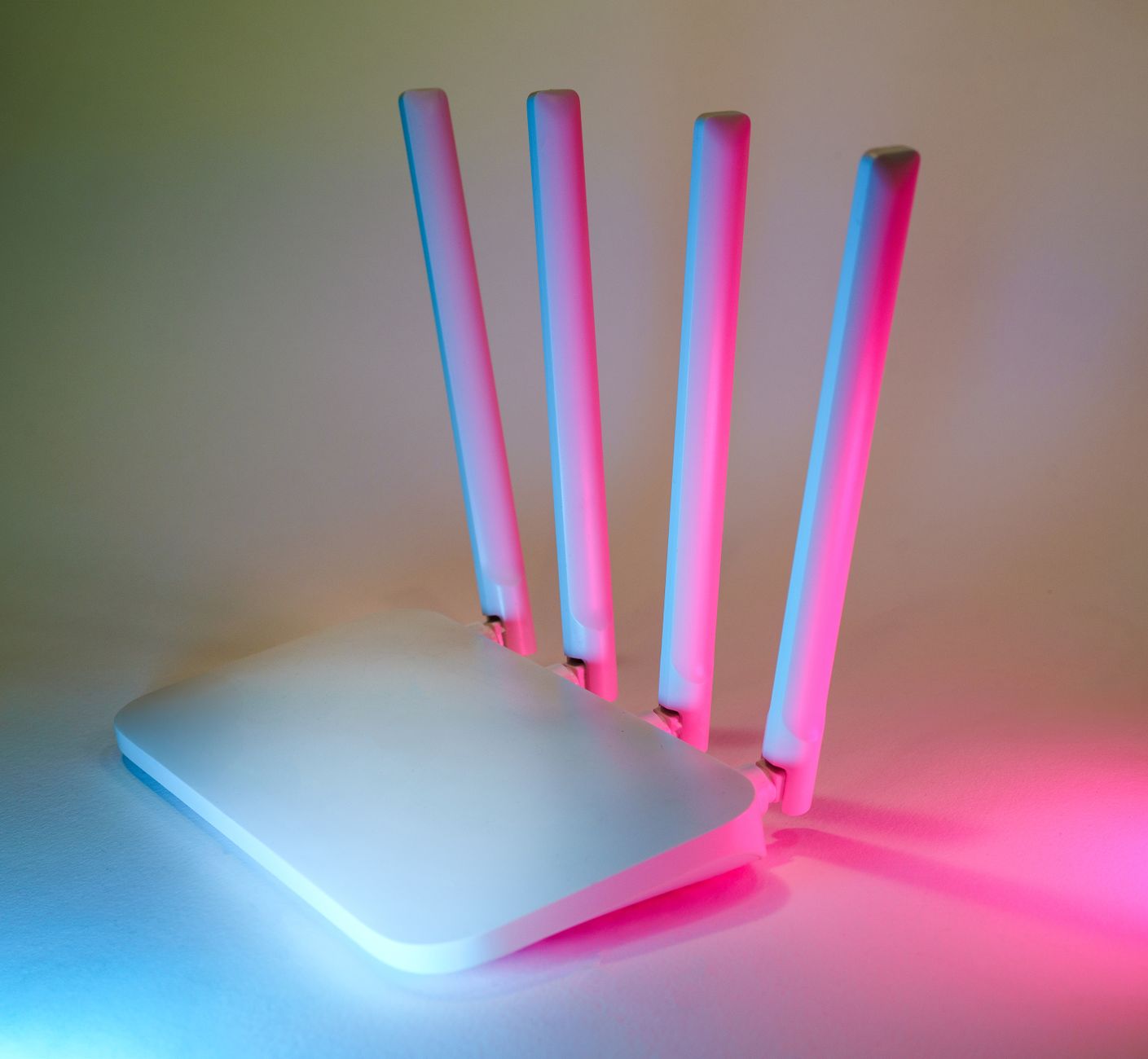
Antennas matter too. If your router has external antennas, angle them differently — one straight up, one at a forty-five-degree angle, one horizontal. WiFi signals radiate perpendicular to the antenna, so mixing the angles ensures some signal reaches devices on different floors and in different orientations.
I moved my router from behind the TV on the floor to the top of a bookshelf in the hallway. Same router, same internet plan. The bedroom went from one bar to full bars. I did not need a new router, a mesh system, or a faster plan. I just needed to stop hiding the one I had inside a wooden box behind a sheet of metal.
📋 Quick Summary: Central location, elevated (waist-high or above), not behind TVs or inside cabinets, away from microwaves and fish tanks. Antennas at different angles.