The Automatic Backup System That Saved My Digital Life (After I Lost Everything)
📋 Quick Summary
Photo by Alpha En on Pexels In 2019, my laptop’s hard drive failed. Not a gradual degradation where I had warning signs and time to save things — a sudden, catastrophic failure where one moment everything was fine, and the next moment my computer …
In 2019, my laptop’s hard drive failed. Not a gradual degradation where I had warning signs and time to save things — a sudden, catastrophic failure where one moment everything was fine, and the next moment my computer would not boot and a technician was telling me the drive was unrecoverable. I lost every photo I had taken in the previous three years. Every document. Every project file. Years of tax records. My daughter’s first birthday photos. Gone.
The cost of data recovery from a professional service was quoted at eight hundred to two thousand dollars, with no guarantee of success. I could not afford it. I mourned the loss for weeks. It felt like a part of my personal history had been physically stolen from me.
I decided that would never happen again. I built what I now consider the minimum viable backup system for anyone who has digital files they do not want to lose. It is based on a principle called 3-2-1: three copies of your data, on two different types of storage media, with one copy stored offsite.
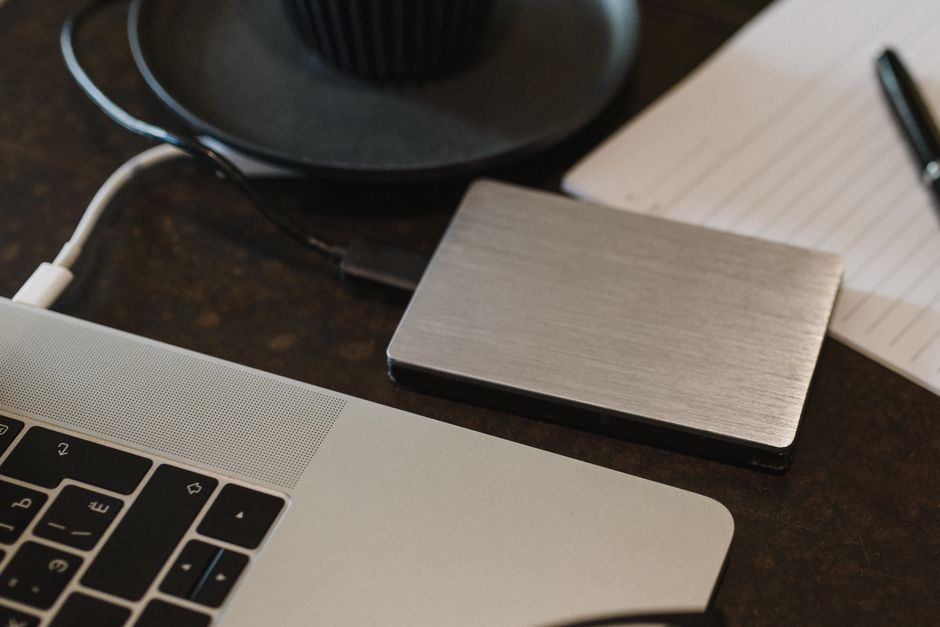
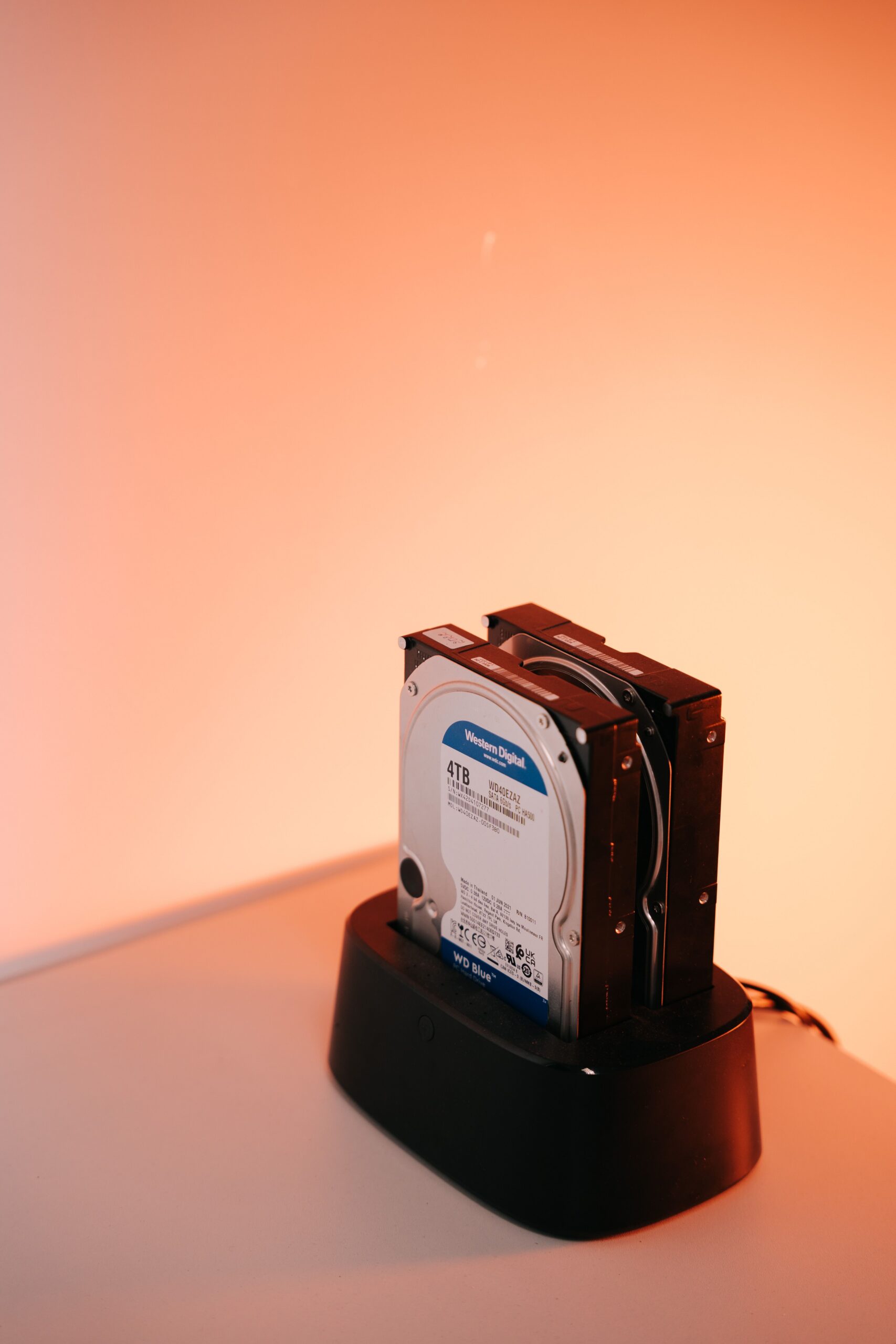
Here is my setup. First, an external hard drive connected to my computer that runs automatic hourly backups via Time Machine (for Mac) or File History (for Windows). This is my on-site backup, and it protects against the most common failure: a dead hard drive. If my laptop dies today, I can restore everything from this drive in about two hours.
Second, a cloud backup service. I use Backblaze, which costs about seven dollars a month and runs continuously in the background, uploading every file I create or change. This is my off-site backup, and it protects against the things an on-site backup cannot: fire, flood, theft, or any disaster that destroys both my computer and the external drive sitting next to it. Cloud backup also gives me access to my files from anywhere — I have retrieved documents from my phone in airport lounges more times than I can count.
Third, for the truly irreplaceable files — family photos, important documents, creative projects — I also keep a copy on a small portable SSD that lives in my desk drawer at work. This is my third copy on a different type of media (SSD vs. spinning hard drive vs. cloud), in a different physical location. I update this drive once a month.
The total cost of this system is about a hundred and twenty dollars for the external drive, eighty dollars for the portable SSD, and seven dollars monthly for cloud backup. That is roughly two hundred dollars upfront and eighty-four dollars a year. Compare that to the value of every photo, document, and file you have ever created.
The key word in this system is “automatic.” The hourly backup and the cloud backup require zero effort from me after the initial setup. If I had to remember to run backups manually, I would forget, and the system would fail. Automation is what makes a backup system reliable.
I still think about those lost photos sometimes, especially when my daughter asks to see pictures from when she was a baby and I have nothing to show her. That feeling is what drives my backup discipline now. Hard drives fail. It is not a question of if, but when. The only question is whether you will be ready when it happens.