Set Up a Guest WiFi Network — Why You Absolutely Should
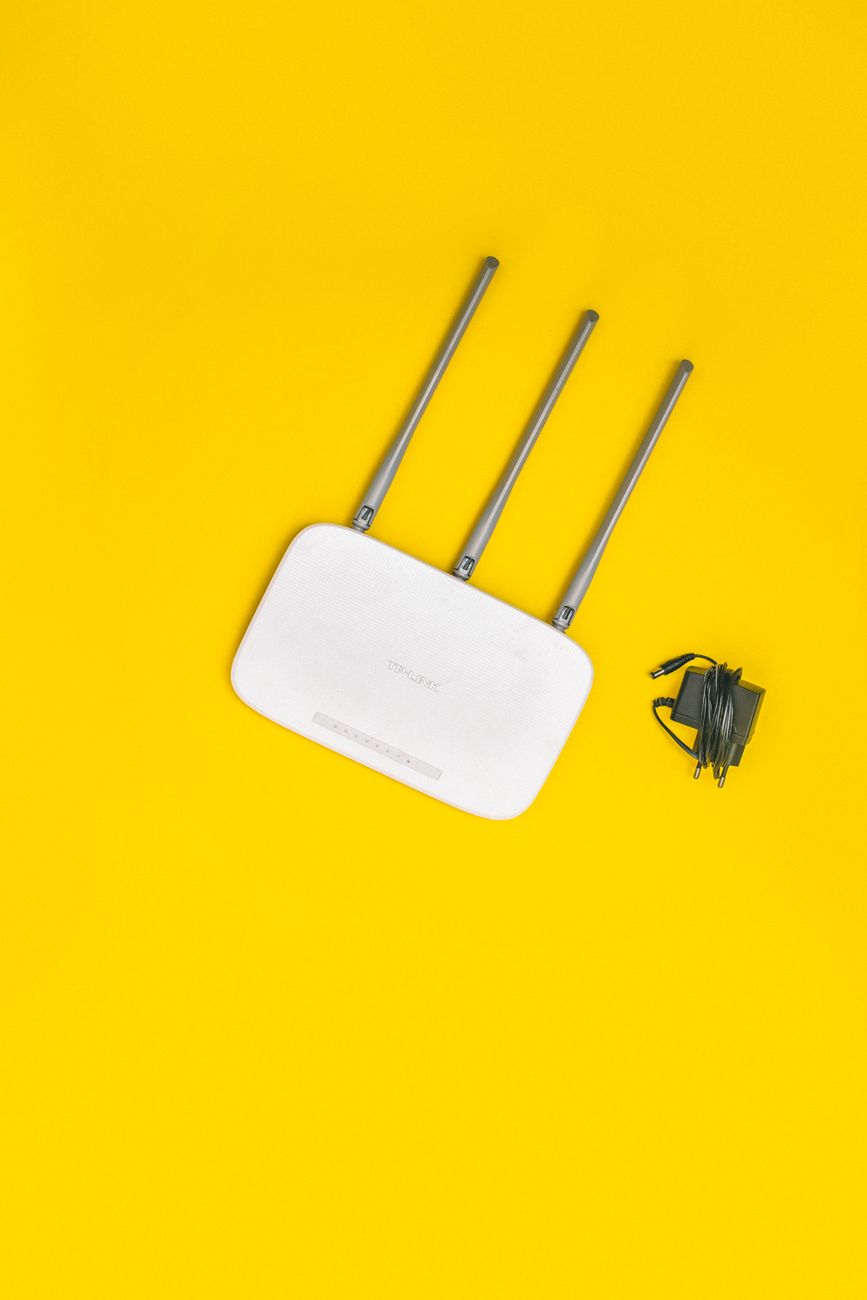
A friend visited, asked for my WiFi password, and I gave it to him without thinking. Two days later, my smart TV started showing random YouTube recommendations in Spanish. His phone — or something on it — had crawled my network and started talking to devices I did not even know were accessible.
A guest network solves this. It gives visitors internet access while keeping them isolated from your computers, printers, smart devices, and anything else on your main network. Most modern routers can set one up in under two minutes.
What a Guest Network Actually Does
It creates a separate WiFi network with its own name (SSID) and password. Devices on the guest network can access the internet but cannot see or communicate with devices on your main network. Your laptop, your NAS, your security cameras — invisible to anyone on the guest WiFi.
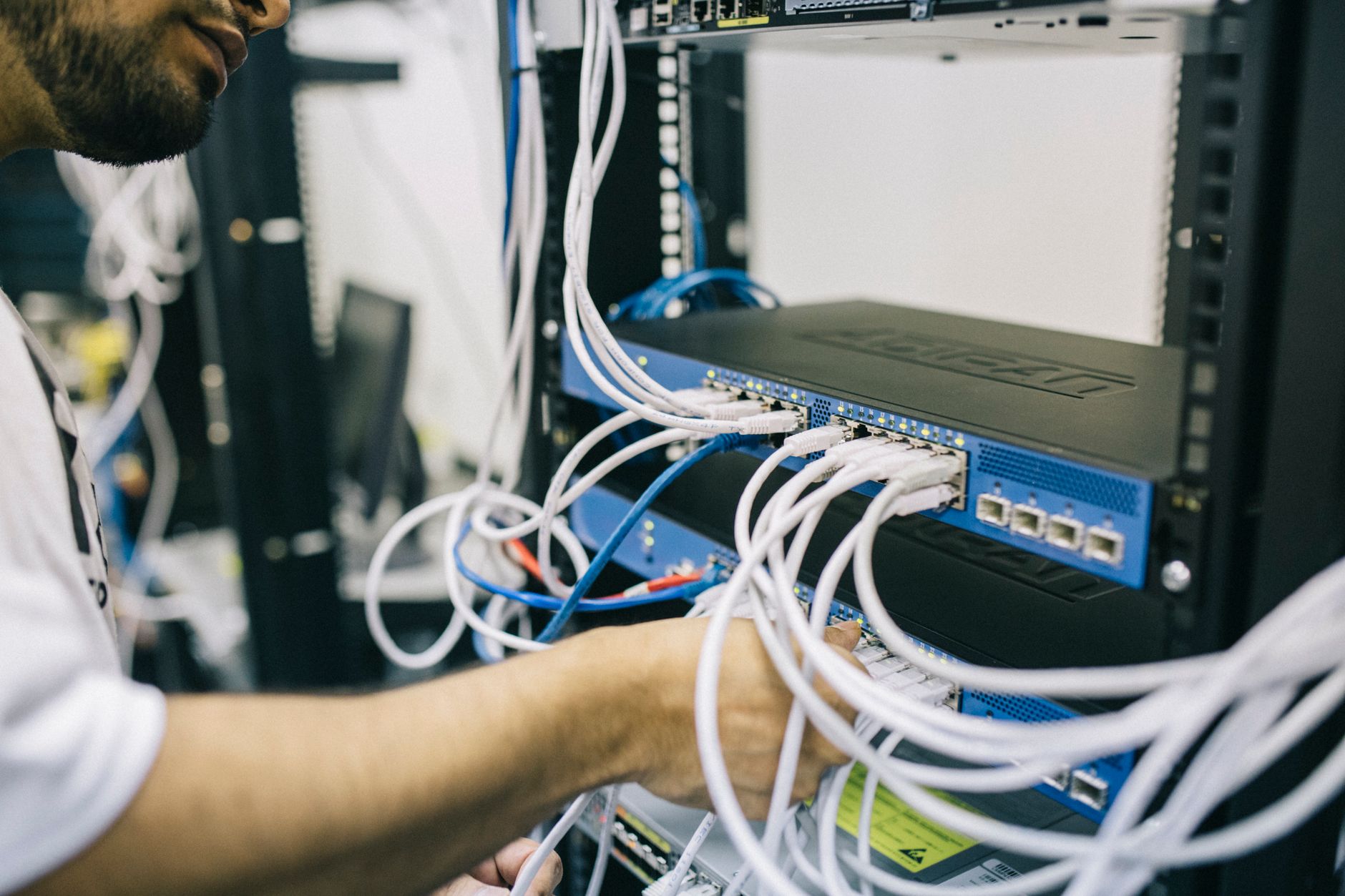
Without a guest network, anyone you give your WiFi password to can potentially scan your local network and find shared folders, unprotected printers, and IoT devices with default passwords (of which there are probably more than you think).
How to Set It Up
- Open your router’s admin page in a browser. The exact address and login info are printed on a sticker on the router itself — typically on the bottom or back.
- Find Guest Network or Guest WiFi under Wireless settings.
- Enable it. Give it a name like “MyHouse_Guest” — do not reuse your main network name.
- Set a password. Make it different from your main network password. Share the guest password freely; guard the main one.
- Turn on “Allow guests to access local network” = OFF and “Client isolation” = ON if the option exists.
Bonus: IoT Devices Go Here Too
Smart plugs, cameras, thermostats — anything that does not need to talk to your phone or computer directly — can live on a separate network. Some routers support a second guest network or an IoT-specific network for this purpose. If a cheap smart plug gets hacked, the attacker cannot jump to your laptop.
My router now has three networks: private, guest, and IoT. My friend can stream whatever he wants. My TV recommendations stay in English.
📋 Quick Summary: Enable Guest WiFi in your router settings, give it a different name and password from your main network, and make sure “access local network” is OFF. Bonus: put smart home devices on their own separate network too.