My Phone Stopped Ringing from Scam Callers After I Changed These Two Settings

Eight spam calls in one afternoon. Eight. Car warranty scams, “your social security number has been suspended,” a robot claiming to be from the IRS. I was trying to work and my phone would not shut up.
I did not download any apps. I did not pay for a service. I changed two settings built into every modern phone and the spam calls dropped to almost zero within two days.
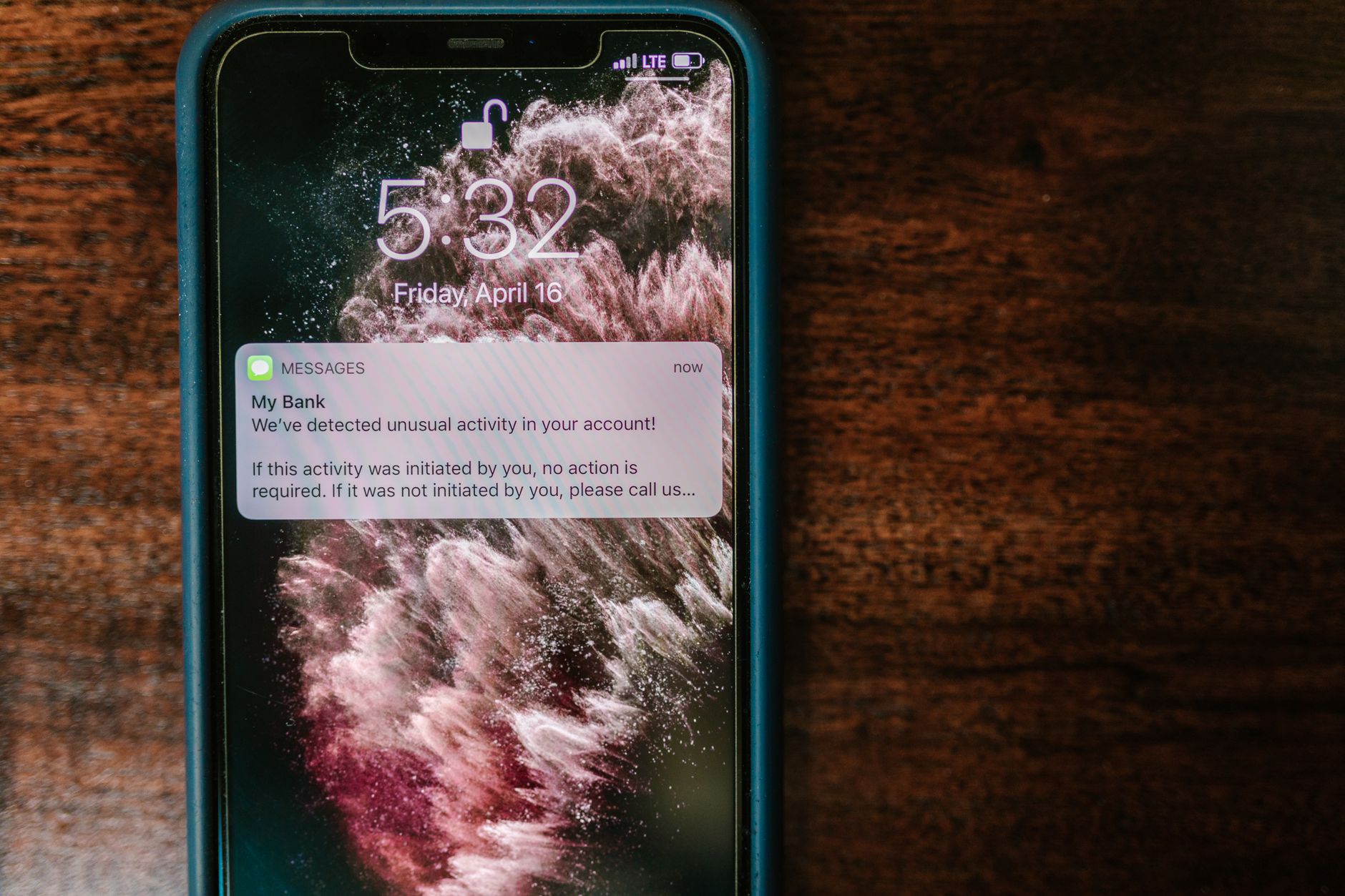
iPhone: Silence Unknown Callers
Settings → Phone → Silence Unknown Callers. Turn it on. Any number not in your contacts, not in your recent outgoing calls, and not from Siri suggestions goes straight to voicemail. Your phone does not ring. You see a missed call notification later. Real callers leave a message. Scammers almost never do.
The anxiety of “what if it is important” fades after about three days when you realize important calls leave voicemails. Your doctor’s office calls and leaves a message. Your kid’s school calls and leaves a message. The scammer pretending to be Microsoft support hangs up the moment they hear your voicemail greeting.
Android: Call Screening and Spam Protection
Open the Phone app → three dots menu → Settings → Caller ID & Spam. Turn on “Filter spam calls” and “See caller and spam ID.” Google’s database flags known spam numbers automatically. Filtered calls do not ring — they go to voicemail or get blocked entirely.
If you have a Pixel phone, Call Screen is even better. When an unknown number calls, Google Assistant answers for you and asks who is calling. You see a real time transcript. If it is a real person, you pick up. If it is a robot or a scammer, you tap “Block” and never hear from them again. The scammer hears your assistant and hangs up in about three seconds. I have watched it happen and it is deeply satisfying.
National Do Not Call Registry
Go to donotcall.gov. Register your number. It takes thirty seconds. Legitimate telemarketers are required to honor the list. Scammers do not care — but this helps with the legal ones. Combined with the phone settings, you have covered both angles.
I went from eight spam calls a day to maybe one or two a week that slip through. Those I just decline and block. It takes two seconds and costs nothing.
Quick Summary: iPhone: Settings → Phone → Silence Unknown Callers. Android: Phone app → Settings → Filter spam calls. Pixel users: Call Screen. Register at donotcall.gov. No apps needed. Spam calls drop to near zero.