How to Stop Your Phone From Auto-Connecting to Bad Public Wi-Fi
Your phone is a lot friendlier than you are. It will connect to any open Wi-Fi network it recognizes, and sometimes to ones it just finds, without asking. I found this out the hard way when my phone latched onto a coffee shop network with a name that looked official and was almost certainly a trap. Here is how to lock that down.
Why Auto-Connect Is Risky
Public Wi-Fi networks are open, and anyone on the same network can see traffic that is not encrypted. A fake network with a similar name to the real one is a classic trick. Your phone does not know the difference, and auto-connect means it joins without you looking.
Turn Off Auto-Join
- Open your phone settings and go to Wi-Fi.
- Find the option called Auto-Join, Auto-Connect, or Ask to Join Networks.
- Turn it off, or set it to ask you every time.
- Go through your saved networks list and delete any you no longer use.
The Settings on Each Phone
iPhone: Settings, Wi-Fi, then toggle Ask to Join Networks to On. For a specific saved network, tap the info icon and turn off Auto-Join.
Android: Settings, Network and Internet, Wi-Fi, then tap the three dots for Advanced settings. Turn off Connect to Open Networks or similar. The exact wording depends on your phone maker.
Things I Learned the Hard Way
Do not leave every old network saved. I had a hotel network from three years ago saved on my phone, and it would auto-connect to any open network with a similar name. Delete old networks you do not use.
Do not assume the coffee shop network is safe. Check the name with the barista if you are unsure. Fake networks use names like Starbucks_Free_WiFi to look real.
The Safe Public Wi-Fi Routine
When you do join public Wi-Fi:
- Use a VPN if you have one. It encrypts your traffic on any network.
- Do not log into banking or shopping apps on public Wi-Fi.
- Use your phone’s hotspot for anything sensitive.
- Turn Wi-Fi off entirely when you leave the place.
Why Turning Wi-Fi Off Matters
Leaving Wi-Fi on means your phone keeps scanning for networks, and scanning drains battery and invites connections. I turn Wi-Fi off when I leave the house unless I know I will use it. My battery lasts longer too.
The Bigger Picture
Your phone connects to networks you trust, and the list of trusted networks lives on your device. Keep that list short, and keep the decision in your hands. Auto-connect is convenience, and convenience is exactly what the bad guys are counting on.
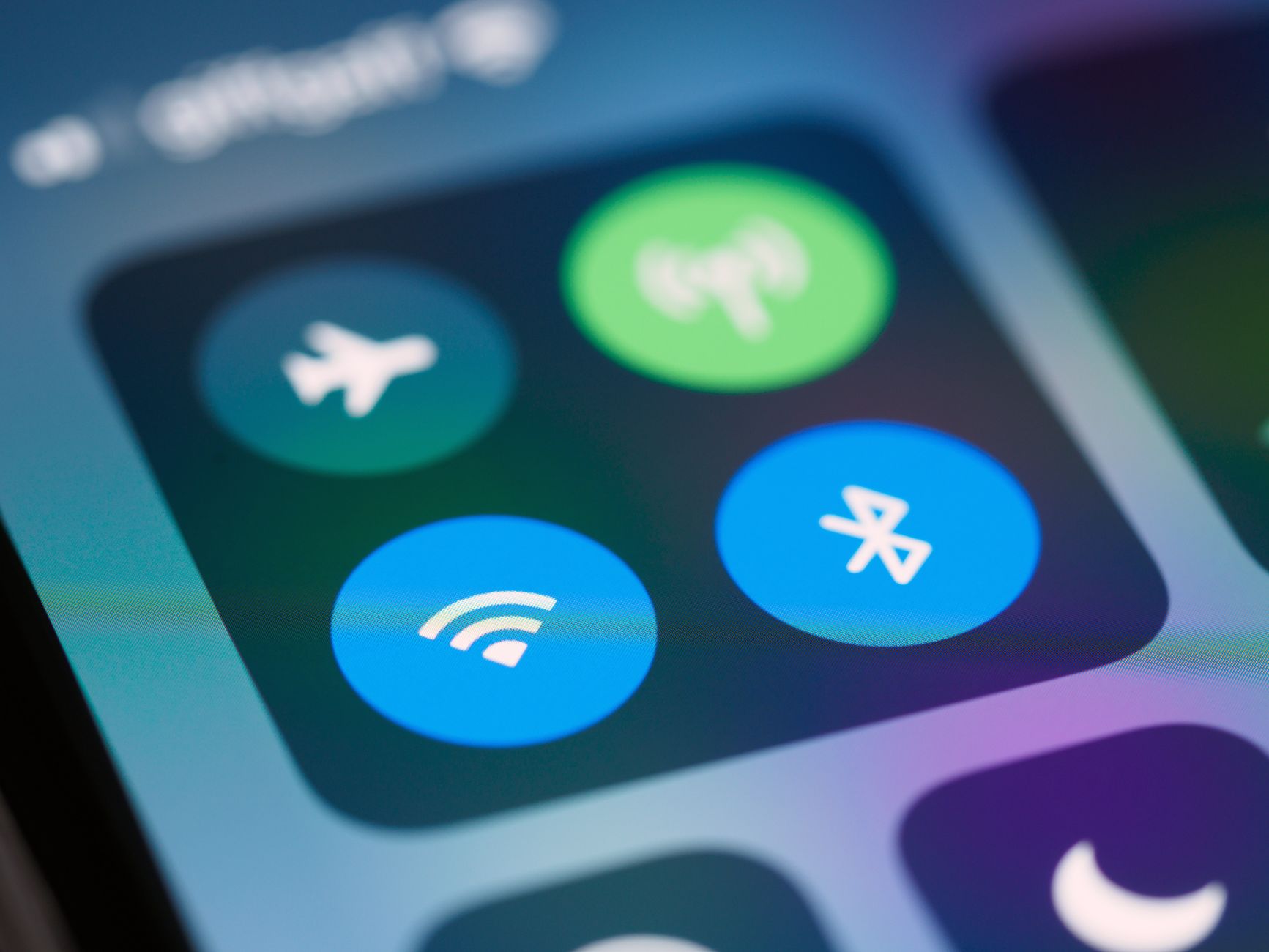
I turned off auto-join the same day I learned about fake networks, and now my phone asks before it joins anything new. Small change, big peace of mind.
📋 Quick Summary: Stop auto-connecting to risky public Wi-Fi by turning off auto-join, deleting old saved networks, and keeping the join decision manual.