How to Stop Your Router from Overheating in Summer
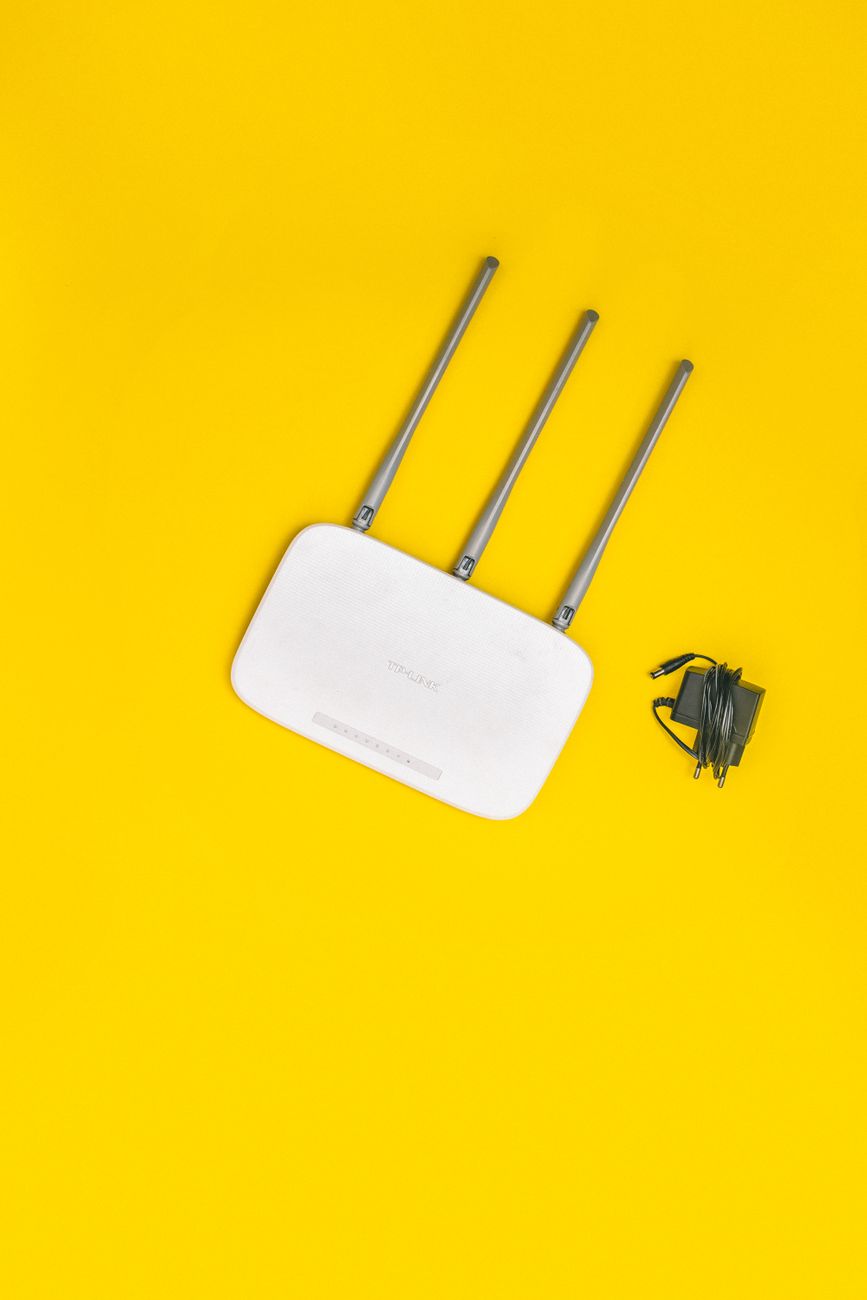
Last July my internet started dying every afternoon around 2pm. The connection would drop, come back, drop again. I called my provider twice, and both times the technician said everything looked fine on their end. It was not fine on my end. My router was cooking.
The router sat in a closed cabinet with the modem, on a shelf that got direct afternoon sun through the window. It was an oven in there.
Move It Out of the Heat
Routers throttle and drop connections when they overheat. Move yours out of closed cabinets, away from windows, and off the top of other electronics that throw heat. Mine lives on an open shelf now, with air on all sides.
That single move fixed most of my afternoon drops.
Give It Air and a Fan
If you cannot move the router, point a small fan at it during the hottest months. I used a clip-on desk fan for a week while I rearranged, and the connection stayed solid the whole time.
Check the vents on the bottom and back. Dust acts like a blanket. Blow them out with compressed air a couple of times a year.
Elevate It
Routers push signal outward and slightly downward. Sitting on the floor puts half the signal into the floorboards. Raise it to a shelf or mount it on the wall, and you may also gain coverage for free.
The modem gets the same treatment: no stacking, no enclosure.
Know the Warning Signs
If your connection dies in a pattern, usually the hottest part of the day, overheating is a strong suspect. Touch the router when it drops. If it is hot to the touch, that is your answer.
My afternoon dropouts stopped the day I moved the router out of the cabinet. It has been a year and the pattern never came back.
📋 Quick Summary: Move the router out of enclosed warm spaces, keep it elevated with airflow, and blow dust out of the vents to stop heat drops.