How to Install a Programmable Thermostat Without C-Wire Drama
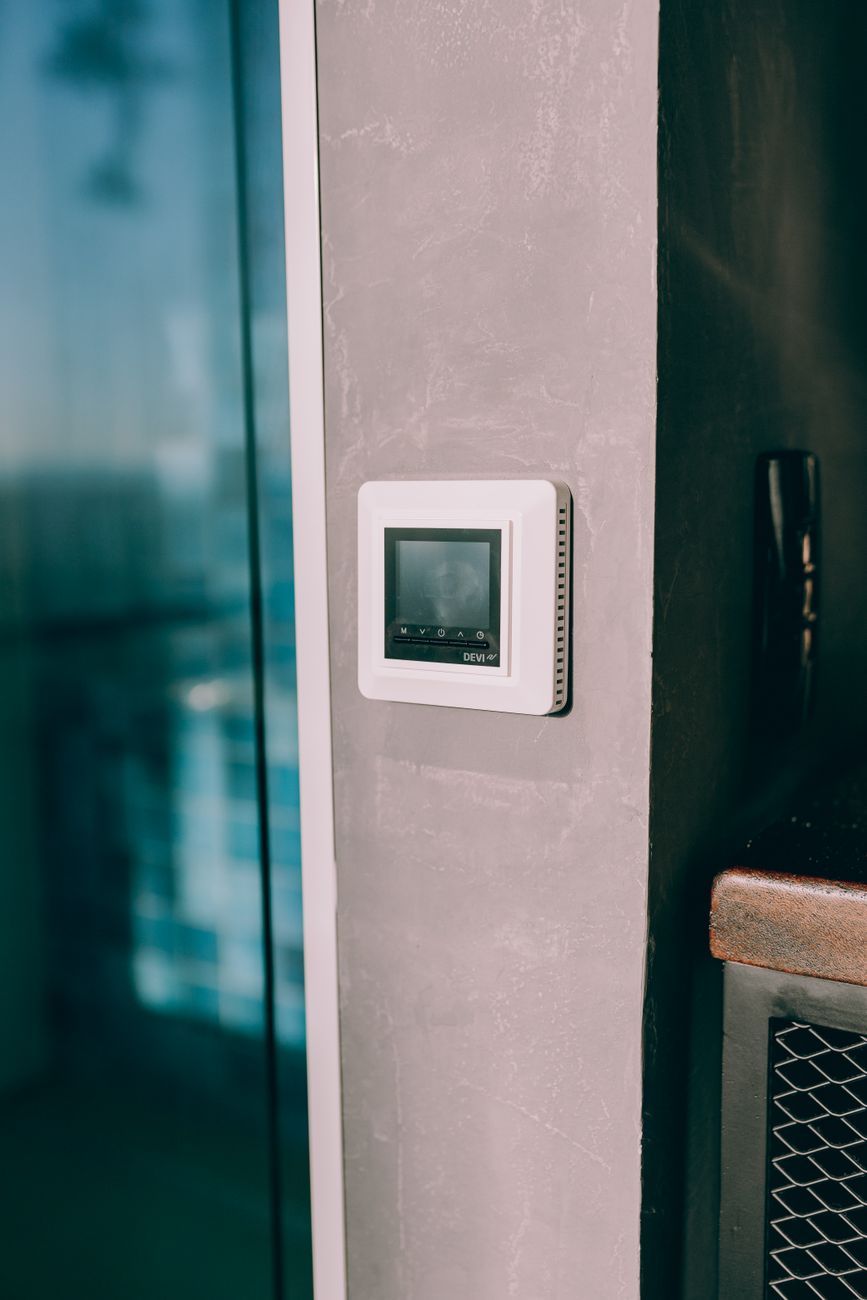
The moment I decided to install a smart thermostat, every guide I read warned me about the dreaded C-wire, the common wire that powers the thing. No C-wire, they said, and you are in for a headache.
Turns out the whole thing is mostly overblown. Here is what actually matters.
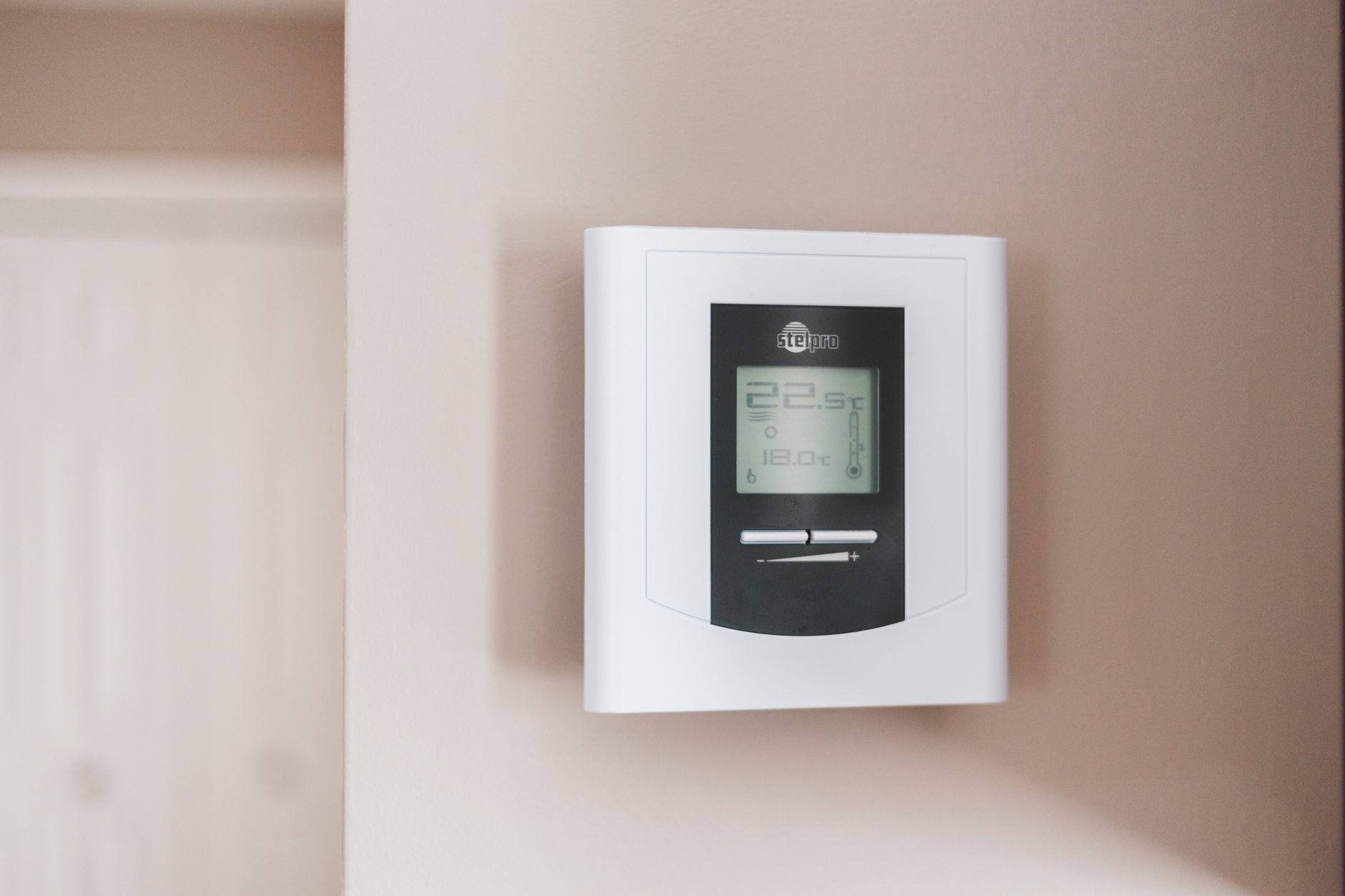
First, look at what wires you have
Kill the power to your furnace and thermostat at the breaker, pop the old thermostat off the wall, and look at the wires connected to the terminals.
- Most systems have wires labeled R, W, Y, and G
- A C-wire is an extra wire, usually blue or black
- If there is a spare wire tucked in the wall, you can use it
Take a photo before you remove anything. You will thank yourself when it is time to match colors on the new base plate.
No C-wire? You have options
Plenty of modern thermostats solve this on their own.
- Battery-powered models: many programmable thermostats run on two AA batteries and never need a C-wire
- Included adapters: brands ship a small adapter you wire at the furnace to power the thermostat without a C-wire
- Repurpose the fan wire: some people move the G wire to the C terminal if they do not mind losing independent fan control
The battery route is the simplest and honestly the one I recommend for most people. A basic programmable thermostat with a schedule does ninety percent of what a fancy smart one does, and it installs in ten minutes with zero drama.
📋 Quick Summary: Photograph the old wiring, check for a spare wire, and either use a battery-powered thermostat or the included adapter. The C-wire problem is usually optional to solve.