How to Find a Weak Wi-Fi Dead Zone in Your House and Fix It
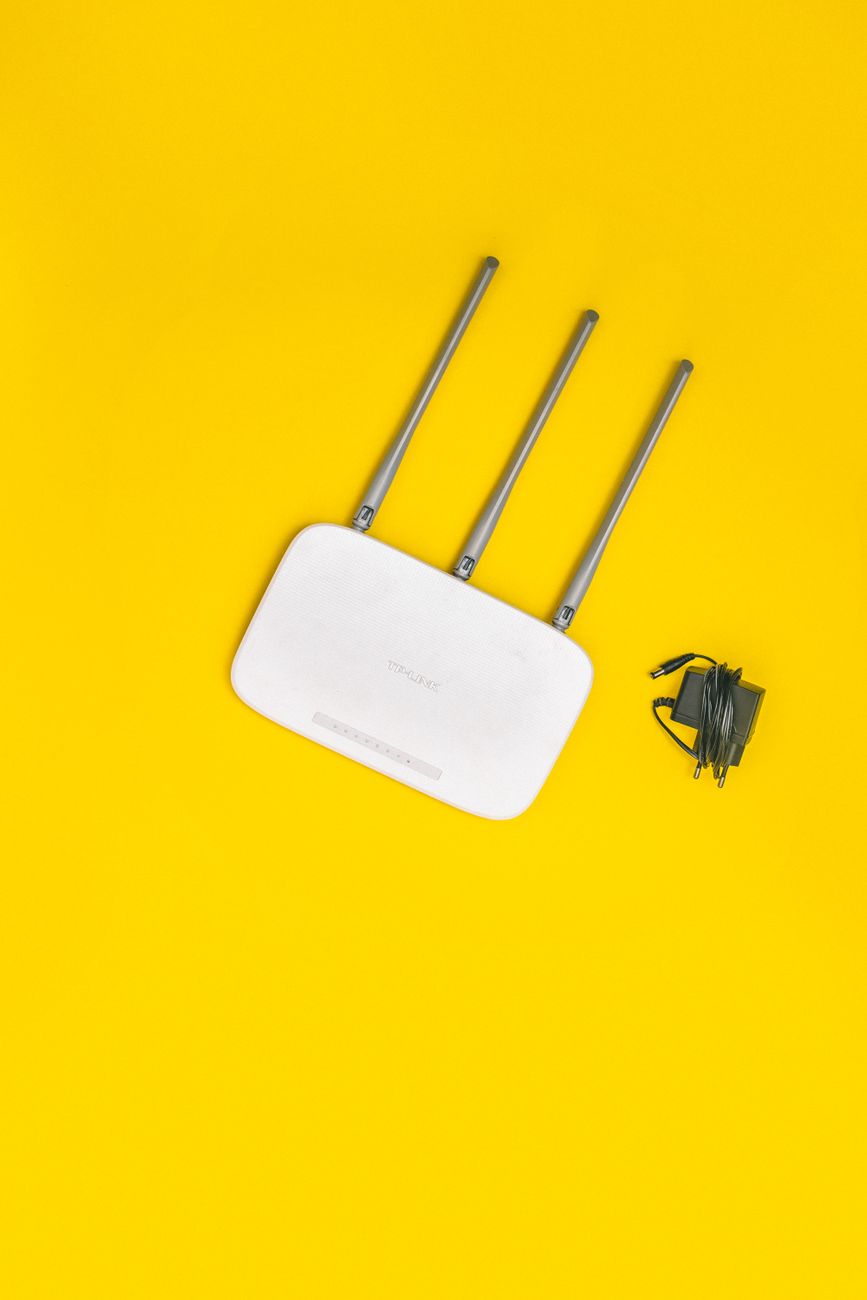
My home office used to have a Wi-Fi dead zone so bad that video calls would freeze every few minutes. I blamed the internet provider, called them twice, and even paid for a speed upgrade. The problem was never the internet. It was where my router sat.
Here is how to find your dead zone and fix it without buying anything fancy.
Map your signal with your phone
Walk around your house with your phone and watch the Wi-Fi bars in every room. It sounds too simple, but it works. Note where the signal drops to one bar or the connection drops entirely. That is your dead zone. Do this at the times you actually use the internet, because interference changes through the day.
Move the router first
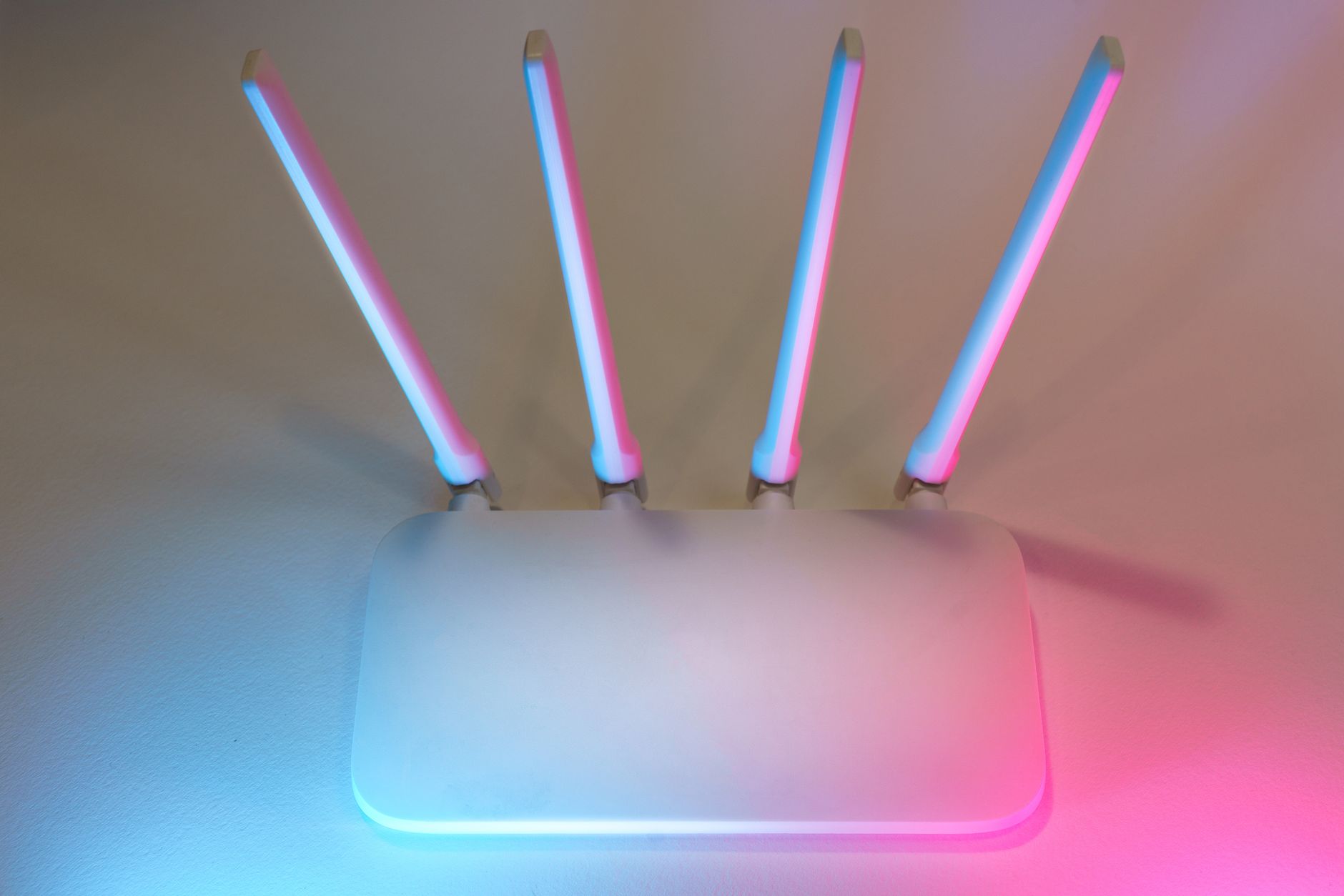
Most routers sit in a corner behind the TV or in a cabinet, which is the worst place. Wi-Fi signals spread outward and slightly downward, so the router should be elevated, out in the open, and roughly central to where you use it. I moved mine from a corner shelf to the top of a bookshelf in the middle of the house, and the office dead zone improved immediately.
Watch out for signal killers
Big metal objects, thick walls, fish tanks, and even microwaves wreck Wi-Fi. A microwave running can kill the 2.4 GHz band entirely while it is on. If your router is near the kitchen, the microwave is probably part of your problem. Keep the router away from appliances and large metal furniture.
Use the right band
Modern routers broadcast two networks: 2.4 GHz and 5 GHz. The 2.4 GHz band reaches farther but is slower and more crowded. The 5 GHz band is faster but weaker through walls. If your dead zone is far from the router, try connecting to the 2.4 GHz network there. If you are close, use 5 GHz for speed. Sometimes the fix is just picking the right band for the room.
Add an extender or a mesh point
If moving the router is not enough, a Wi-Fi extender in the dead zone repeats the signal from the main router. They are cheap and take five minutes to set up. Newer mesh systems do the same job more smoothly, with multiple units that share one network name. I added a simple extender to cover the far end of the house, and the office has been solid ever since.
One last tip: after any change, run the walking test again. The signal map tells you instantly whether you fixed the zone or just moved it somewhere else.
📋 Quick Summary: Map Wi-Fi signal room by room, move the router to a central open spot, avoid signal killers, pick the right band, and add an extender if needed.