How to Clean Your Phone’s Charging Port Without Damaging It

My phone stopped charging unless I held the cable at a specific angle. You know the one — cord propped up on a book, phone leaning just so, the whole setup one sneeze away from disconnecting. I took it to a repair shop. The guy pulled out a toothpick, scraped out a wad of lint the size of a pea, and handed it back. Charged perfectly. He did not even charge me.
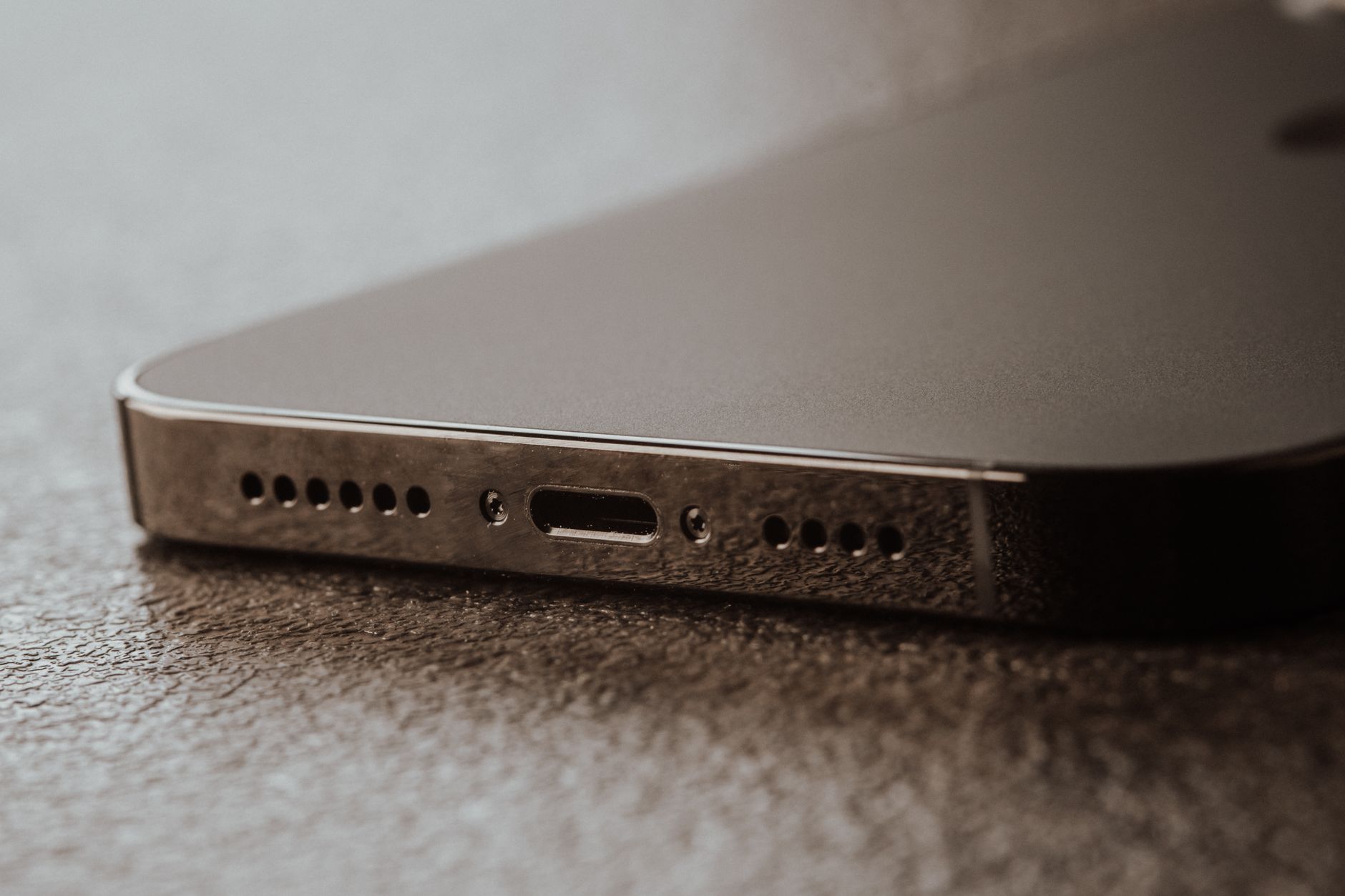
Why Ports Get Clogged
Every time you put your phone in your pocket, the charging port presses against fabric lint and dust. The plug on your charger then compresses that lint deeper into the port every time you charge. Over months, it builds into a dense mat that blocks the electrical contacts.
The Safe Cleaning Method
Power off your phone first. Take a wooden toothpick or a plastic dental pick — never metal. Metal can scratch the contacts, short them, or break off inside the port. Gently scrape along the bottom and sides of the port. Work from the edges inward.
You will see lint come out. Keep going until the pick comes out clean. Use a can of compressed air to blow out the loose debris afterward. Hold the can upright and use short bursts — tilting the can sprays liquid propellant into your phone.
What Not to Use
No paper clips. No sewing needles. No safety pins. Nothing metal, period. Also, do not blow into the port with your mouth — your breath contains moisture that can corrode the contacts over time.
Signs It Is Time to Clean
Your charging cable does not click into place firmly. It wobbles. You have to wiggle it to start charging. Fast charging stops working. Any of these — clean the port before you spend money on a new cable or a repair shop.
📋 Quick Summary: Power off, use wooden toothpick only — never metal. Scrape gently from edges inward, then blast with compressed air. Clean whenever the cable stops clicking in firmly.