Fix Slow WiFi Without Buying a New Router
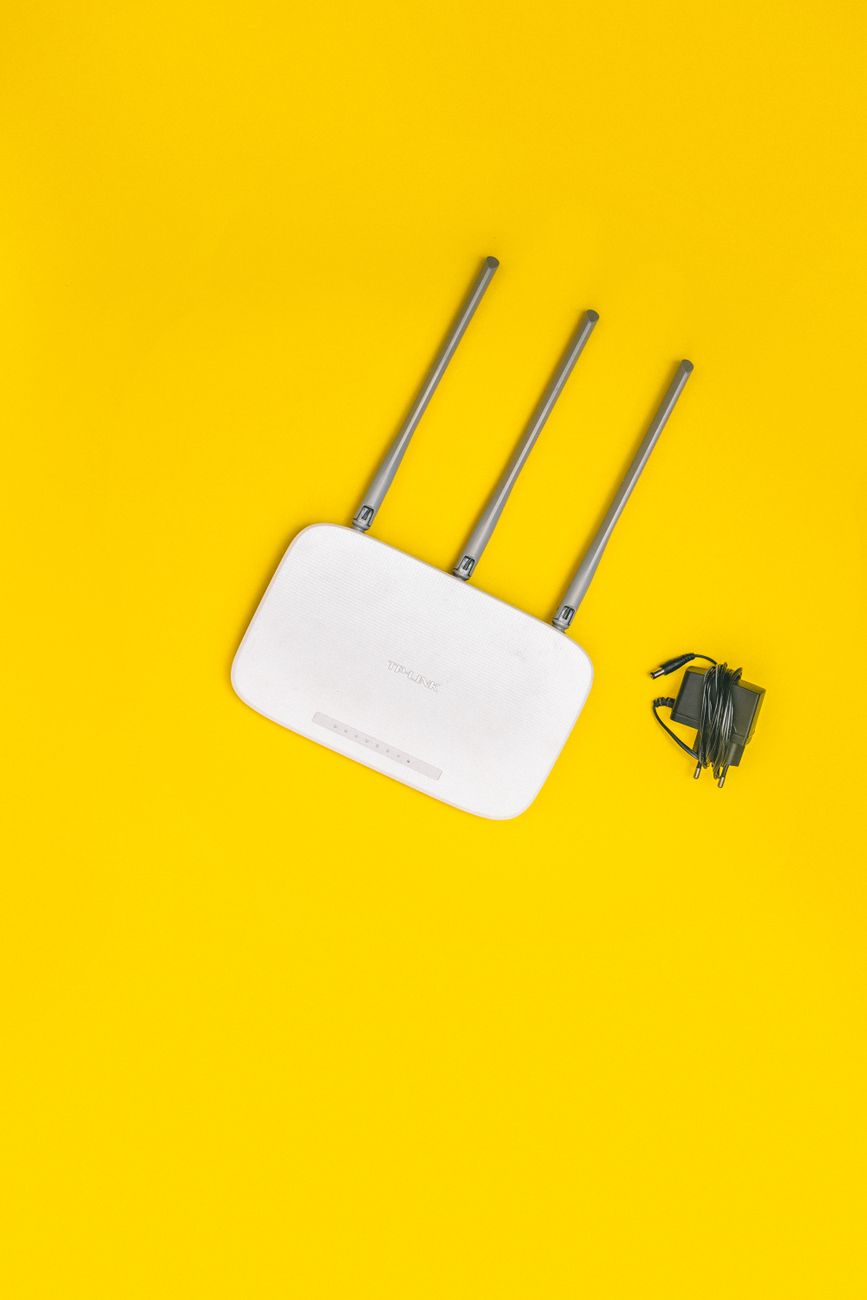
Our WiFi was crawling. Pages took five seconds to load. Video calls froze every few minutes. I was about to drop two hundred dollars on a new router when my brother — who works in IT — told me to try three things first. All three were free. One of them fixed the problem completely.
Change Your WiFi Channel
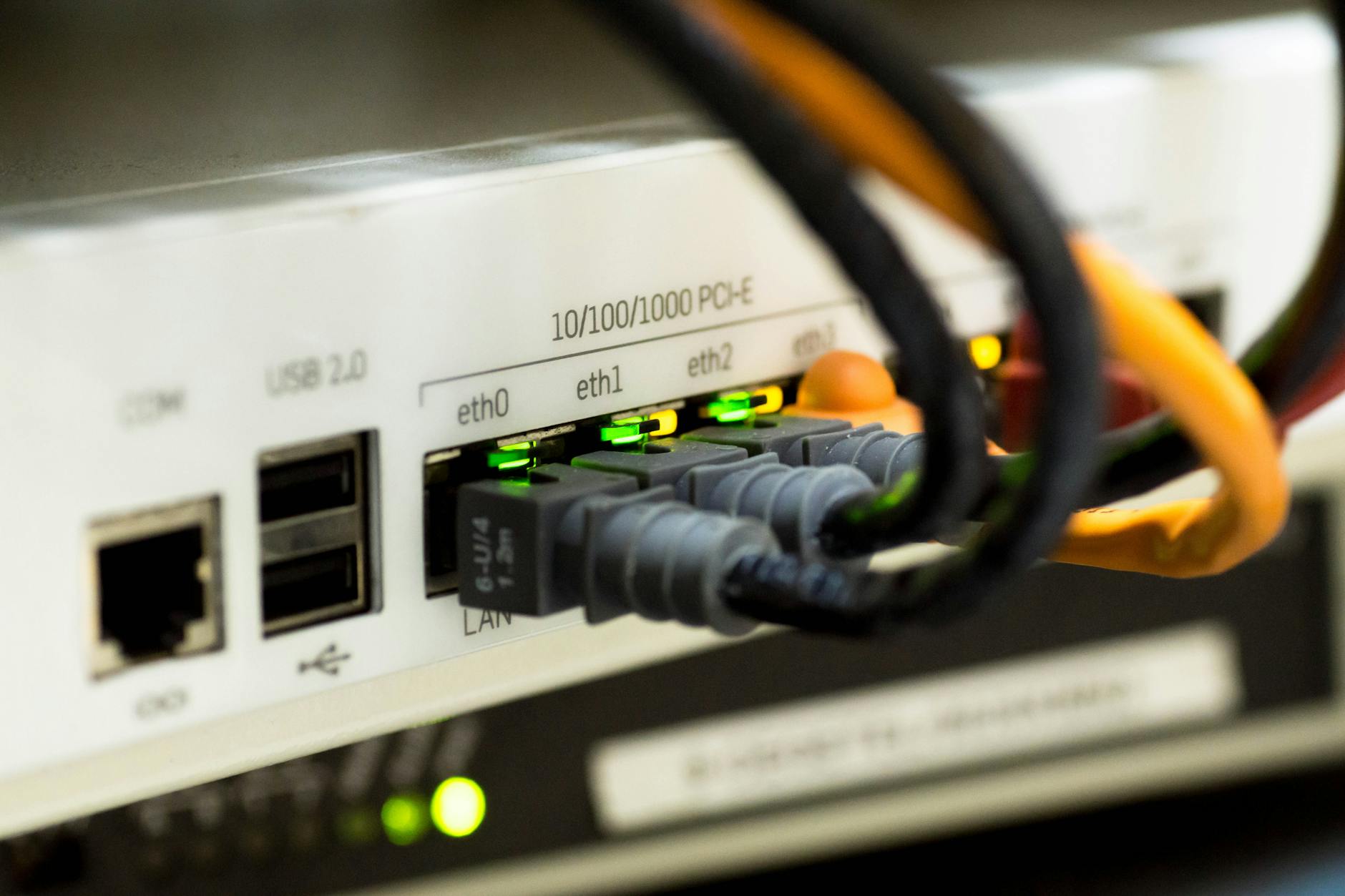
Your router broadcasts on a specific channel within the 2.4 GHz or 5 GHz band. If your neighbors are all on the same channel, the signals interfere with each other. It is like trying to have a conversation in a crowded room — everyone talking louder does not help.
On 2.4 GHz, only channels 1, 6, and 11 do not overlap. Most routers default to channel 6 because every other router does. Switch to 1 or 11.
How to change it: find your router’s IP address (usually 192.168.0.1 or 192.168.1.1), log in, look for Wireless Settings, and change the channel. If you are not sure which channel is least crowded, download a free WiFi analyzer app on your phone. It shows you which channels your neighbors are using.
Move Your Router — Even Six Inches Helps
WiFi signals hate metal, mirrors, thick walls, water (fish tanks and radiators), and being on the floor. Move your router to an open shelf at least four feet off the ground. Central location in the house. Not in a cabinet. Not behind the TV.
I moved ours from behind the TV stand to on top of a bookshelf in the hallway. Same room, six feet difference. Speed improved by about 30%. That was the free fix that solved our problem.
Restart It (Actually)
Routers are small computers. They run software. Software develops memory leaks and buffer overflows over weeks of uptime. Unplug the router, wait thirty seconds, plug it back in. This clears the memory and resets the internal processor.
I used to roll my eyes at the “did you try turning it off and on again” advice. Then I learned about router memory leaks and now I restart ours once a month whether it seems slow or not. It is preventative maintenance, not a fix for a problem you notice.
When You Actually Need a New Router
If your router is more than five years old, it probably does not support modern WiFi standards (WiFi 5/6). If you have more than ten devices connected and the router struggles, newer routers handle multiple devices better. If your internet plan is 300 Mbps or faster but your WiFi speed tests at under 50 Mbps standing next to the router — the router is the bottleneck.
📋 Quick Summary: Switch WiFi channel to 1 or 11 on 2.4 GHz. Move router to an open, central, elevated location. Restart monthly to clear memory leaks. Replace if over 5 years old or struggling with 10+ devices.