Clean Your Laptop Keyboard Safely with a Post-It Note

I ate lunch over my laptop for three years, and my keyboard showed it. Crumbs, dust, and the occasional mystery flake had worked their way between the keys, and I was too nervous to pry anything off and risk breaking a keycap.
Then someone showed me the Post-It note trick, and it turned out I had been overthinking the whole thing.
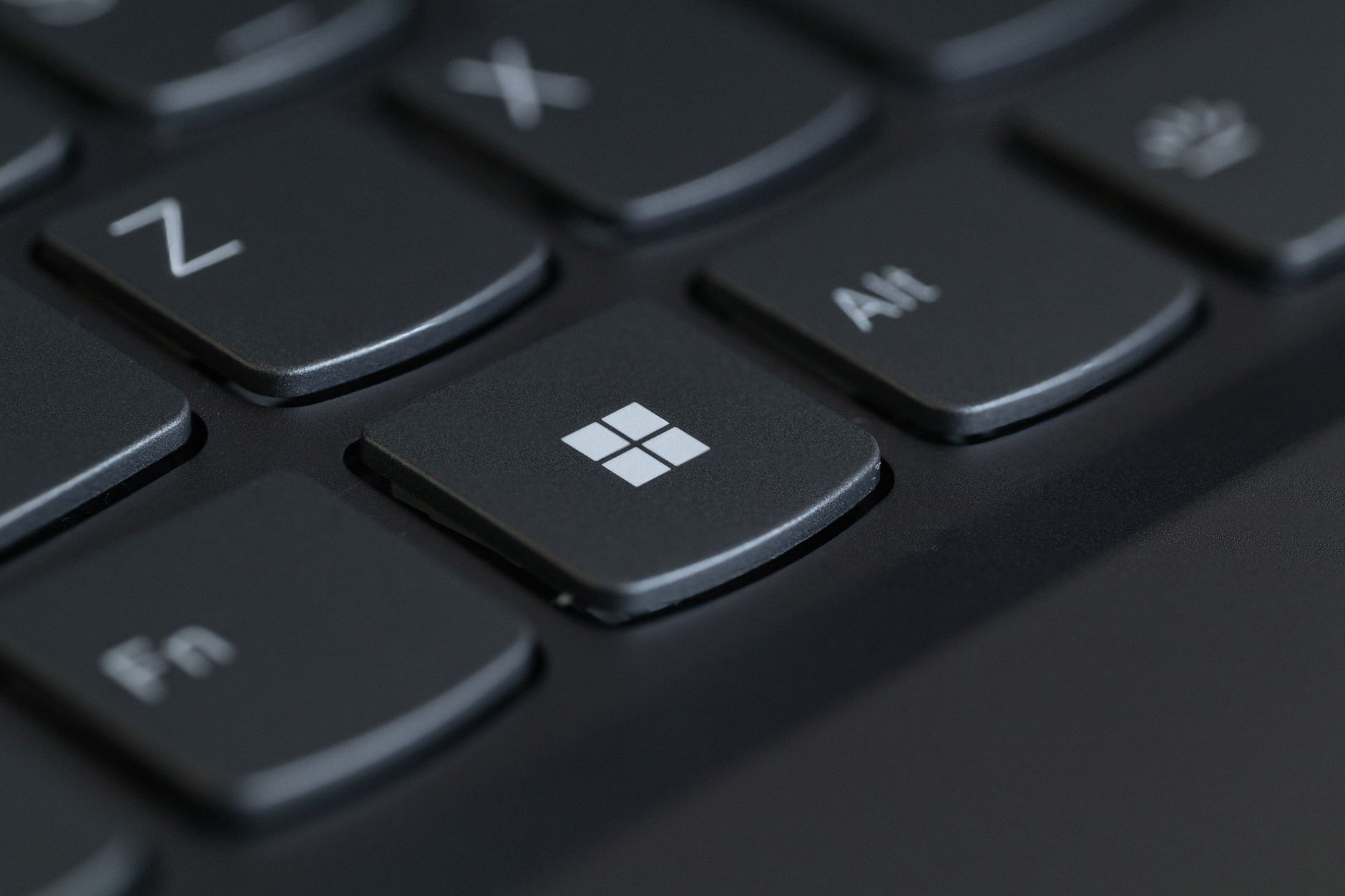
The sticky edge trick
A sticky note has just enough adhesive to grab dust and crumbs without leaving residue or risking your keys. Fold it so the sticky strip is exposed and slide it between the rows.
- Fold the note with the sticky side facing out
- Slide it along the gaps between the key rows
- Watch the crumbs cling to the sticky edge
- Repeat with a fresh note as it fills up
It reaches the stuff a cloth never will because it gets down into the cracks between keys.
What to do and what to skip
For a deeper clean, turn the laptop off and hold it upside down, then tap the back gently to knock loose debris out. Follow with compressed air in short bursts, holding the can upright so it does not spray liquid.
- Skip the vacuum, which can generate static
- Skip wet wipes on the keys, moisture can seep under
- For sticky spots, lightly dampen a cloth with rubbing alcohol, never spray directly on
And if you can help it, stop eating over the keyboard. The Post-It trick is great, but not having crumbs in there in the first place is better.
📋 Quick Summary: Slide a folded Post-It note, sticky side out, between the key rows to grab crumbs. Add compressed air for a deeper clean, and skip wet wipes and vacuums.