Back Up Your Phone Photos Before It Is Too Late
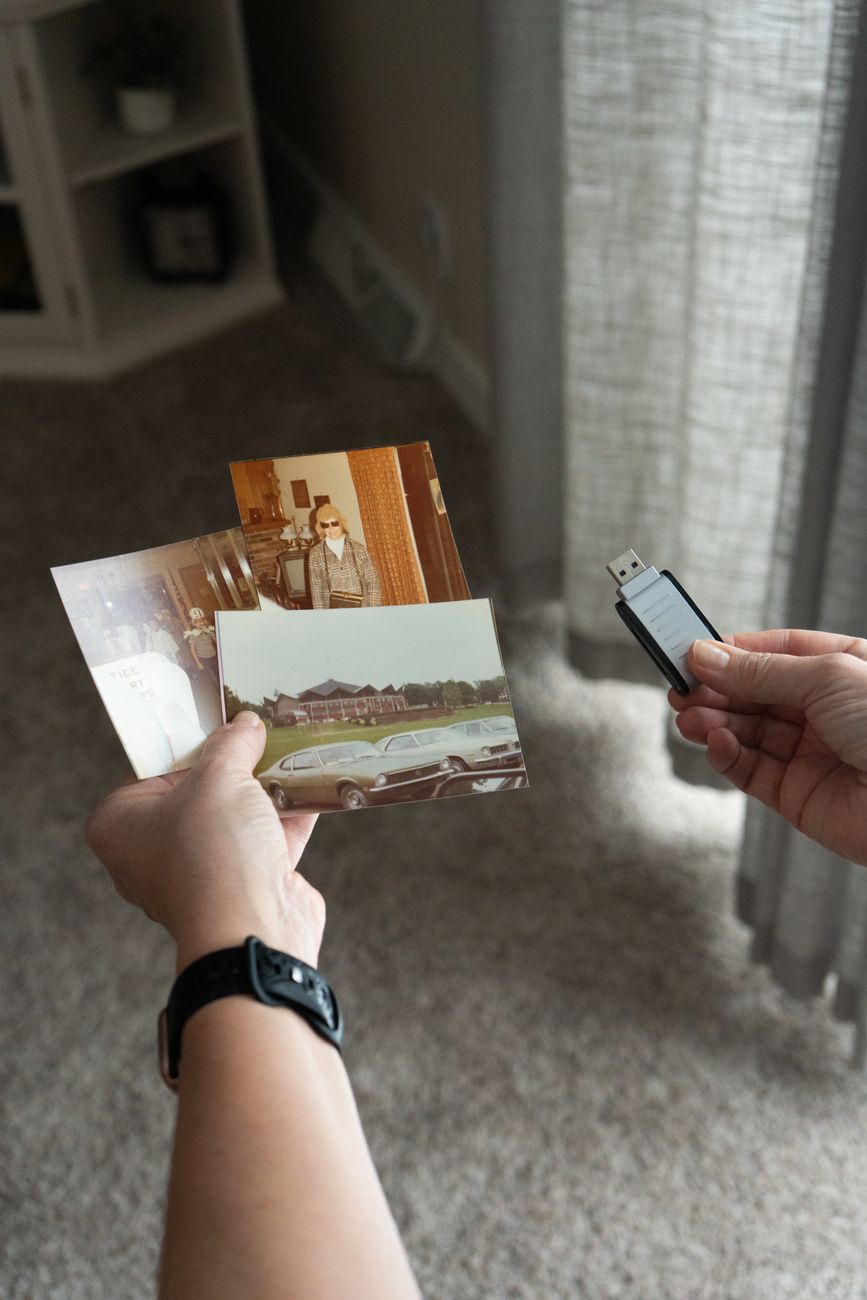
My sister dropped her phone in a lake last summer. Not a puddle — a lake. It sank. She lost three years of photos — her kid’s first steps, her wedding, a trip to Japan. No backup. Nothing recoverable. She cried for an hour and then spent the next month asking everyone she knew to send her any photos they had of her family.
Setting up automatic backup takes fifteen minutes and costs between zero and a few dollars a month. Here is the setup that makes sure you never have my sister’s story.
” alt=”phone photo backup cloud” style=”width:100%;height:auto;border-radius:8px”>
Google Photos Is the Easy Answer
If you have an Android phone, Google Photos is already installed and free for compressed backups. Open the app, go to Settings, turn on Backup. Done. It uploads every photo and video automatically whenever you are on wifi. The free tier stores unlimited photos at slightly reduced quality — good enough for phone screens and prints up to about eight by ten.
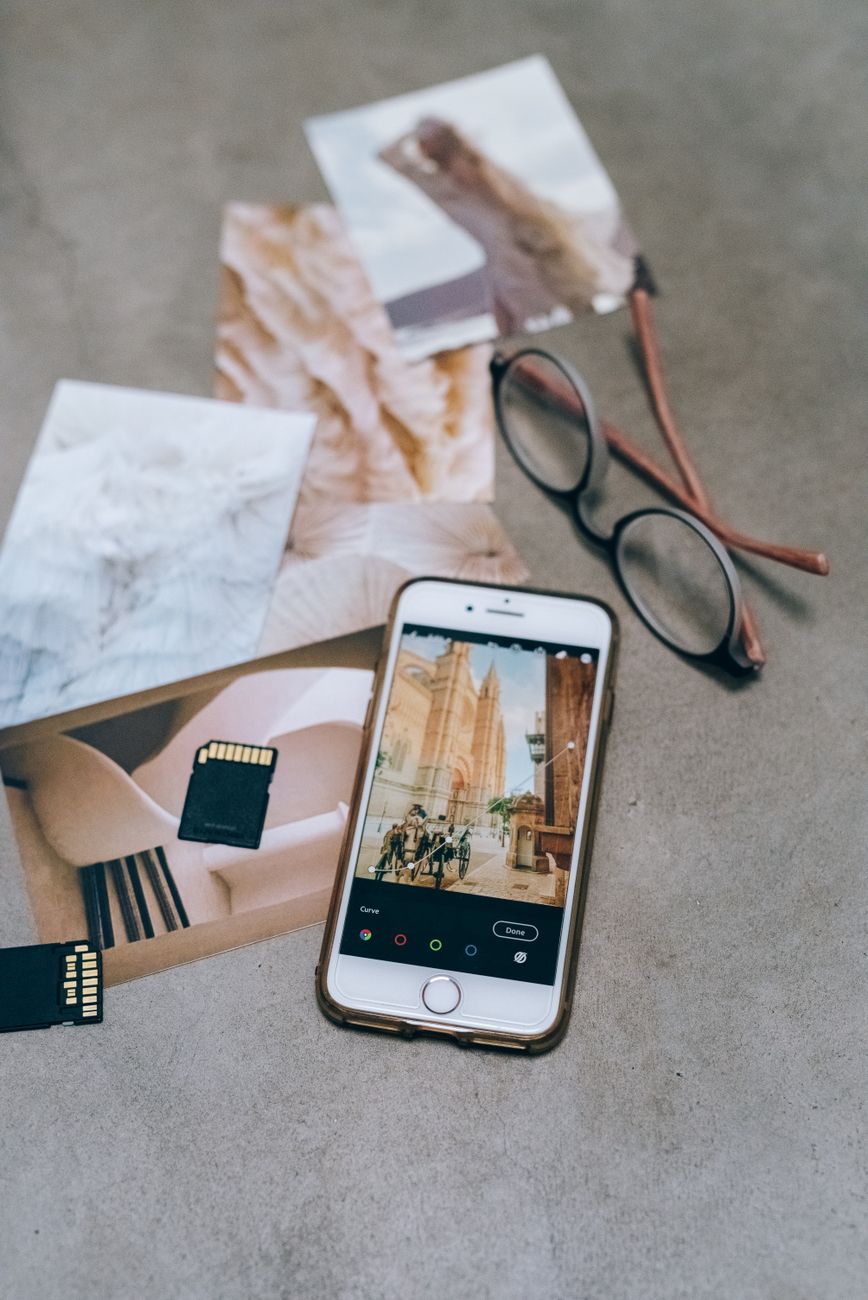
iPhone users have iCloud built in, but the free five gigabytes fills up fast. Google Photos works on iPhone too and offers fifteen gigabytes free across Google Drive, Gmail, and Photos combined.
The 3-2-1 Rule
One backup is better than zero. Two is better than one. The gold standard for irreplaceable photos is the 3-2-1 rule: three copies, on two different types of storage, with one copy offsite.
In practice: your phone is copy one. Google Photos in the cloud is copy two — different storage type, offsite. Copy three could be an external hard drive you update once a month. If your house burns down and Google has a catastrophic failure on the same day, you probably have bigger problems, but you still have your photos.
Amazon Photos for Prime Members
If you pay for Amazon Prime, you already have unlimited full-resolution photo backup included at no extra cost. Download the Amazon Photos app, sign in, enable auto-save. It backs up every photo in original quality. Video is limited to five gigabytes unless you pay extra.
I set this up for my parents. They do not have to think about it. Every photo they take automatically appears on Amazon Photos. If their phone dies tomorrow, they lose nothing.
Quick Summary: Turn on Google Photos auto-backup right now — it is free and takes thirty seconds. Amazon Prime members get unlimited full-resolution photo backup included. For truly irreplaceable photos, follow the 3-2-1 rule.