Apps That Are Secretly Eating Your Phone Storage
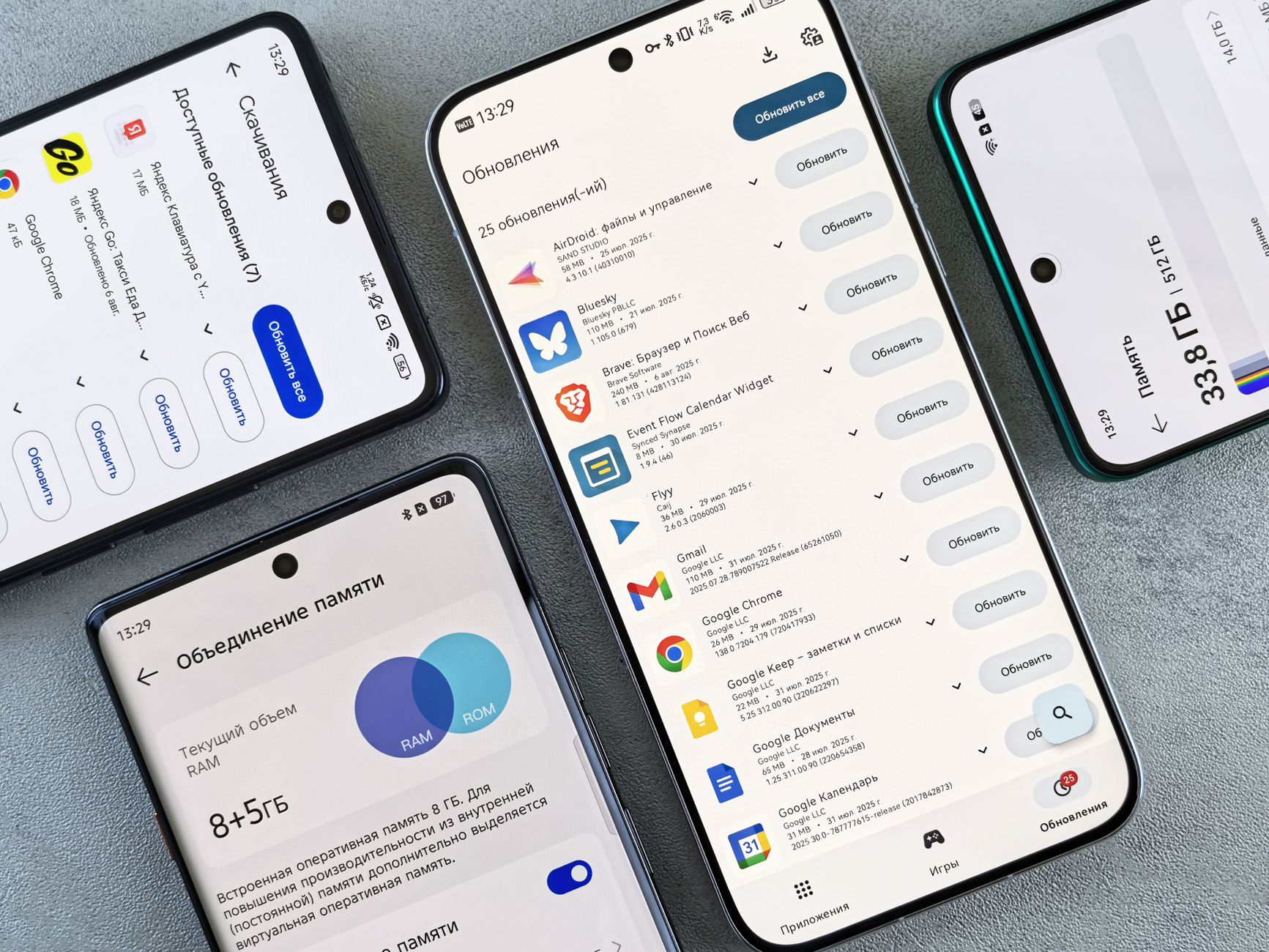
My phone told me storage was full. I had deleted every photo, every video, every app I thought I could live without. Still full. Then I checked the storage breakdown and found Instagram was using 8 GB. Eight gigabytes. For showing me pictures. It was storing years of cached data I did not know existed.
The Usual Suspects
These apps are almost always the biggest storage offenders:
- Instagram and TikTok — cache every video you scroll past. Months of videos you watched for two seconds each. Instagram alone can blow past 5 GB.
- Spotify and Apple Music — downloaded playlists you forgot about, cached songs from months ago.
- YouTube — saved offline videos and massive cache.
- Messaging apps — WhatsApp, WeChat, Telegram. Every photo and video ever sent in every group chat lives on your phone.
- Podcast apps — auto-downloaded episodes you will never listen to.
How to Fix It Right Now
iPhone: Settings > General > iPhone Storage. Wait for the list to load. It ranks apps by size. Tap any app and you will see “Offload App” (keeps documents, removes the app) or “Delete App.” For social media and streaming apps, deleting and reinstalling is often the fastest way to clear their cache — you lose nothing but the bloat.
Android: Settings > Storage > Apps. Same drill. Or long-press an app icon > App Info > Storage > Clear Cache. This wipes temporary files without logging you out.
Prevent It From Happening Again
Check your storage once a month. Spotify and podcast apps: turn off auto-download or limit it to Wi-Fi only. Messaging apps: set photos and videos to not auto-save to your camera roll. Instagram and TikTok: there is no built-in cache cleaner — delete and reinstall them every few months. It takes two minutes and frees up gigabytes.
I freed 22 GB from my phone in about 15 minutes. Most of it was cached video I had already watched. My phone is faster, I can take photos again, and I did not need to buy a new phone.
Quick Summary: Instagram, TikTok, Spotify, and messaging apps are the biggest storage hogs. Check phone storage settings to see what is using space. Delete and reinstall social media apps to clear their cache. Turn off auto-download in music and podcast apps.