A Macadamia Nut Killed My Keyboard and I Had to Pay Forty Dollars to Fix It
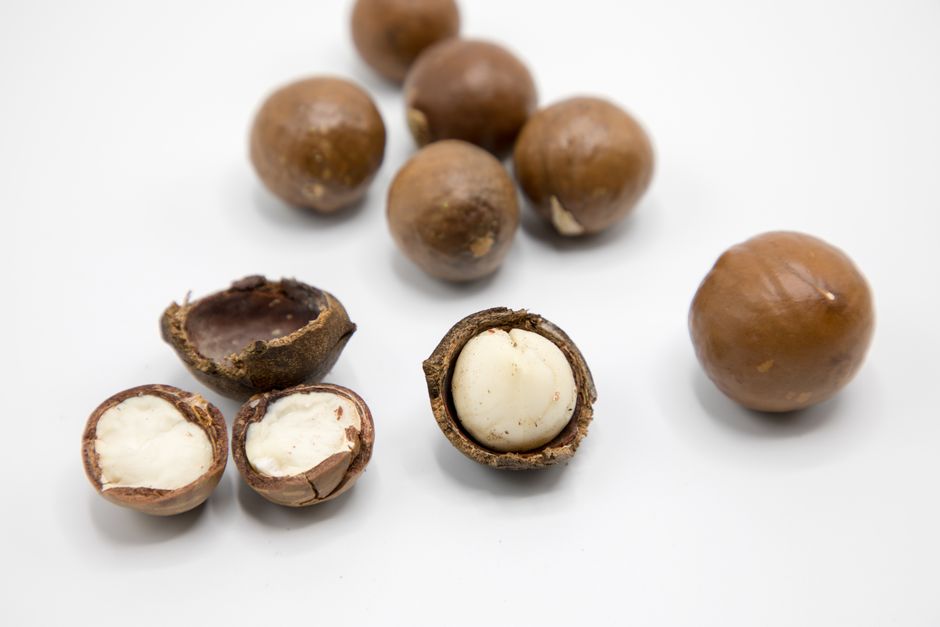
My laptop keyboard once stopped working because a single macadamia nut had wedged itself under the space bar. I don’t know how it got there. I don’t eat macadamia nuts at my desk as a rule, and yet there it was, a whole nut, perfectly sized to jam the most-used key on my keyboard. I had to take the laptop to a repair shop, where a technician pried off the space bar with a tiny screwdriver, extracted the nut, and charged me forty dollars for the privilege.
Understanding the Problem

📸 Photo by Evgeniya Litovchenko on Pexels
That experience made me think about all the electronic devices in my home that I use constantly and clean never. Remote controls, phone screens, keyboards, earbuds. These are the objects we touch most frequently, and they accumulate a layer of oils, dead skin cells, food residue, and whatever else was on our hands. A study I read around that time found that the average smartphone screen carries more bacteria per square inch than a toilet seat. I was eating lunch while scrolling through my phone, and after reading that statistic, I put my sandwich down.
Here is my current device cleaning routine, which I developed after the macadamia nut incident and which takes about ten minutes per week.
For keyboards, I start by unplugging it or turning it off. Then I turn it upside down and shake gently. You would not believe what falls out. Crumbs, hair, skin flakes, an alarming amount of unidentified debris. After shaking, I use a can of compressed air with the thin straw attachment to blow between the keys. I hold the keyboard at an angle so the debris blows out rather than deeper in. Then I dampen a microfiber cloth with a small amount of isopropyl alcohol, never water, and wipe the keycaps and the surrounding surfaces. Isopropyl alcohol evaporates almost instantly and won’t damage electronics. Water can seep between the keys and short the circuits.
The Proven Solution
For phone screens, I use a microfiber cloth and a small amount of isopropyl alcohol or a dedicated screen cleaning solution. I never use glass cleaner with ammonia, which can strip the oleophobic coating that makes the screen resistant to fingerprints. A damp microfiber cloth is actually sufficient for daily use. The microfiber material traps oils and particles without the need for cleaning chemicals.
Long-Term Prevention Tips
For remote controls, which are touched by everyone in the household and cleaned by no one, I remove the batteries, dampen a cloth with isopropyl alcohol, and wipe every surface, paying special attention to the gaps between buttons where grime accumulates. I use a toothpick wrapped in a small piece of cloth to reach into those crevices. The first time I did this, the cloth came away brown, and I seriously considered throwing the remote away and starting fresh.
For earbuds, the mesh speaker grille inevitably clogs with earwax, which both reduces sound quality and is disgusting. I use a small amount of blue poster putty, pressed gently against the grille and pulled away, to remove the wax without pushing it deeper. A dry, soft-bristled toothbrush works as well. I never use liquid on earbuds.
The macadamia nut was a one-time event, but the daily accumulation of grime is constant. Ten minutes a week is all it takes to keep my devices clean and functional, and it costs basically nothing.