Boost Cell Signal in Dead Zones by Standing Near a Window
There is one corner of my house where calls always drop, and for months I just avoided taking calls there. Then I noticed that if I walked three steps toward the window, the call held steady. It felt like a magic trick, but there is a real reason behind it.
If you have a dead zone at home or at work, the simplest fix is often just moving a few feet. Here is what is actually going on, and how to find the best spot.

Why the window matters
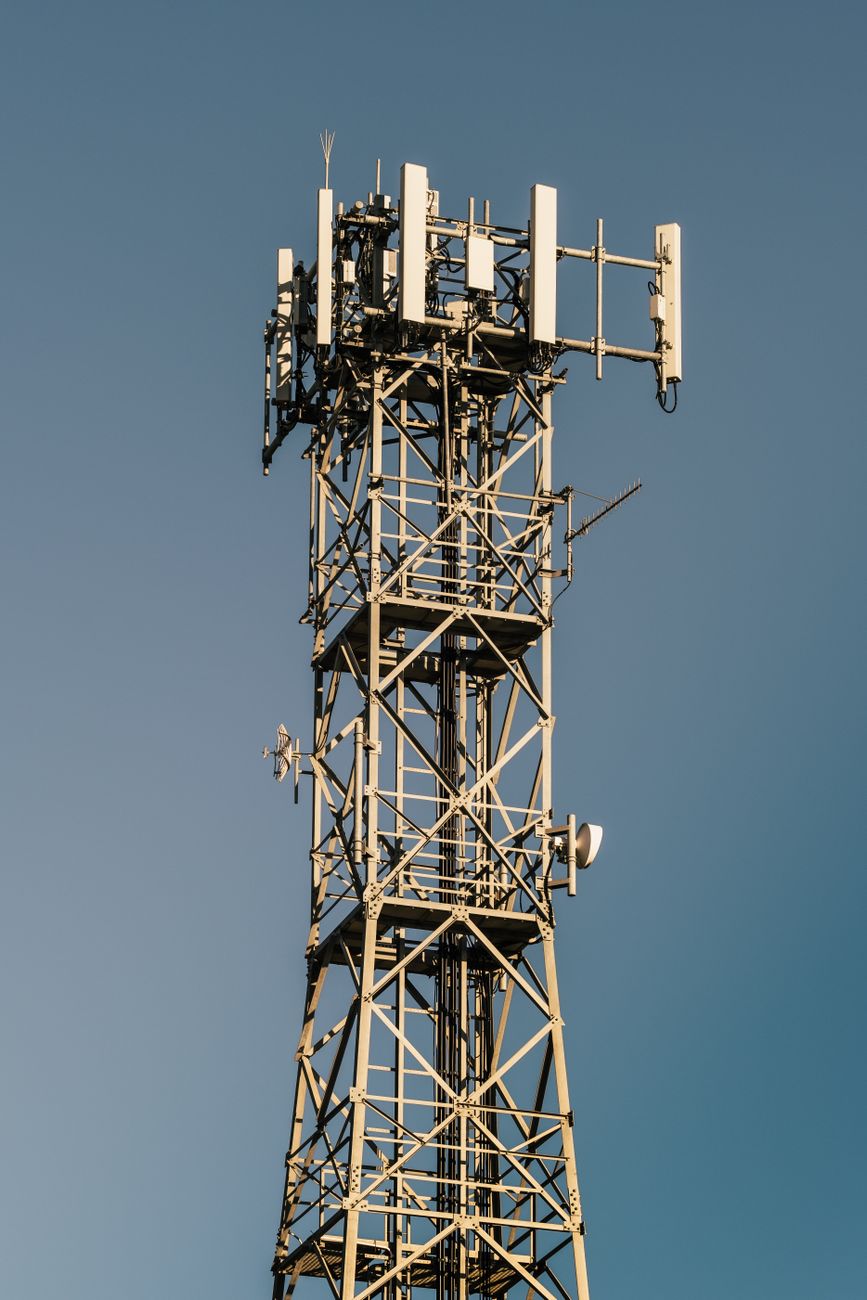
Cell signals are radio waves, and they do not like thick walls, metal, and especially low-E glass and insulation. The closer you are to a window, and the more directly that window faces a cell tower, the stronger the signal that reaches your phone.
Brick, concrete, and metal siding are the worst offenders. Even a few feet of movement toward a window can be the difference between one bar and three.
How to find the sweet spot
- Walk the room slowly while watching your signal bars, and note where they jump.
- Try every window. One side of the house may face a tower while the other faces a hill.
- Go upstairs. Height usually helps, since you clear more obstacles.
- Hold the phone away from your body and not against metal objects, which block signal.
When moving is not enough
If the whole house is a dead zone, turn on Wi-Fi calling in your phone settings. It routes calls over your internet connection instead of the cell network, which solves the problem completely as long as your Wi-Fi is solid.
A signal booster is the more expensive fix, but try the free stuff first. Half the time, the answer is just standing somewhere else.
📋 Quick Summary: Move toward a window, try higher floors, and enable Wi-Fi calling if the whole house is a dead zone.