Make Your Phone Charge Twice as Fast
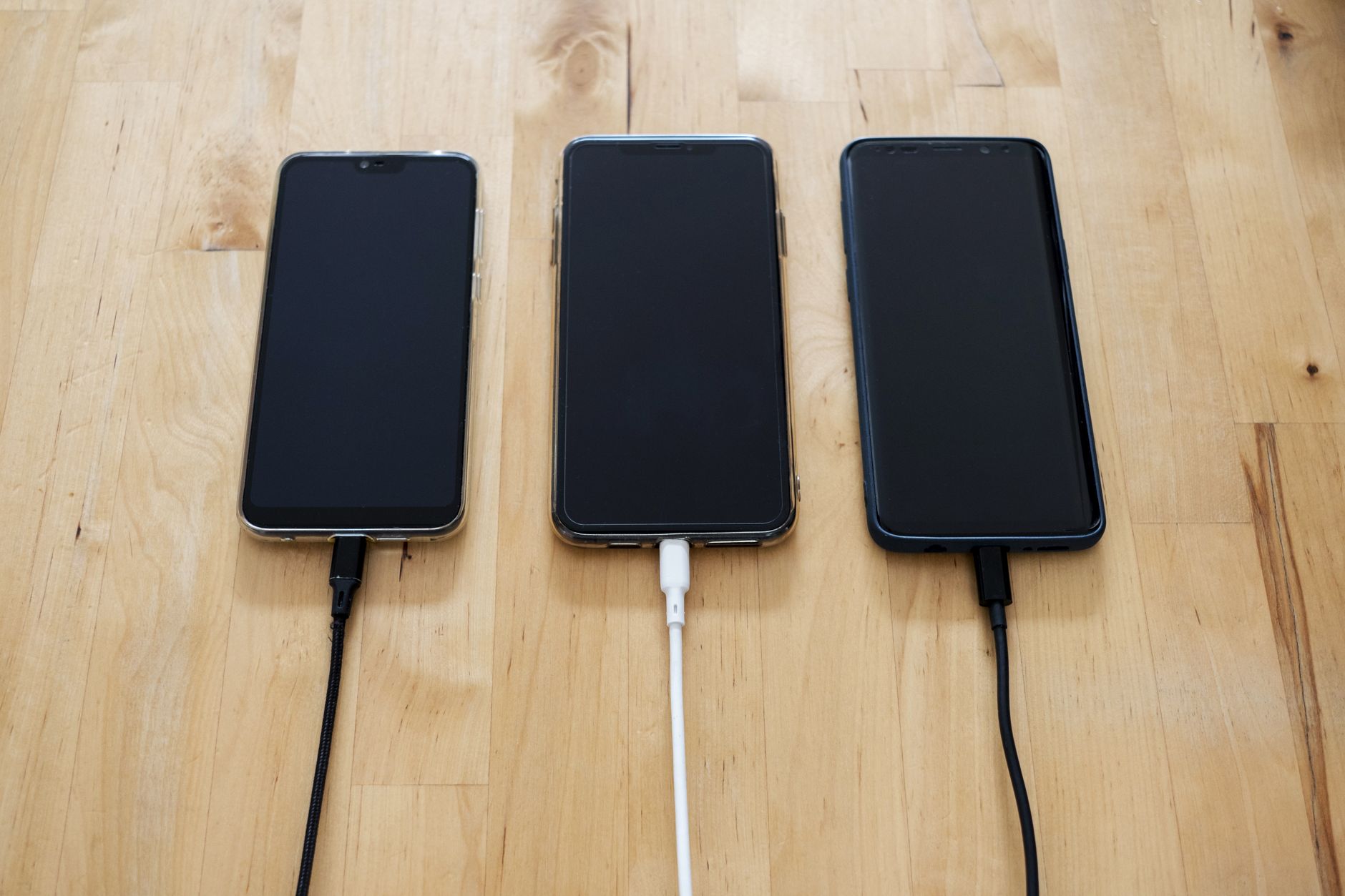
I was at an airport with 8% battery and a 45-minute layover. I plugged into a random USB port on the seating area, came back 20 minutes later, and had gained 3%. At that rate I would have a functional phone sometime after my connecting flight landed.
The problem was not the phone or the outlet. It was the cable and the charging brick. Here is why your phone charges slowly and exactly what to change.
It Is Almost Always the Brick
That tiny white cube Apple used to include? It outputs 5 watts. Most modern phones can charge at 18 watts or higher. That is 3.6 times faster. A $15 20W USB-C charger can take an iPhone from 0 to 50% in about 30 minutes. The old 5W brick takes over an hour for the same charge.
Android phones can often charge even faster — 25W, 45W, some newer models at 65W or more. But they only charge at those speeds with a compatible charger and cable that support the phone’s specific fast-charging protocol (USB Power Delivery for most, or proprietary standards like Qualcomm Quick Charge or OnePlus Warp Charge).
” alt=”Fast charger plugged into phone”>
The Cable Matters Too
A thin, cheap charging cable has higher electrical resistance. More resistance means less power reaches the phone and more turns into heat in the cable itself. Look for cables that explicitly say they support fast charging or list a wattage (60W, 100W) — those have thicker internal wires and proper shielding.
USB-C to USB-C cables are generally better than USB-A to whatever because the USB-C standard allows higher power delivery. That old USB-A port on the back of your laptop or the airport seat? It might output 2.5 watts regardless of what cable you use.
Other Things That Slow Charging
- Wireless charging is inherently slower than wired. It is convenient overnight but not when you need battery fast. Some phones lose 30-40% of the input power as heat during wireless charging.
- A hot phone charges slower. If your phone is warm from gaming or sitting in direct sun, it will throttle charging speed to protect the battery. Let it cool down first.
- Using the phone while charging divides the incoming power between running the screen and filling the battery. If you need speed, put the phone down.
- Dirty charging port. Lint in the Lightning or USB-C port can prevent the cable from seating fully. A wooden toothpick (not metal) can gently clear it out.
📋 Quick Summary: Get a 20W+ USB-C charger ($15), use a fast-charging rated cable, avoid wireless when you need speed, cool the phone before charging, and clear port lint with a toothpick.