Free Up Android Storage Without Deleting Important Stuff
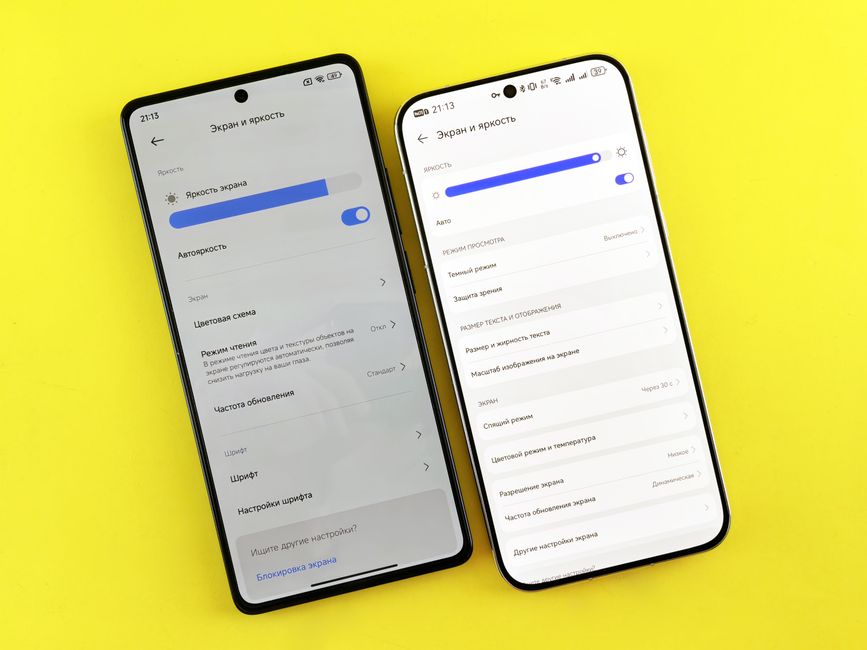
My phone told me it was full. Again. I opened the storage settings and it showed 4 GB of “Other” — the black box of Android storage that cannot be explained by photos, apps, or music. I clicked through every menu trying to reclaim space without deleting photos of my kid.
Here is what actually freed up space, in order of impact.
Clear App Caches Individually
The built-in “Free Up Space” button clears some cache but misses most of it. Go to Settings → Apps → sort by storage used. You will find apps that have accumulated hundreds of megabytes of cache.
Spotify, TikTok, Instagram, and YouTube are the worst offenders. Tap each app and select “Clear Cache” — not “Clear Data.” Clear Data wipes your login, downloads, and settings. Clear Cache only removes temporary files.
Do this for the top 10 storage-hungry apps and you often free up 2-5 GB instantly.
Delete Old Downloads
Open the Files app (or any file manager) and look for the Downloads folder. It is usually full of PDFs you opened once, screenshots you took to send to someone, and zip files you forgot about. Sort by size and delete the largest offenders first.
This folder hides things the Photos app does not show. I found 1.2 GB of random PDFs in mine.
The Spotify Offline Trap
If you use Spotify, open it and go to Settings → Storage. It shows exactly how much space your downloaded songs are using. Most people have playlists they downloaded for a trip six months ago and forgot about.
Delete offline content for playlists you have not listened to recently. Spotify will stream them instead. I freed up 3 GB this way.
Google Photos — Check What Is Already Backed Up
Open Google Photos, go to your profile icon, and look for “Free up space.” This deletes photos and videos from your device that have already been backed up to the cloud. They remain accessible through the app. It is the single highest-impact storage cleanup on most phones — my last run freed 12 GB.
📋 Quick Summary: Clear app caches (not data) for top storage users, empty Downloads folder, delete offline Spotify playlists, and use Google Photos free-up-space for backed-up media.