Why Your Smart TV Is Spying on You and How to Stop It
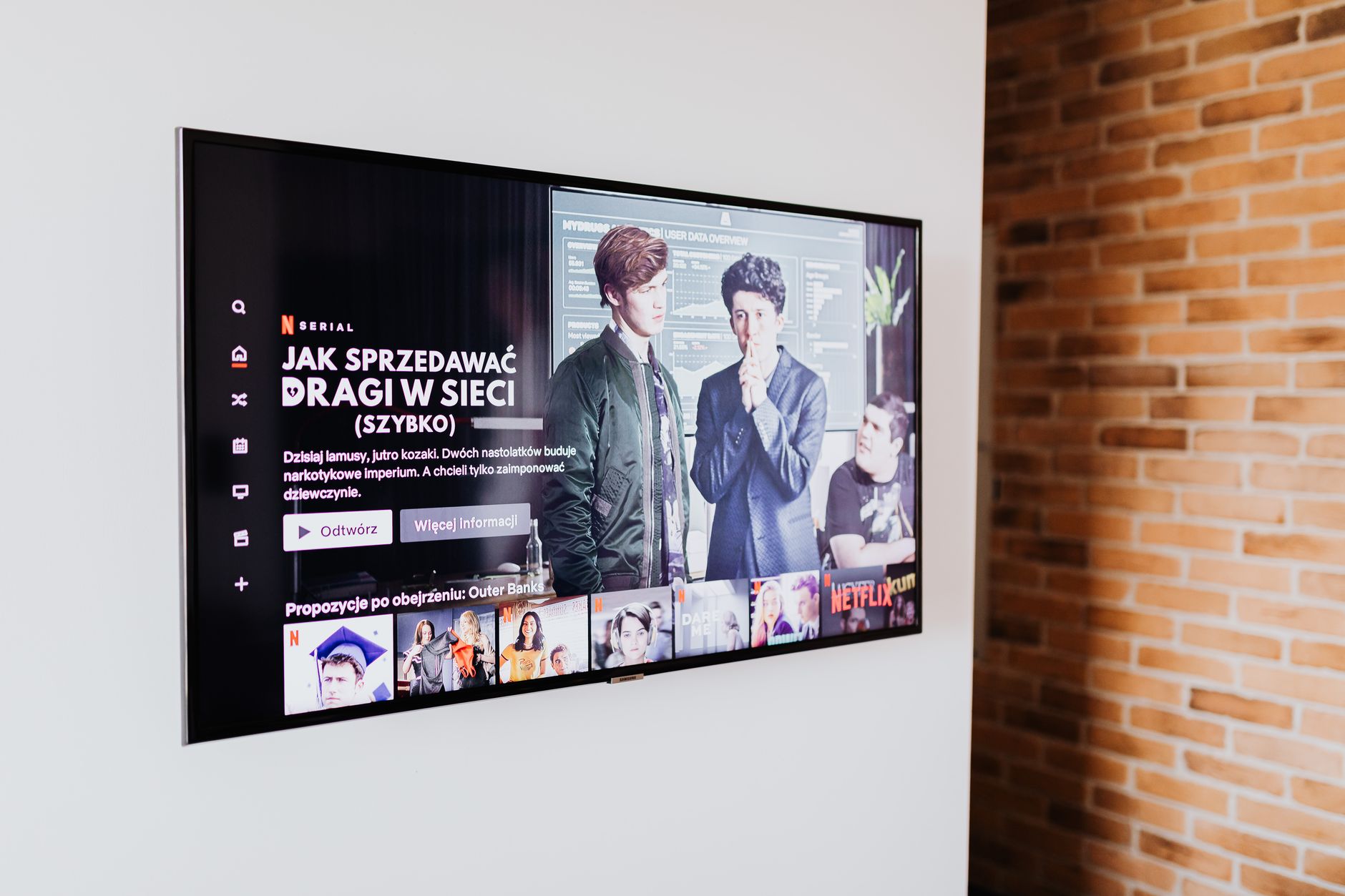
I told my friend I was looking at coffee tables, and later that week my smart TV started showing me ads for coffee tables. That’s not a coincidence. It’s also not your TV listening to you through the microphone. It’s something sneakier.
What’s actually happening
Most smart TVs use a thing called automatic content recognition, or ACR. It watches what you watch, down to the specific show and ad, and sends that data back to the manufacturer. They build a profile of your viewing habits and sell it to advertisers. That’s why the ads feel psychic.
How to turn it off
- Open your TV’s settings and look for a privacy menu. The exact name changes by brand, but it’s usually under Settings, then Privacy or Support.
- Find “automatic content recognition” or “viewing data” or “ad personalization” and turn it off.
- Dig through every submenu. There’s often a separate “limit ad tracking” and “interest-based ads” toggle.
- Decline the data-collection prompts when you first set the TV up, if it’s not too late.
More you can do
- Disable the voice assistant if you never use it. Voice-enabled remotes record and upload clips when triggered.
- Keep the TV disconnected from Wi-Fi and use a separate streaming stick you trust more.
- Check the privacy section of the manufacturer’s website for an opt-out form. Some let you delete the data they already have.
You can’t make a smart TV totally dumb without unplugging it, but you can shut off the part that’s watching.
📋 Quick Summary: Smart TVs track what you watch through automatic content recognition and sell the data. Turn off ACR, ad personalization, and the voice assistant in your TV’s privacy settings.