Why Your Phone Storage Is Always Full and the Quick Fix
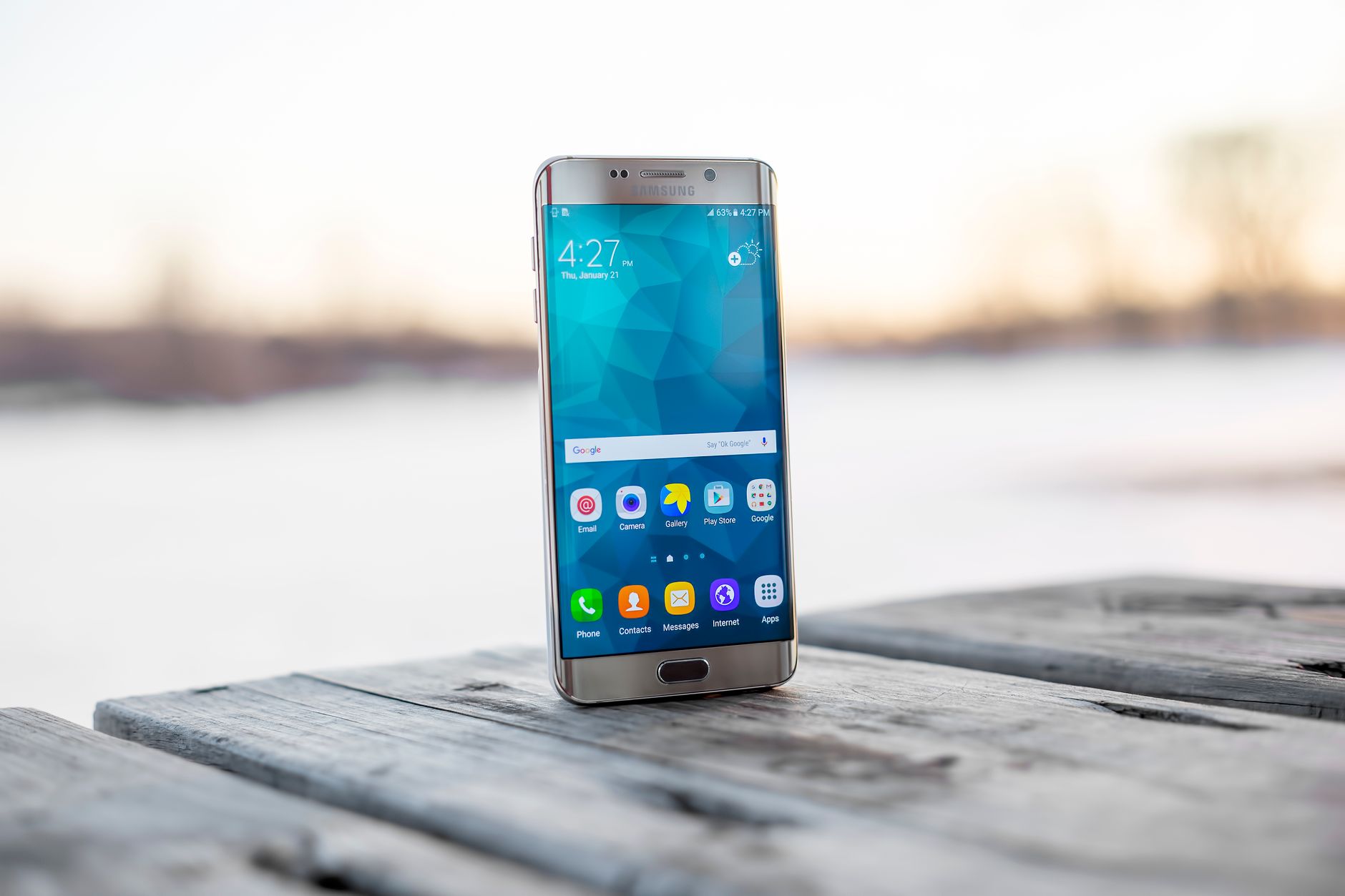
Ever see that “Storage Almost Full” warning and wonder where all your space went? You are not alone. I got it constantly, deleted a few apps, and watched it fill back up a week later. The real culprits were not apps at all.
The usual suspects
The biggest space hogs are usually hiding in plain sight:
- Photos and videos, especially the ones you already backed up.
- App cache, the temp files apps pile up without telling you.
- Old text threads full of pictures and videos from years ago.
- Downloaded podcasts and offline music you forgot about.
The quick fix
First, back up your photos to cloud storage, then turn on the setting that deletes local copies you have already saved. That single move freed up half my phone.
Then go into your storage settings and clear the cache for your biggest apps. Social media and streaming apps are the worst offenders. Finally, delete old message threads with media, especially group chats with photos.
My rule of thumb: do this once a month and the warning basically stops appearing. It is not that you have too many apps, it is that the clutter builds up in the background while you are not looking.
Five minutes of cleanup beats buying a new phone you do not actually need.
📋 Quick Summary: Back up and clear photos, empty app caches, and delete old media texts to reclaim space fast.