Where to Place Your Router for the Best WiFi Signal
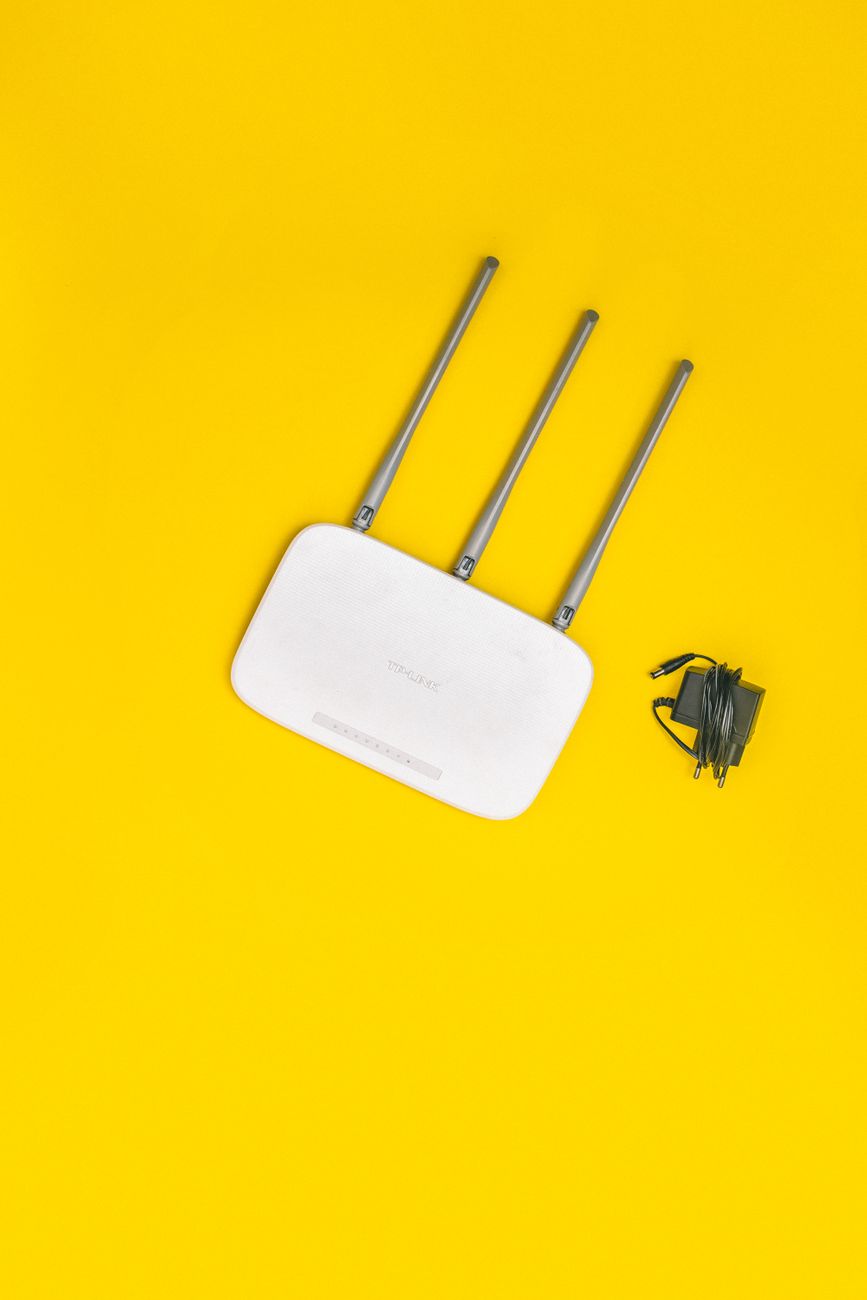
I spent two years blaming my internet provider for slow WiFi. I upgraded my plan twice. I bought a mesh system. Then a friend who does network installation for a living came over, looked at my router wedged behind the TV stand surrounded by cables and a subwoofer, and said “I found your problem.” He moved it three feet and my speeds doubled.
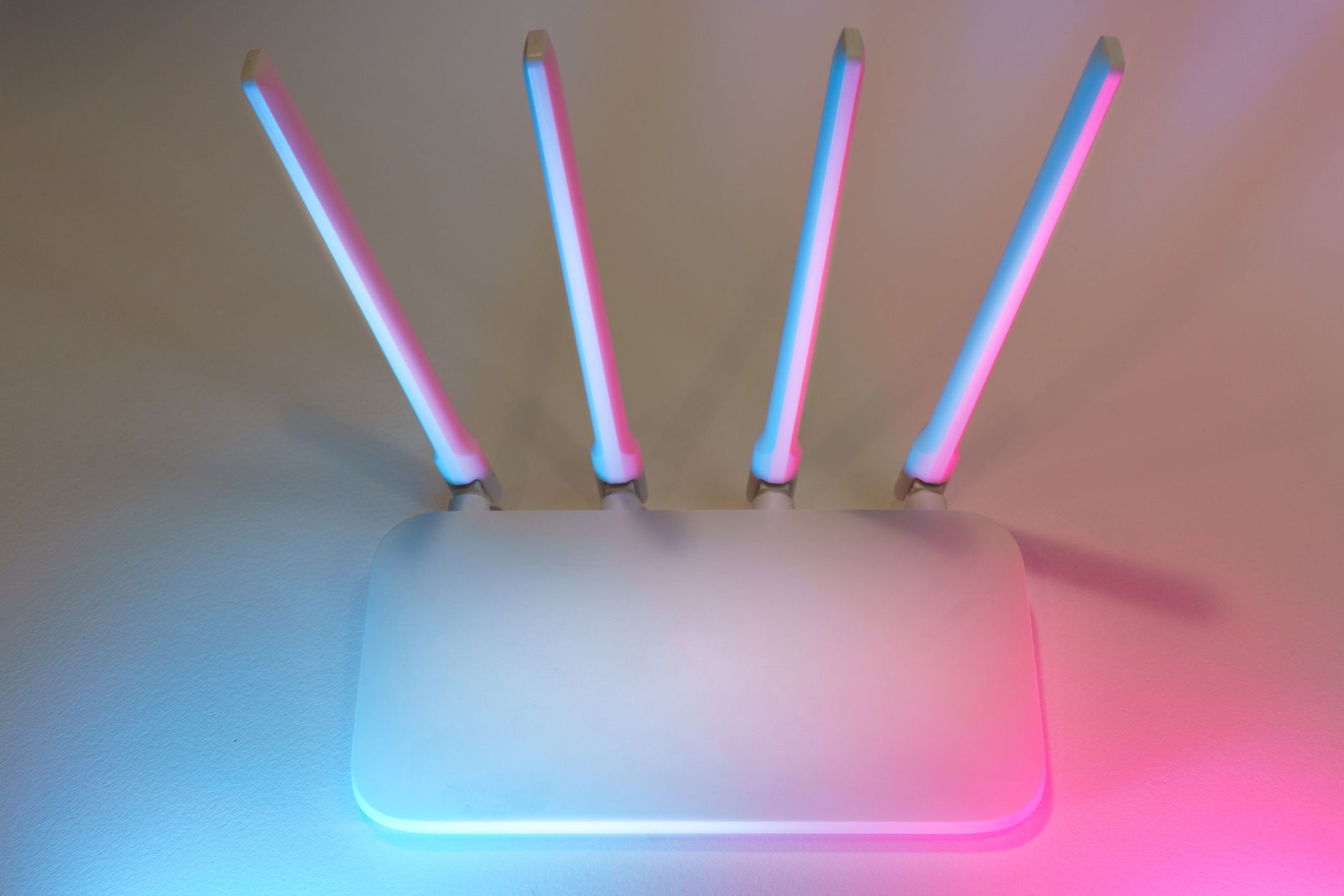
Height and openness are everything
WiFi signals radiate outward and slightly downward from most router antennas. Putting your router on the floor broadcasts half the signal into the carpet. Put it as high as practical on a shelf, on top of a bookcase, or wall-mounted. The higher it is, the fewer furniture and bodies block the signal.
Also, nothing should touch the router directly. No books stacked on it. No decorative items leaned against it. The antennas need a clear zone of at least a foot in all directions. A router buried in a media console behind a stack of game consoles is functioning at maybe fifty percent of its capability.
What blocks WiFi the most
The worst offenders in a typical home:
- Metal objects: filing cabinets, refrigerators, radiators, mirrors (the silver backing blocks signal)
- Water: aquariums, water heaters, and even large houseplants with wet soil absorb WiFi
- Concrete and brick walls: drywall is fine, but concrete attenuates signal dramatically
- Other electronics: microwaves, baby monitors, and Bluetooth devices operate on the same 2.4GHz frequency
I moved my router from behind the TV (metal backing, competing electronics) to a shelf six feet up an interior wall. The dead zone in my bedroom disappeared. Same router, same internet plan, different placement.
Central location matters more than proximity
The router should be near the center of your home, not in the corner where the cable enters the house. If the cable jack is in a far corner, buy a longer coax cable and move the router. A twenty-five-foot coax cable costs ten dollars and solves more problems than a hundred-dollar mesh system.
The antennas should be positioned: one vertical and one horizontal on a two-antenna router. WiFi signals are polarized, and devices like phones held in landscape mode receive better from a horizontal antenna. Most people leave both antennas pointing straight up, which is only optimal if every device in the house is positioned vertically.
Quick Summary: Place your router high and central, not behind the TV. Avoid metal, water, and concrete obstructions. Position one antenna vertically and one horizontally. A ten-dollar coax cable extension beats a hundred-dollar mesh system.