Video Doorbell Settings to Stop False Alerts
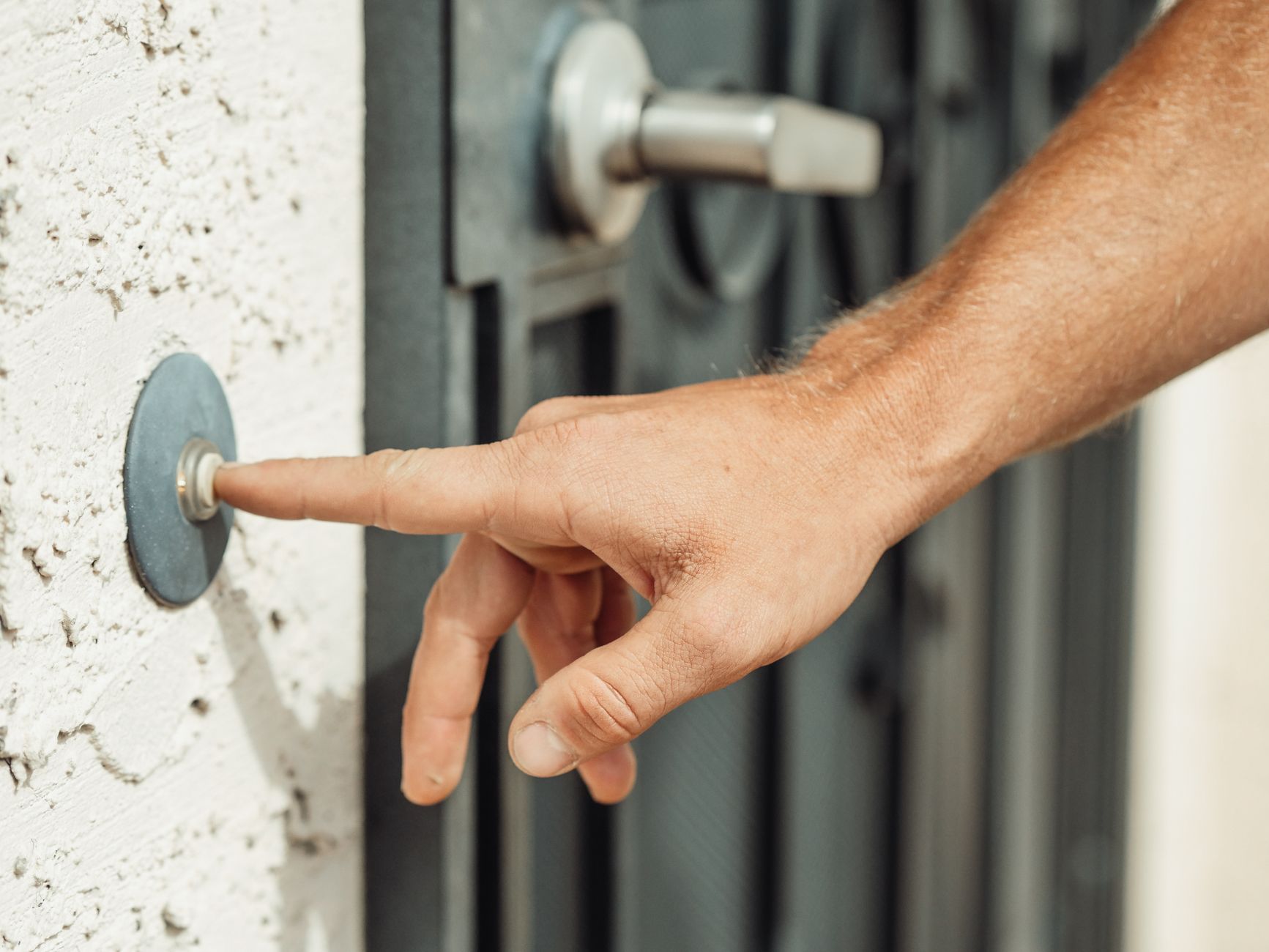
My video doorbell alerted me 47 times one day. A car drove past. A tree branch moved. The sun went behind a cloud and changed the light. I stopped checking the alerts by noon — which defeats the entire purpose of having the thing.
False alerts make your doorbell useless. Here’s how to fix them without turning the sensitivity down so far you miss actual visitors.
The three settings that matter
Motion zones. Your doorbell sees the entire street by default. Draw a custom zone that covers only your walkway, porch, and front door. Exclude the road, the sidewalk, and the neighbor’s driveway. This alone cuts about 70% of false alerts.
Placement matters more than settings
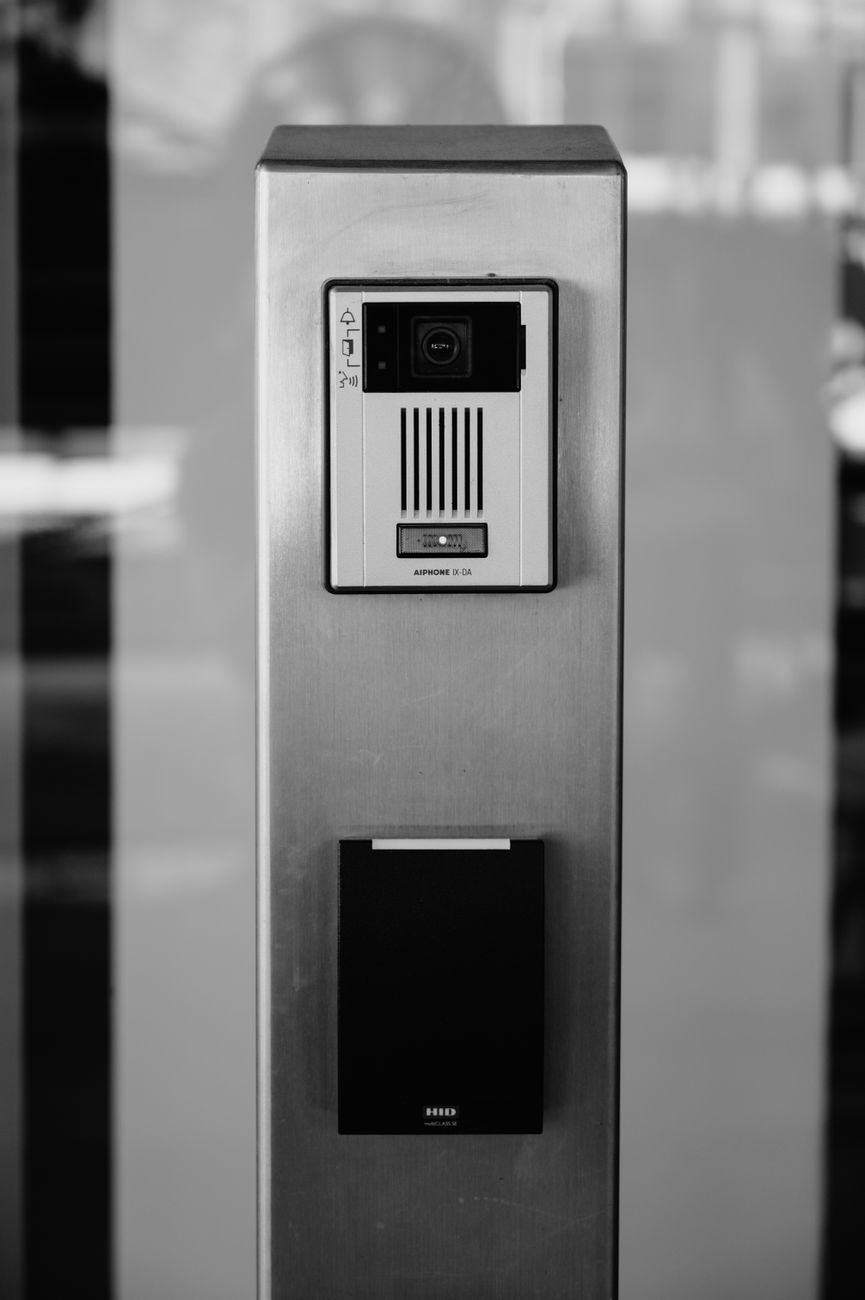
If your doorbell is mounted on a wall facing a busy street, no settings will completely fix the problem. Wedge mounts angle the camera away from the street and toward your entryway. Fifteen dollars, five minutes to install, dramatic improvement.
Also: wipe the lens. I ignored this for months. A thin film of dust and rain spots was softening the image just enough that the motion detection got confused. Clean lens = sharper image = more accurate detection.
Night-specific adjustments
Infrared night vision picks up headlights as blinding white blobs. Turn on HDR or night mode optimization if your model has it. Some doorbells let you set separate sensitivity for daytime and nighttime — keep night sensitivity a notch lower.
Quick Summary: Draw custom motion zones to exclude streets and sidewalks, enable people-only alerts, lower sensitivity, use a wedge mount to angle the camera, and clean the lens regularly.