Use Your Phone Camera as a Magnifying Glass for Reading Tiny Print
I stood in the pharmacy aisle squinting at a label the size of a postage stamp and thought, “I am too young for this.” Then I realized the answer was already in my pocket.
Your phone camera is a free magnifying glass, and it works better than the store-bought ones for most jobs.
Use Zoom, Not the Flash
Open the camera app and zoom in on the text until it is readable. Hold the phone steady and move it closer or farther to find the focus sweet spot. Most phones focus best a few inches away, so do not jam the lens against the label.
Turn on the Flash for Dark Text
If the print is faint or the room is dim, turn on the flash and aim it at the text. The light makes faded print pop. For glossy labels, tilt the phone so the flash does not glare straight back at the lens.
Take a Photo and Zoom Into It
If the text is moving around while you hold the phone, take a photo, then zoom into the photo. The image stays still and you can pinch to enlarge it without shaking. I do this for pill bottles and appliance model numbers all the time.
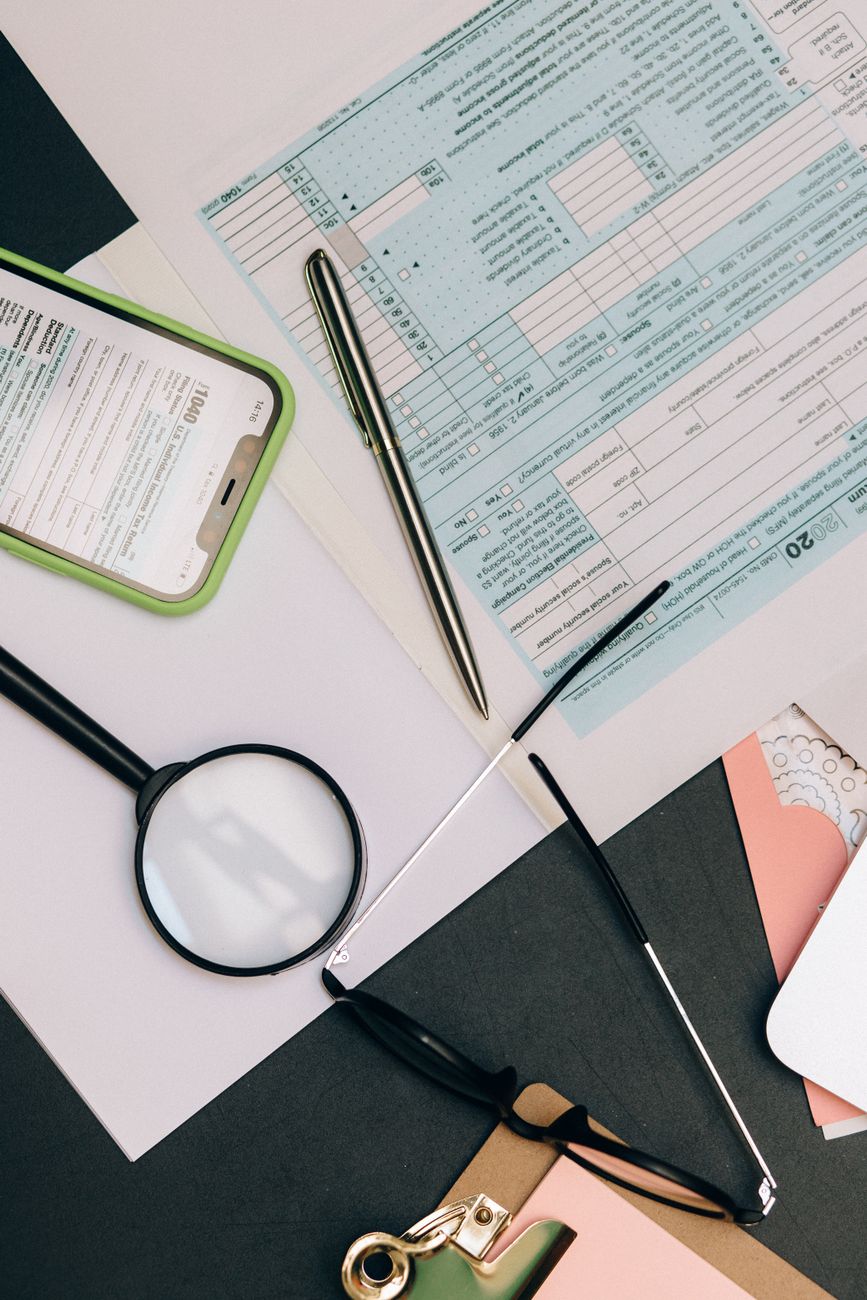
Use the Built-In Magnifier on Your Phone
Both iPhone and Android have a hidden magnifier tool in the accessibility settings. On iPhone it is in Settings, Accessibility, Magnifier, and on Android it is under accessibility or the quick settings tile. It adds a flashlight control and a freeze-frame button, which is handier than the camera app for this job.
Keep a Photo Library of Important Labels
This is the pro move. Photograph the labels you read over and over, like the settings on your router or the dosage chart on your pet’s medicine. Next time, just pull up the photo and zoom. No hunting for reading glasses.
My pharmacy aisle panic is over. The phone was the magnifying glass the whole time.
📋 Quick Summary: Zoom in with your camera, use the flash for faint print, and photograph important labels so you can zoom later.