The Simple Trick to Make Your Wi-Fi Reach the Backyard
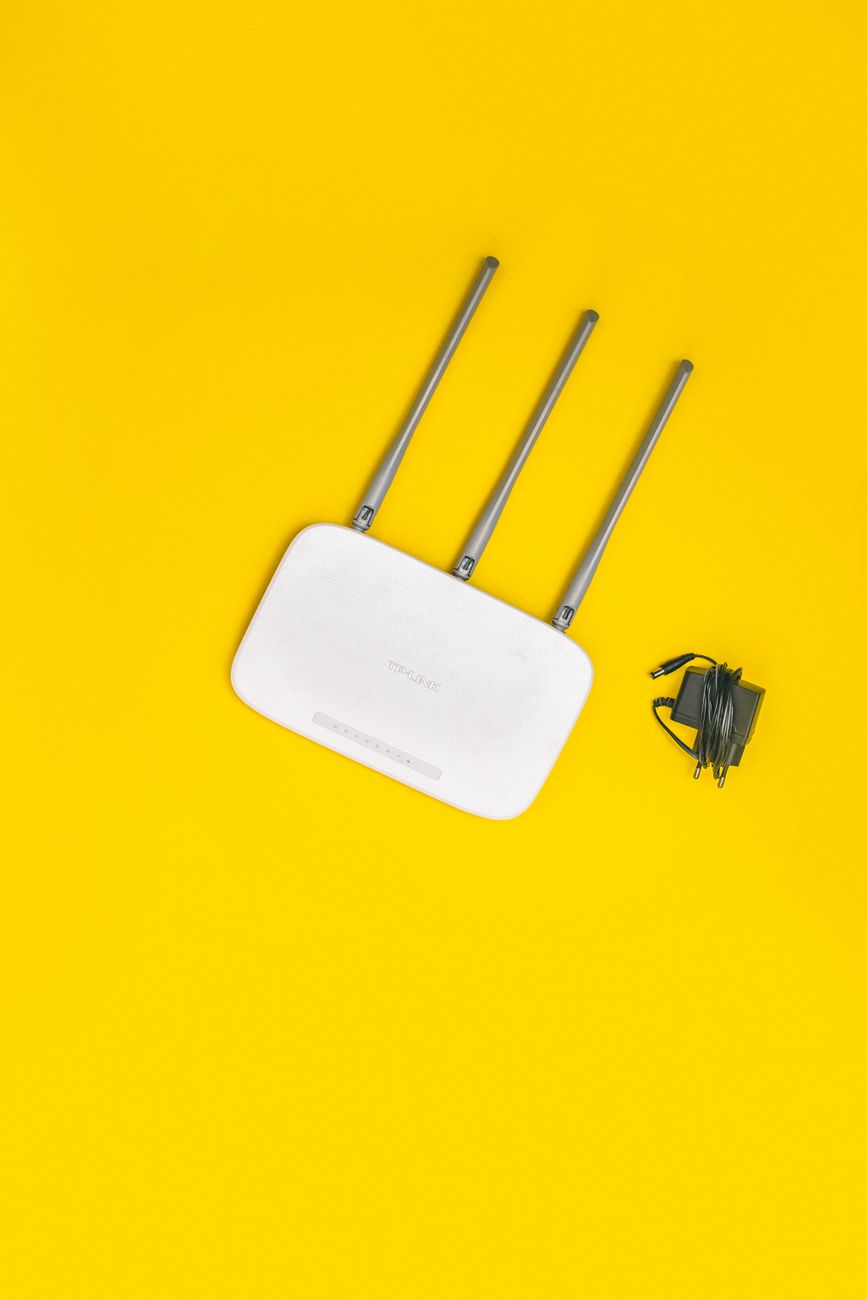
My neighbor works in IT, and when I complained that my Wi-Fi died at the patio door, he laughed and asked where my router lived. I told him, and he said the fix was free. I moved the router eleven inches. That was the whole repair. My backyard is now fully connected, and I did not buy a single new device.
Why Your Router Placement Matters
Wi-Fi signals spread out like light from a bulb, and obstacles block them. Walls, floors, furniture, and even fish tanks absorb the signal. If your router is tucked in a corner cabinet, half your house and most of your yard are in the shadow.
The Free Fix: Move the Router
- Place the router as close to the center of your home as you can.
- Put it high, on a shelf or mounted on a wall, not on the floor.
- Keep it away from thick walls, metal objects, and large appliances.
- Point it toward the side of the house you care about most.
- If it has antennas, angle them in different directions, one vertical, one horizontal.
Why This Works
Height and centrality are the two big wins. A router on a shelf in the middle of the house covers more area than one in a corner cabinet, even though it is the exact same device. Moving it cost me nothing and improved coverage everywhere, not just the yard.
Things I Got Wrong at First
I hid the router behind the TV. The TV is basically a metal and glass signal shield. My Wi-Fi was terrible and I blamed the router, when I had parked it behind the worst obstacle in the room.
I left it on the floor. The signal radiates outward and slightly downward, so a floor-level router loses half its reach to the floor itself. Shoulder height is much better.
I ignored the antennas. I had them both straight up, which is fine for a two-story house but not for reaching a backyard. Angling them spreads the signal in more directions.
When You Need More Than Placement
If you have a big yard or thick walls, placement alone may not be enough. The next steps, in order:
- A Wi-Fi extender near the back wall, about halfway to the yard
- A mesh system that replaces your router with multiple units
- An outdoor access point mounted under the eaves
Try the free fix first. I know people who bought extenders and then realized moving the router 15 feet fixed everything.
The Router Reboot Habit
Once a month, unplug the router for 30 seconds and plug it back in. A reboot clears memory leaks and refreshes connections. It is not a real upgrade, but it keeps things running at full speed.
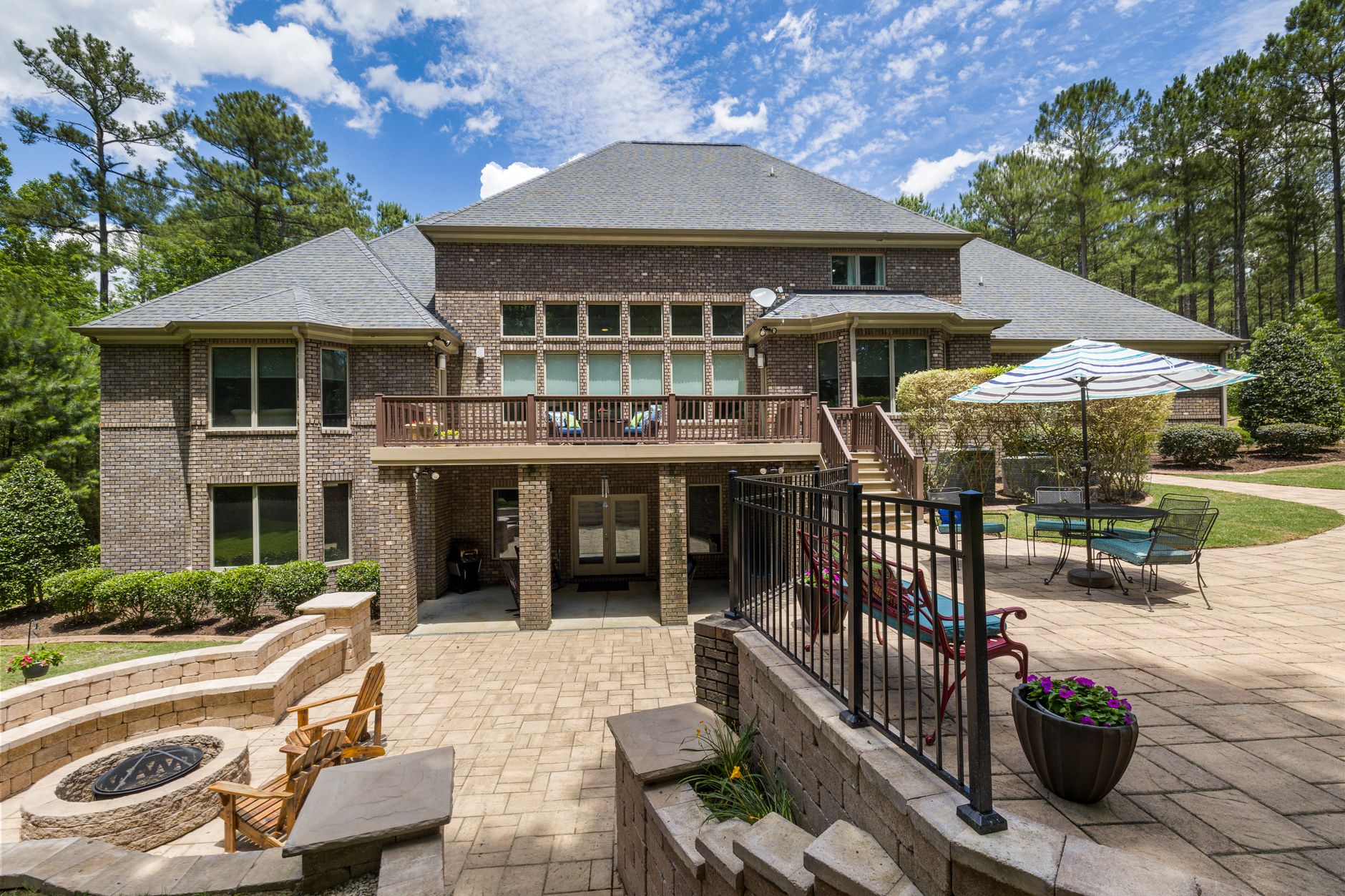
I moved my router to the top of a bookshelf in the hallway, angled the antennas, and my patio went from zero bars to full. Cost of the fix: eleven inches and thirty seconds.
📋 Quick Summary: Make Wi-Fi reach your backyard by moving the router to a central, elevated spot away from metal and thick walls before buying anything.