The Airplane Mode Trick That Fixes a Frozen Phone Fast
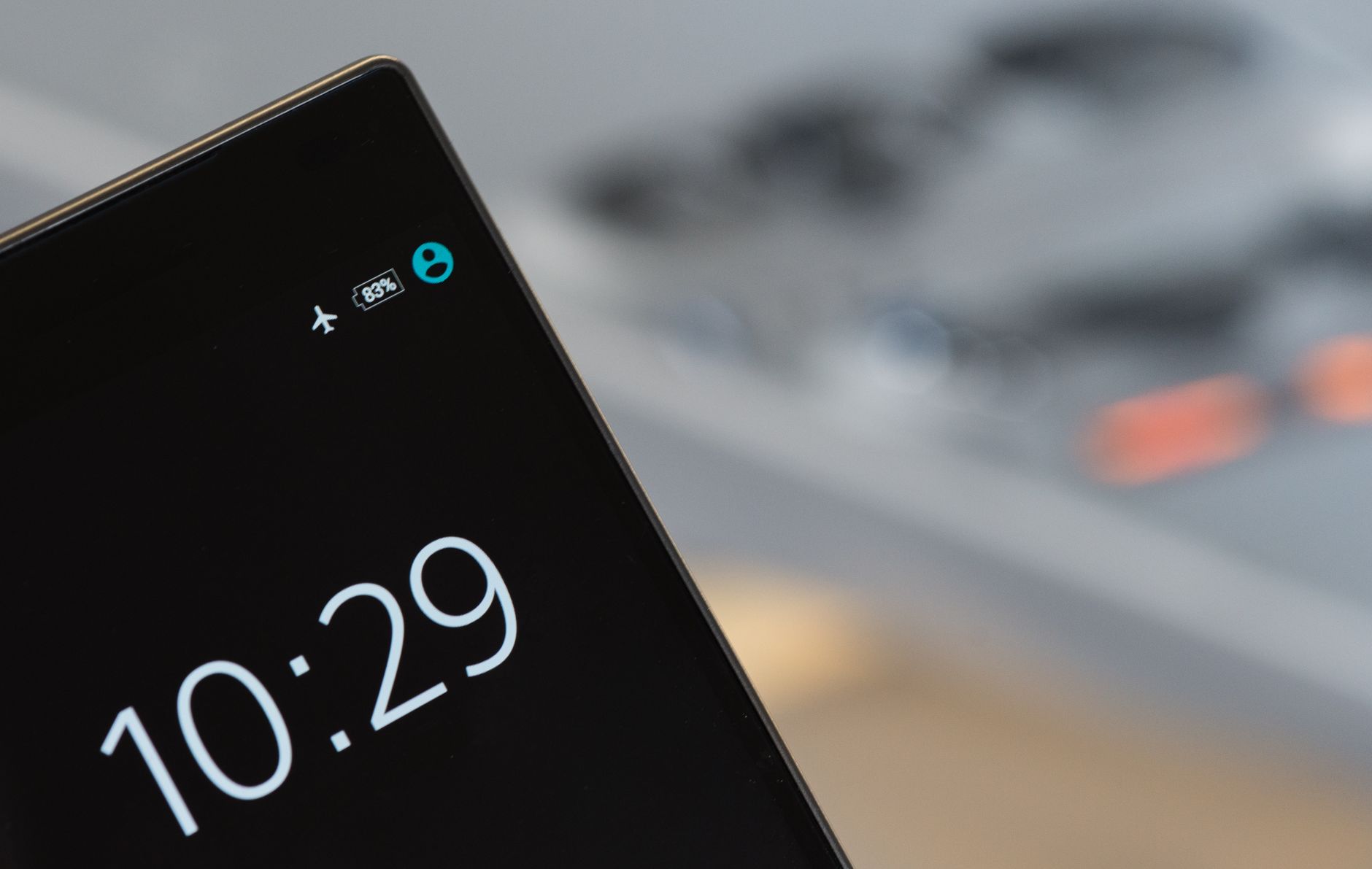
My phone froze in the middle of a navigation app, on a highway, with the exit coming up in half a mile. Tapping did nothing. Swiping did nothing. I was about to hold the power button and gamble on a full restart when I remembered the airplane mode trick. I toggled it on, waited ten seconds, toggled it off, and the phone came back to life without losing my route.
Why it works
A lot of “frozen” phones are not actually frozen. The network stack, the part that handles Wi-Fi and cellular, gets stuck. The screen still works, but every app is waiting on the network, so nothing responds. Toggling airplane mode force resets the radios without killing the rest of the system.

How to do it
- Pull down the quick settings and tap the airplane mode icon.
- Wait ten seconds. Let the radios fully shut down.
- Tap it again to turn airplane mode off.
- Wait for the network to reconnect, usually a few seconds.
If an app was the problem, force close it right after, before it hangs again. On most phones, that is the recent apps button, then swipe the app away.
When it will not help
If the screen is black, if nothing responds to the power button, or if the phone is hot to the touch, it is a deeper problem. Then do the forced restart: hold power plus volume down for about twenty seconds on most phones until the logo appears. That is different from a normal restart and clears a properly hung system.
The habit that prevents it
Most freezes come from running out of storage or having too many apps open. I clear my recent apps a couple times a day, and I keep a gig or two of free storage at all times. Since I started doing that, the airplane mode trick has mostly become a backup plan instead of a weekly event.
Now when my phone acts up, I do not panic. Airplane mode, ten seconds, done. It has saved me more times than I can count, including that highway exit.
📋 Quick Summary: Toggle airplane mode on for ten seconds to reset stuck network connections. Use a forced restart only if the screen is unresponsive.