The Airplane Mode Trick That Actually Saves Battery
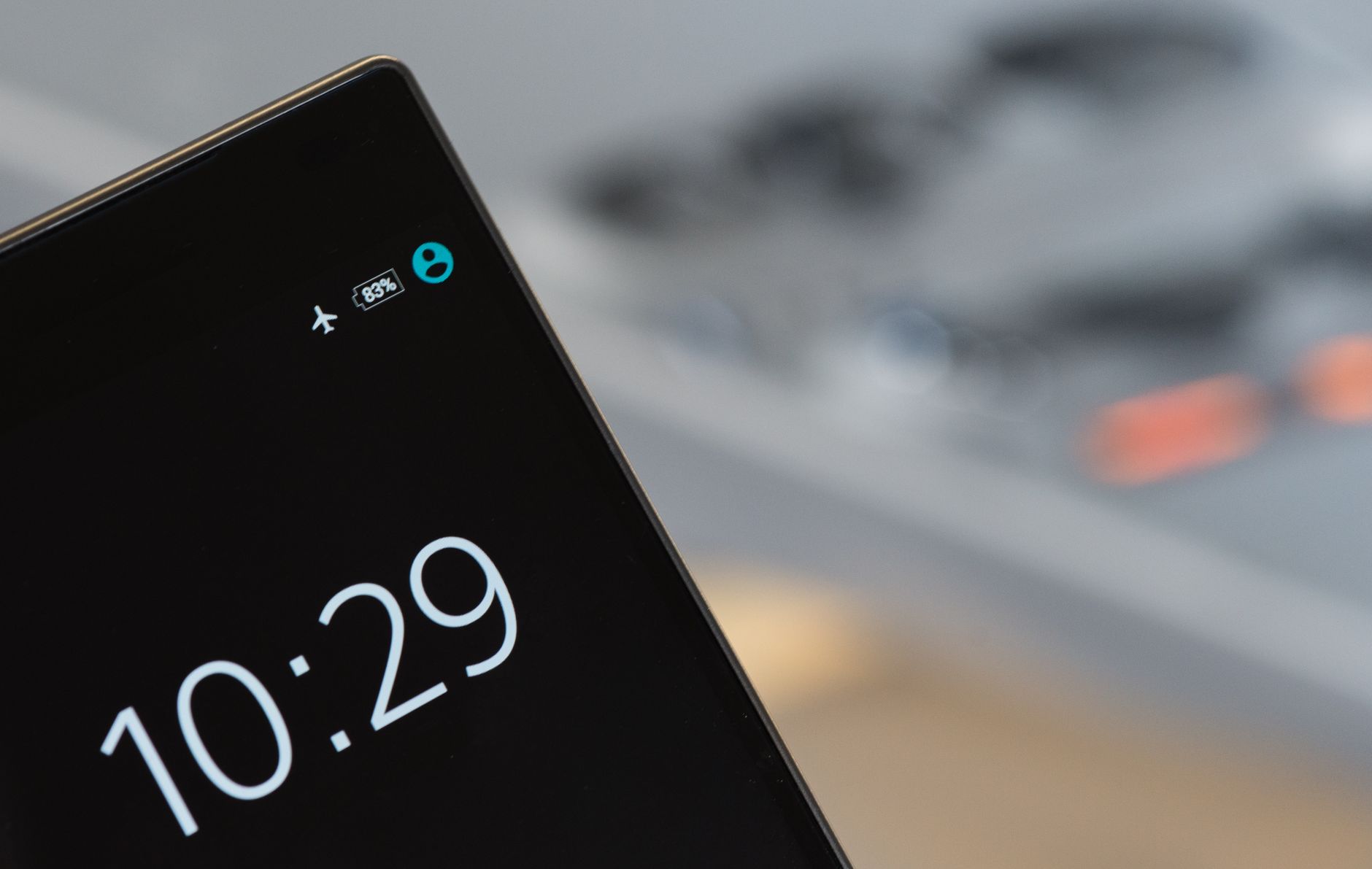
My phone died at 2 p.m. during a day trip — I had no charger, no power bank, and a train ticket on my phone that I needed to show the conductor in three hours. I turned on airplane mode at 11% and babied that phone like it was a newborn. I got to the train with 4% left. The ticket scanned. I nearly cried with relief.
Airplane mode is not just for airplanes. It is the single most effective battery-saving tool on your phone, and almost nobody uses it strategically.
Why Airplane Mode Works So Well
When your phone is searching for a signal — any signal — it burns battery at an aggressive rate. Cellular radios, WiFi scanning, and Bluetooth all run constantly in the background even when you are not actively using them. Airplane mode shuts all of them down at once. The difference is dramatic: a phone in airplane mode can last 2-3 times longer than one with all radios on, especially in areas with weak signal where the phone cranks up transmission power to stay connected.
When to Use It (Beyond Actual Airplanes)
Turn on airplane mode anytime you do not need to be reachable for a while: during movies, in meetings, while sleeping, on public transit underground where there is no signal anyway, or when your battery is below 20% and you need to stretch it. I turn it on every night — my phone drops maybe 2% overnight instead of 15%. I also turn it on when I am hiking or camping in areas with spotty coverage — the phone searching for a signal in the backcountry is the fastest way to a dead battery.
You Can Still Use WiFi in Airplane Mode
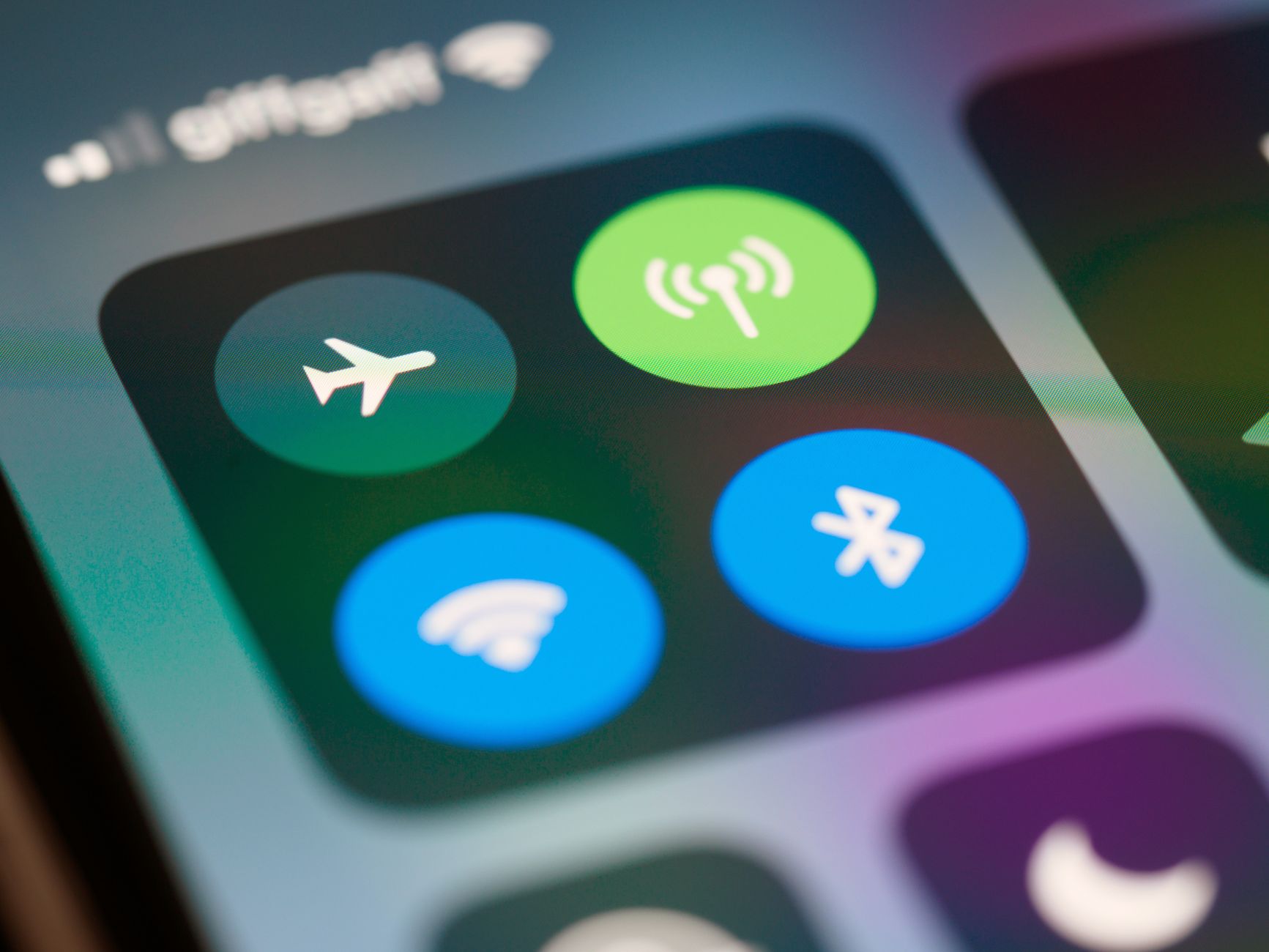
Most people do not know this, but you can turn WiFi back on manually after enabling airplane mode. The cellular radio stays off (which is the biggest battery drain), but WiFi reconnects. This means you can still get messages via WiFi calling, check email, and browse — all while saving significant battery compared to having cellular on. I do this at home where WiFi is strong and I do not need cellular. On iPhone, just swipe into Control Center and tap the WiFi icon after airplane mode is on.
Low Power Mode vs. Airplane Mode — Use Both
Low Power Mode (iPhone) and Battery Saver (Android) reduce background activity, lower screen brightness, and slow down app refresh. But they keep all the radios on. Airplane mode + Low Power Mode together is the nuclear option. At 5% battery with an hour until I can charge, this combo has gotten me through more than once. The phone is slightly slower and you will not get calls, but it will not die.
Charge Faster by Using Airplane Mode
If you only have 15 minutes to charge, put the phone in airplane mode first. With the radios off, the phone draws less power while charging, so more of the incoming electricity goes to the battery instead of running background processes. In my informal tests, a 15-minute charge in airplane mode gave about 25-30% more battery gain than charging with everything on. That is the difference between enough charge to call an Uber and a dead phone.
📋 Quick Summary: Airplane mode stops cellular radios from draining battery searching for signal. Use it overnight, during commutes, or when battery is low. WiFi can be turned back on manually in airplane mode. Combine with Low Power Mode for maximum battery stretch. Charge faster by enabling airplane mode during quick charges. This is the most underused battery hack.