Clean Your Phone the Right Way Without Damaging the Screen or Ports
My phone fell face-down on a public bathroom floor. I will let that sentence sit for a moment.
I picked it up, ran to the sink, and almost made the worst mistake possible — I was about to run it under water. Then the rational part of my brain kicked in. Here is how to actually clean a phone properly, including after disaster scenarios.
Do Not Use Harsh Cleaners
Never use Windex, bleach, or household cleaning sprays on your phone screen. They strip the oleophobic coating — the invisible layer that repels fingerprint oil. Once that coating is gone, your screen becomes a greasy mess and there is no way to restore it at home.
The 70% Isopropyl Alcohol Rule
Apple and Samsung both say 70% isopropyl alcohol wipes are safe for screens. Not 90% — that is too harsh and dries too fast to disinfect. Use a wipe or lightly dampen a microfiber cloth with 70% alcohol. Wipe gently. Do not let liquid pool near the speaker grille or charging port.
Cleaning the Charging Port
If your charger does not click in all the way, the port is probably packed with lint. Use a wooden toothpick — never metal — to gently scrape out compressed pocket lint. Do this with the phone powered off. You will be horrified by how much comes out. Blow gently afterward. Your charger will suddenly fit like new.
Microfiber Is the Only Cloth You Should Use
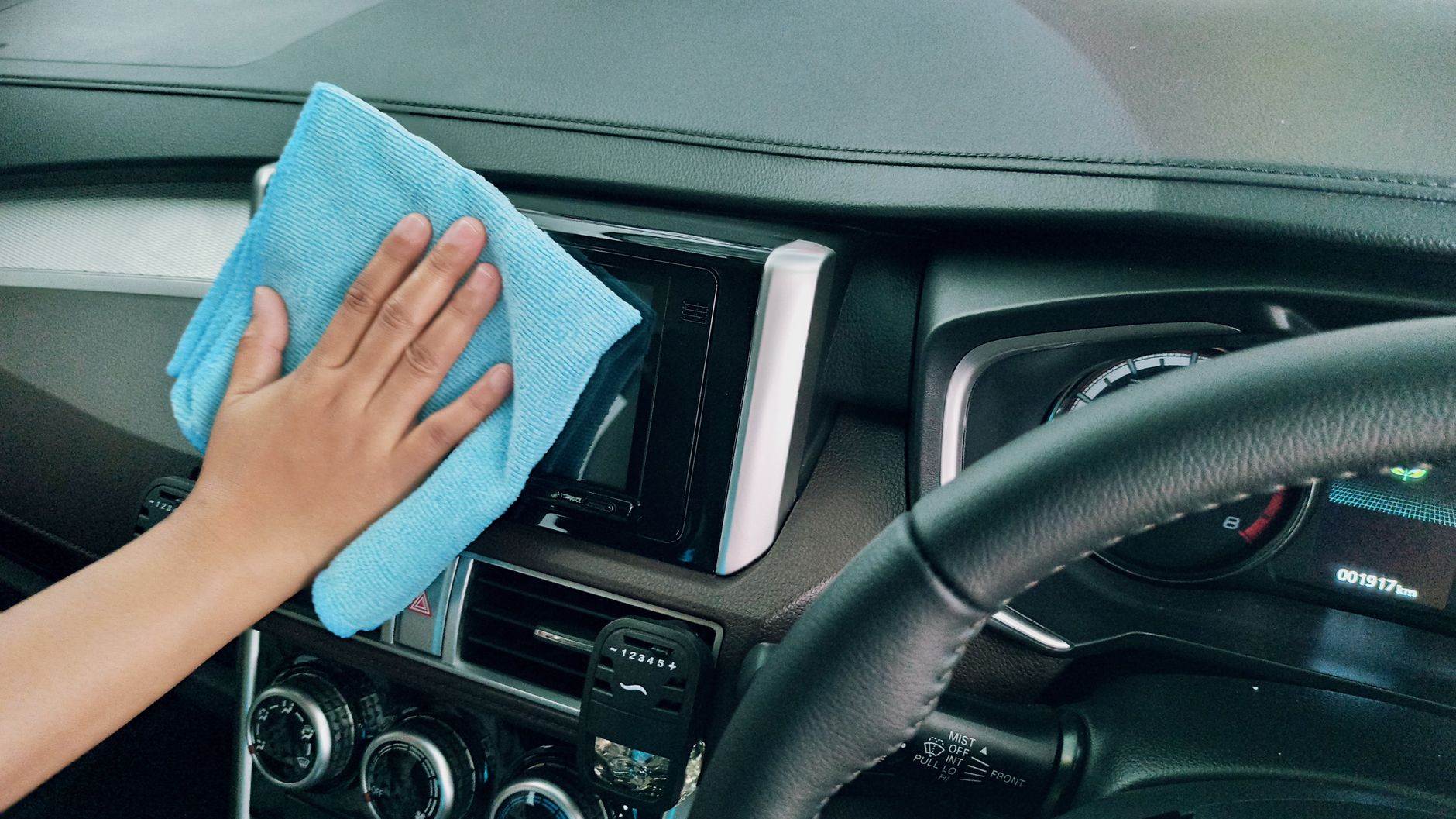
Paper towels, tissues, and your shirt all contain wood fibers or rough threads that create micro-scratches. Keep a clean microfiber cloth just for your phone. Wash it regularly. It costs $2 and your screen will stay scratch-free for years.
Quick Summary: Use 70% isopropyl alcohol on a microfiber cloth for the screen, clean the charging port with a wooden toothpick, and never use Windex or paper towels — they damage the oleophobic coating and scratch the glass.