Speed Up a Slow Phone in Five Minutes Without Buying a New One
My phone was two years old and felt like it was ten. Apps took five seconds to open. The keyboard lagged behind my typing. The camera app took so long to load that I missed a photo of my kid’s first soccer goal. That was the breaking point.
I was about to spend eight hundred dollars on a new phone. Then my tech-savvy brother-in-law grabbed it, did five things, and handed it back. It was not like new, but it was sixty percent faster. Good enough to keep for another year. Here is what he did.
Clear the cache (not just “delete photos”)
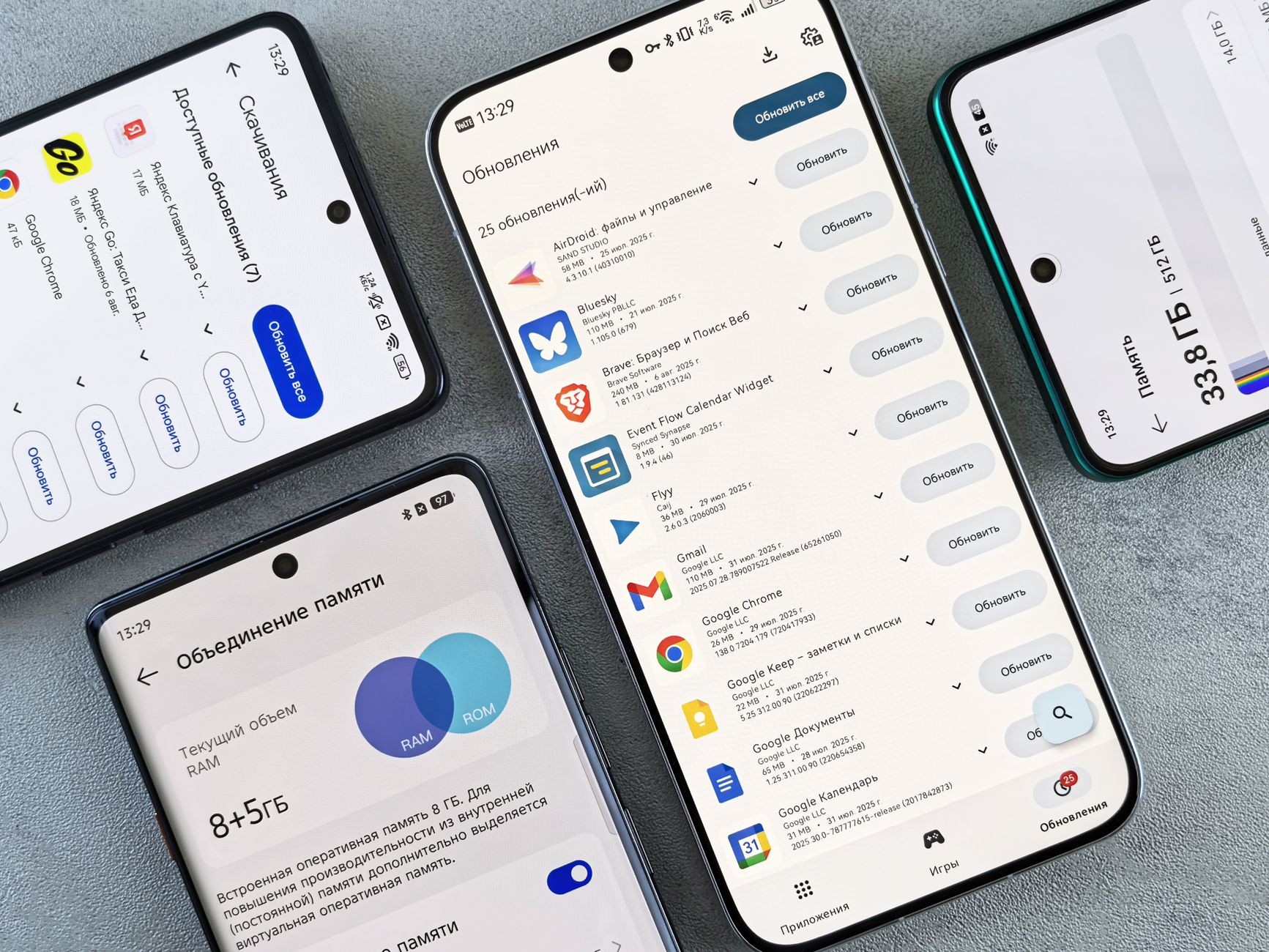
Your phone stores temporary files to make apps load faster. Over time, this cache bloats to ridiculous sizes. On Android: Settings → Storage → Cached data → Clear. On iPhone: you cannot clear system-wide cache, but you can offload individual apps (Settings → General → iPhone Storage → tap an app → Offload App). This removes the app but keeps your data. Reinstall it, and the cache is fresh.
My browser cache alone was almost three gigabytes. Three gigs of junk files I had never looked at. Clearing it freed up space and made Chrome noticeably snappier.
Delete apps you do not use
I had forty-seven apps. I used maybe fifteen regularly. The others sit in the background, refreshing content, checking for notifications, eating RAM. Delete anything you have not opened in a month. You can always reinstall it. The apps you keep — go into their settings and turn off background refresh for anything that does not need to be updating constantly. A weather app needs to update. A shopping app does not.
Reduce animations
Both Android and iOS have accessibility settings that reduce or eliminate system animations. On iPhone: Settings → Accessibility → Motion → Reduce Motion. On Android: Developer Options → Window animation scale → set to 0.5x or off. This makes the phone feel instantly faster because transitions between screens happen immediately instead of with a half-second animation.
This is psychological — the phone is not actually processing faster — but it feels faster, and that is what matters.
Restart once a week
I never restarted my phone. It would go months without a reboot. Memory leaks in apps and the operating system accumulate over time. A restart clears the RAM and gives the system a clean slate. Set a recurring weekly reminder. It takes ninety seconds.
📋 Quick Summary: Clear app cache and browser data, delete unused apps, turn off background refresh for non-essential apps, reduce system animations, restart weekly. Five minutes of maintenance saves eight hundred dollars on a new phone.