Replace an Electrical Outlet and Make It USB Charging
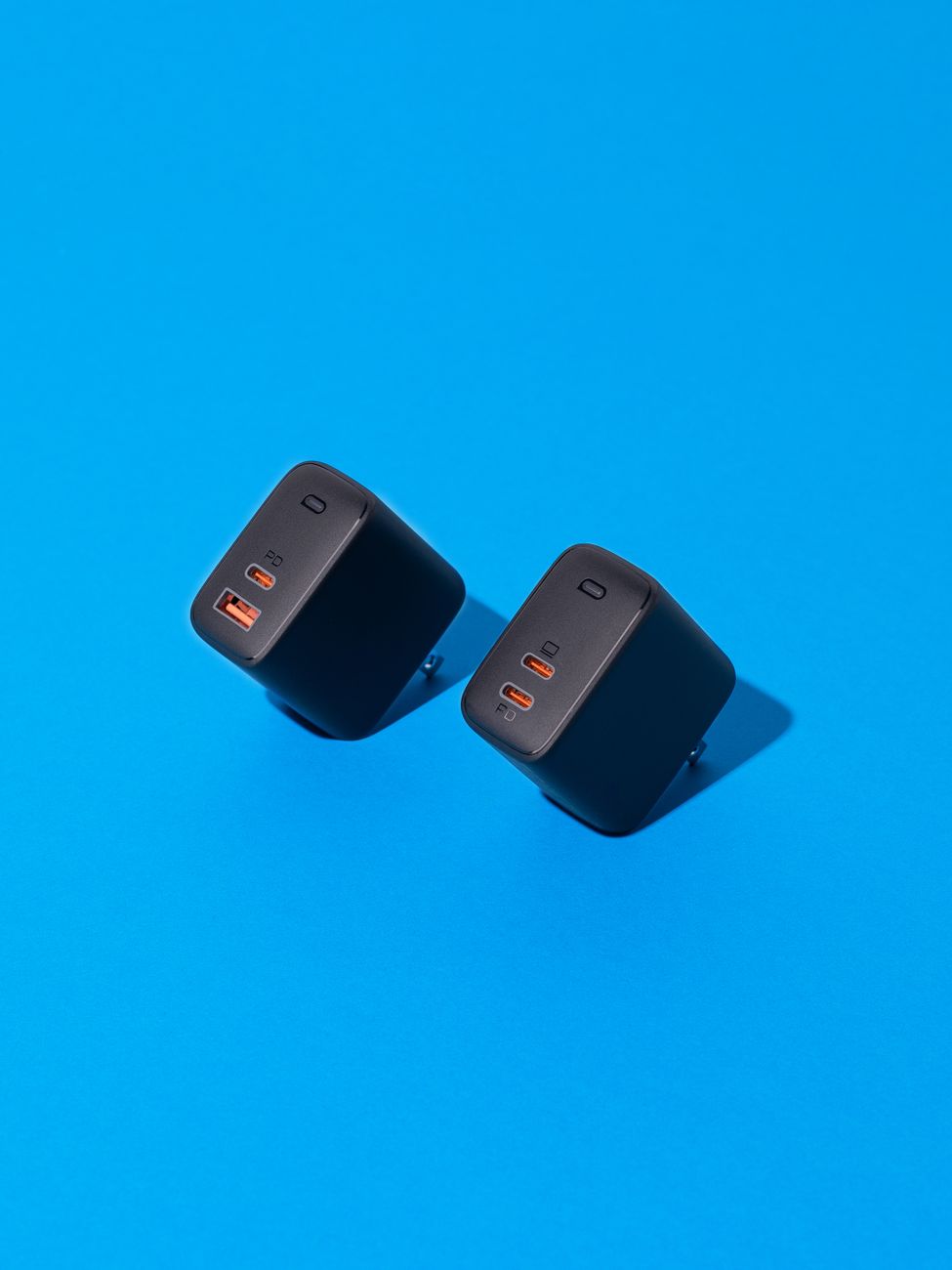
You know that power strip with six USB chargers plugged into it that sits on your kitchen counter? The one that looks terrible and takes up half the usable counter space? For about fifteen dollars and twenty minutes, you can replace a standard outlet with one that has built-in USB ports.
This is one of those upgrades that costs almost nothing and makes your house feel significantly more modern. No more hunting for charging bricks. No more power strip clutter.
What to Buy

Get a tamper-resistant outlet with two USB-A ports and two standard outlets. Legrand, Leviton, and Eaton all make good ones. Look for one rated at least 2.1 amps on the USB side — anything less charges slowly.
USB-C versions exist but cost more. For most people, USB-A is fine. Your cables are probably USB-A anyway.
Installation — Step by Step
- Turn off the breaker. Test the outlet with a lamp or voltage tester to confirm it is dead.
- Remove the faceplate and unscrew the old outlet. Pull it out gently. The wires are attached to the sides.
- Take a photo of the wiring. This is your reference. You will thank yourself later.
- Disconnect the wires. Loosen the terminal screws. Black wire goes to brass screw (hot). White wire goes to silver screw (neutral). Bare copper or green goes to green screw (ground).
- Connect the new outlet the same way. USB outlets are larger than standard outlets — the body is deeper. Make sure your electrical box has enough depth. Most do.
- Push the wires back carefully. The USB outlet body is bulkier. Fold the wires neatly in the back of the box.
- Screw the outlet in, attach the faceplate, turn the breaker back on.
The GFCI Question
If the outlet you are replacing is in a kitchen, bathroom, garage, or outdoor location, it should be GFCI protected. You have two options: replace it with a GFCI outlet that has USB ports (they exist, they cost more), or make sure this outlet is downstream of an existing GFCI outlet on the same circuit.
Test with a GFCI tester after installation. They cost about ten dollars and tell you immediately whether the protection is working.
One Tip
The USB ports draw a tiny amount of power even when nothing is plugged in. It is negligible — maybe fifty cents a year. But if the outlet is in a bedroom and the faint LED on the USB section bothers you at night, put a small piece of electrical tape over it.
📋 Quick Summary: Buy a tamper-resistant USB outlet rated 2.1A or higher. Turn off the breaker, take a photo of the old wiring, match it on the new outlet. Kitchen/bathroom outlets need GFCI protection. The USB upgrade costs about $15.