Parental Controls That Do Not Make You Feel Like Big Brother
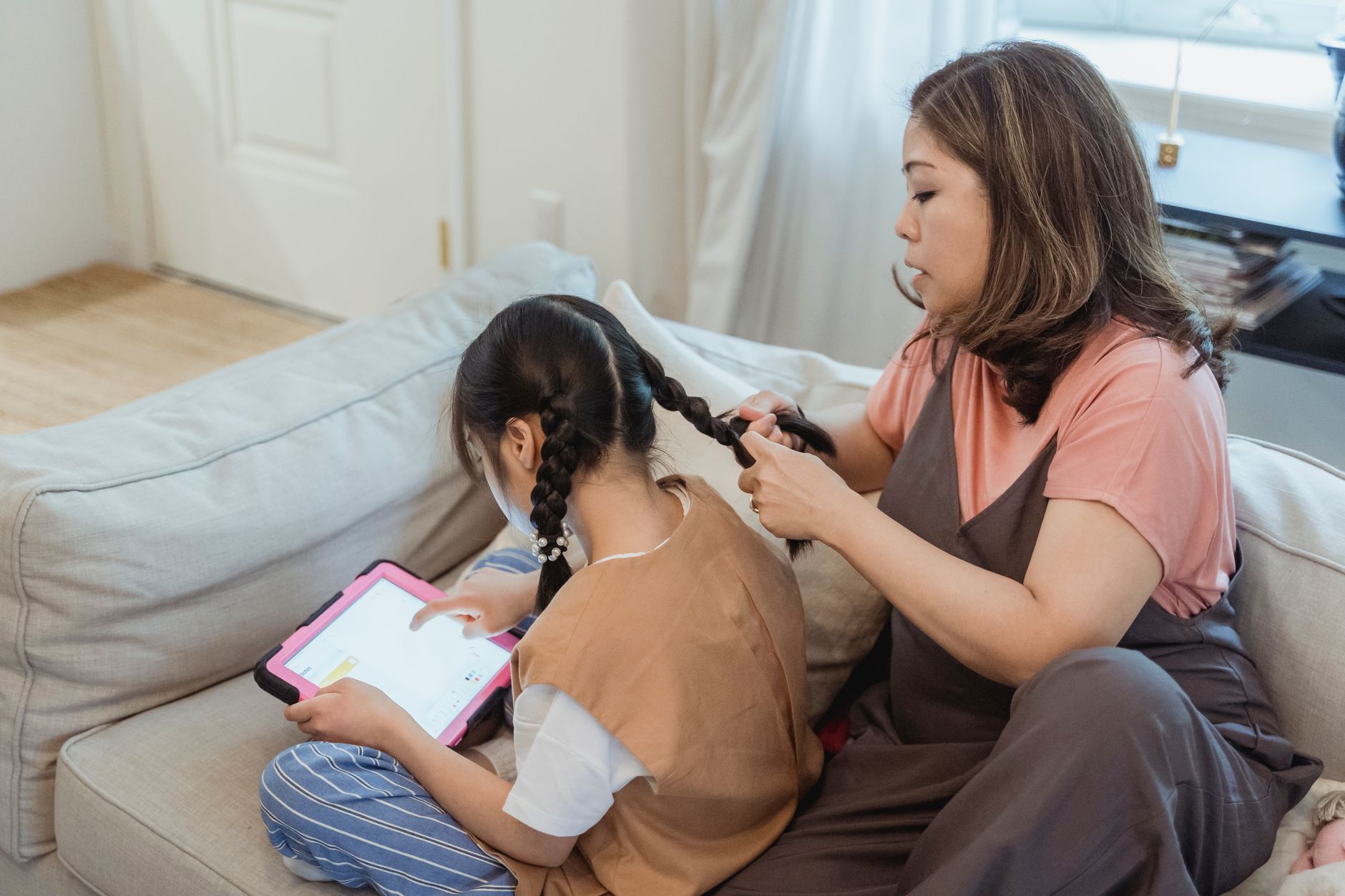
My kid is nine. She got a tablet last year for schoolwork and the occasional game. I did not want to spy on her. I also did not want her stumbling onto YouTube at 10pm watching things I had not vetted. There is a middle ground between zero oversight and full surveillance state, and it took me a few tries to find it.
Screen Time Limits — Apple and Android Have Them Built In

You do not need a third-party app. Both iOS Screen Time and Android Family Link let you set daily time limits per app, schedule downtime when most apps are blocked, and require parent approval for downloads.
On her iPad, I set:
- Two hours of total screen time on school days. This includes games, YouTube Kids, and any entertainment app.
- 8pm to 7am downtime. The tablet essentially becomes a paperweight during those hours — only phone calls and the clock app work.
- Ask to Buy turned on. Any app download sends a request to my phone. I can approve or deny it from anywhere.
The key is telling her what the limits are and why. “Your tablet stops working at 8pm because your brain needs to wind down for sleep” is better than “because I said so.” She does not always like it. But she understands the reason.
Content Filters Without Being Creepy
Both platforms let you block adult websites and restrict content by age rating. Set the content rating to match your kid’s actual age. Do not set it to “allow all” and then monitor them — that is the surveillance approach. Set the filter once and trust it.
For YouTube, use YouTube Kids instead of regular YouTube with restrictions. YouTube Kids is a separate app with curated content. Regular YouTube’s content filters are porous at best — inappropriate content slips through constantly.
What I Would Not Do
I do not read her messages. I do not track her location. I do not monitor her search history. Those cross a line for me from “keeping her safe” to “invading her privacy.” A nine-year-old deserves some private space, even if that space is digital and small.
Different families will draw that line in different places. There is no single right answer. But whatever boundary you set, tell your kid what it is. Secret surveillance damages trust. Open rules — even rules they do not like — preserve it.
📋 Quick Summary: Use built-in iOS Screen Time or Android Family Link — no third-party apps needed. Set clear time limits and explain why they exist. Use YouTube Kids instead of filtered YouTube. Define boundaries openly — secret surveillance damages trust.