My Phone Battery Was Dying by 2 PM Until I Changed One Setting
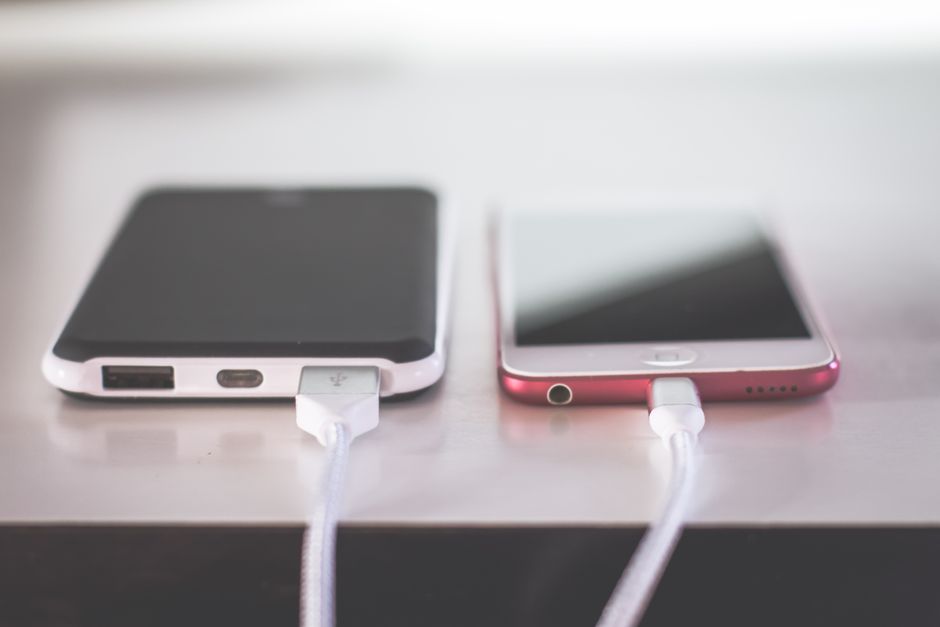
My phone was dying by 2 PM every single day. I would leave the house at 8 AM with a full charge, and by early afternoon I was hunting for outlets like a survivalist looking for water. I blamed the battery. I blamed the phone’s age. I even bought a portable power bank that added half a pound to my pocket.
Then I changed one setting. Not five. Not a complicated automation routine. One radio button buried in the settings menu. My phone now lasts until 10 PM with thirty percent to spare.
The Setting Nobody Thinks to Check
It was not the screen brightness. Not Bluetooth. Not Wi-Fi. All of those help marginally, but the real culprit was background app refresh.
On most phones, this setting is enabled by default for every single app you install. Every weather widget, every social media client, every food delivery app — all refreshing their content in the background, eating battery, even when your phone is sitting in your pocket.
I turned it off for everything except messaging apps. No more news apps downloading articles I had not opened. No more shopping apps checking for price drops on items I browsed three weeks ago. No more fitness apps tracking steps while I was sitting at a desk.
How to Find It (iPhone and Android)
iPhone: Settings → General → Background App Refresh → toggle off for individual apps, or switch to Wi-Fi only.
Android: Settings → Battery → Background usage limits → put unused apps to sleep. Then Developer Options → Background process limit → set to “At most 2 processes.”
The Android path is slightly more involved but achieves the same result: stop apps from doing work you did not ask them to do.
What Else I Changed (While I Was At It)
Once I saw the difference background refresh made, I made two more small changes that compounded the effect:
- Location Services — switched from “Always” to “While Using” for every app that did not absolutely need constant tracking. Only maps and ride-sharing kept “Always” access.
- Push Email — changed from push (instant delivery) to fetch every 30 minutes. The difference in battery drain is dramatic, and unless you are waiting for organ transplant notifications, 30-minute fetch is perfectly adequate.
The Numbers
Before the changes: my phone dropped to 30% by noon, dead by 3 PM. After turning off background refresh and tightening location permissions: 70% at noon, 40% at 10 PM. Same phone. Same battery. Same usage patterns. The difference was not hardware — it was software that had been quietly burning through my battery for years without telling me.
📋 Quick Summary: Turn off Background App Refresh for everything except messaging. Change Location Services to “While Using.” Switch email from Push to Fetch. Your battery will last hours longer — no new hardware required.