How to Clean a Keyboard With Stuff Already on Your Desk
I ate lunch at my desk for three years before I looked down and realized my keyboard was disgusting. Actual crumbs between the keys. A thin film of… something on the spacebar. The W key was sticking.
I did not own compressed air. I did not own cleaning gel. I cleaned the whole thing with stuff within arm’s reach in under ten minutes.
The Sticky Note Trick for Crumbs
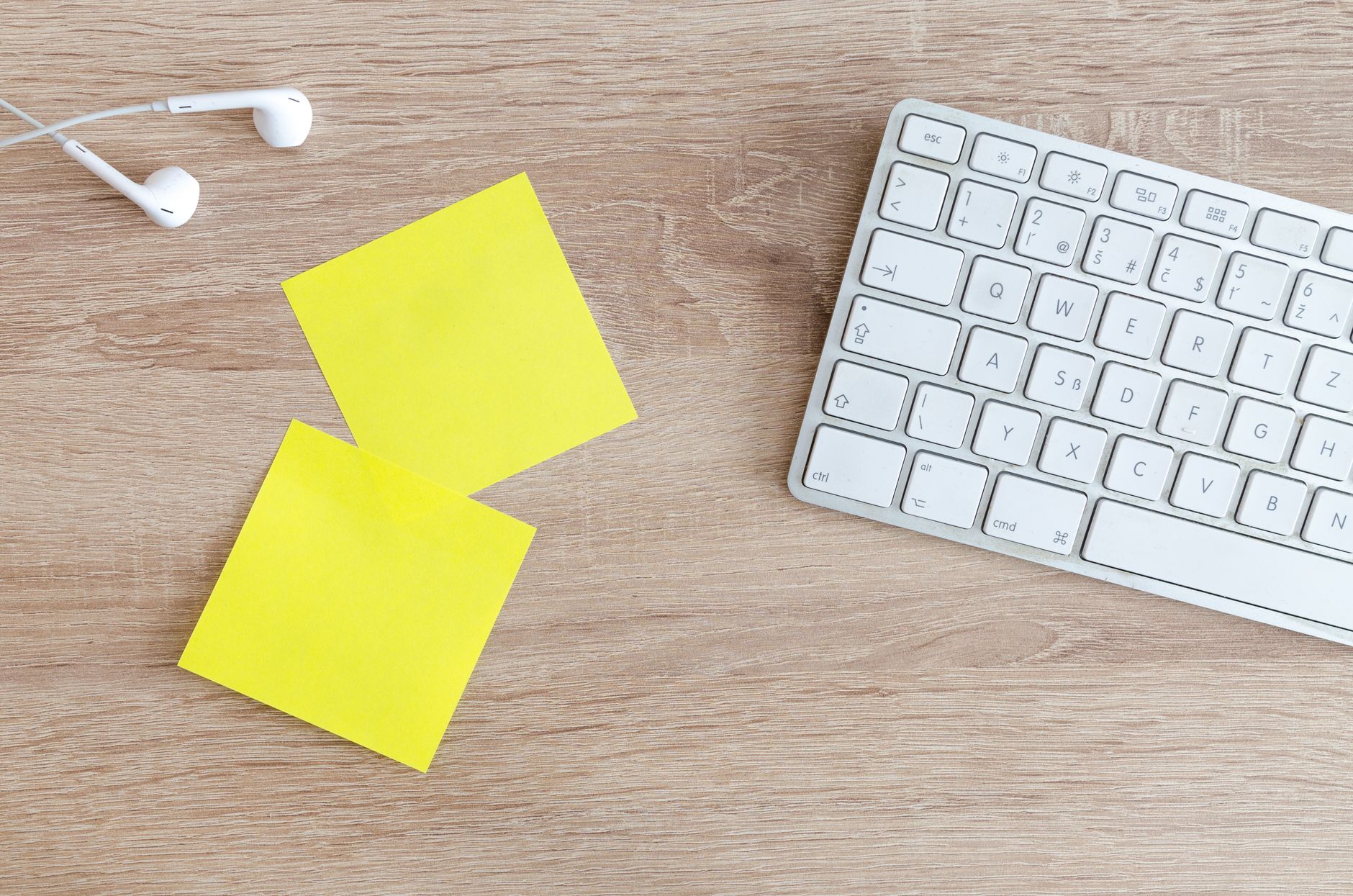
Run the sticky edge of a Post-it note between the rows of keys. The adhesive pulls out crumbs, dust, and hair without pushing them deeper. It is gentler than prying with a paperclip and covers more surface area than a single swipe of a finger. Go row by row—between the function keys, between each number row, all the way down to the spacebar.
Fold the sticky note in half (sticky side out) to get into deeper gaps. I pulled out enough crumbs to reconstruct at least one full granola bar.
Scotch Tape for the Surface Grime
Tear off a strip of clear tape, press it onto a grimy keycap, and peel. The tape lifts finger oils, lotion residue, and that weird gray film that builds up around the most-used keys. Do the spacebar, Enter, Backspace, and whatever keys your thumbs and pinkies rest on. You will be horrified at what comes off.
This also works for the gaps between the number pad and the main keys—areas where your thumb rests and deposits oil but you never actually clean.
The Pencil Eraser for Shiny Keycaps
If your keycaps have gone shiny from wear, rub them with a clean pencil eraser. The friction removes the polished layer of skin oil and slightly textures the surface. It will not restore the original matte finish, but it makes the keys feel less greasy.
A white vinyl eraser works best. The pink kind on the end of a pencil leaves pink smudges. Magic Rub or any white art eraser is perfect.
Disinfect Without Damaging
Spray rubbing alcohol onto a microfiber cloth (or paper towel), not directly onto the keyboard. Wipe the keycaps gently. Alcohol evaporates almost instantly so there is no risk of liquid damage, but spraying directly can force moisture under the keys. Never use bleach or window cleaner—they can strip the letters off the keycaps.
If a key is sticky, dip a cotton swab in rubbing alcohol and trace around the edges of the keycap. That usually clears whatever soda or coffee residue is making it stick.
When You Do Need to Remove Keycaps
If a key is still sticking after all this, you may need to pull the keycap. Most mechanical and membrane keyboards let you gently pry keycaps off with a flat tool—a butter knife works in a pinch. Clean underneath with a dry cotton swab. Take a photo of the keyboard layout first so you know where everything goes.
📋 Quick Summary: Use a sticky note edge to pull crumbs from between keys, clear tape to lift oil from keycaps, and rubbing alcohol on a cloth to disinfect. No compressed air, no specialty products, everything already on your desk.