How to Clean a Computer Screen Without Streaks or Smears

I once sprayed glass cleaner straight onto my monitor and spent the next hour trying to undo the damage. The streaks were everywhere and I am pretty sure I shortened its life. Do not do what I did. There is a right way, and it is cheap.
Turn It Off First
A dark screen shows every smudge, which makes cleaning easier. It also keeps you from pushing liquid into a powered screen. Power it down and unplug it if you can, then let it cool a few minutes.
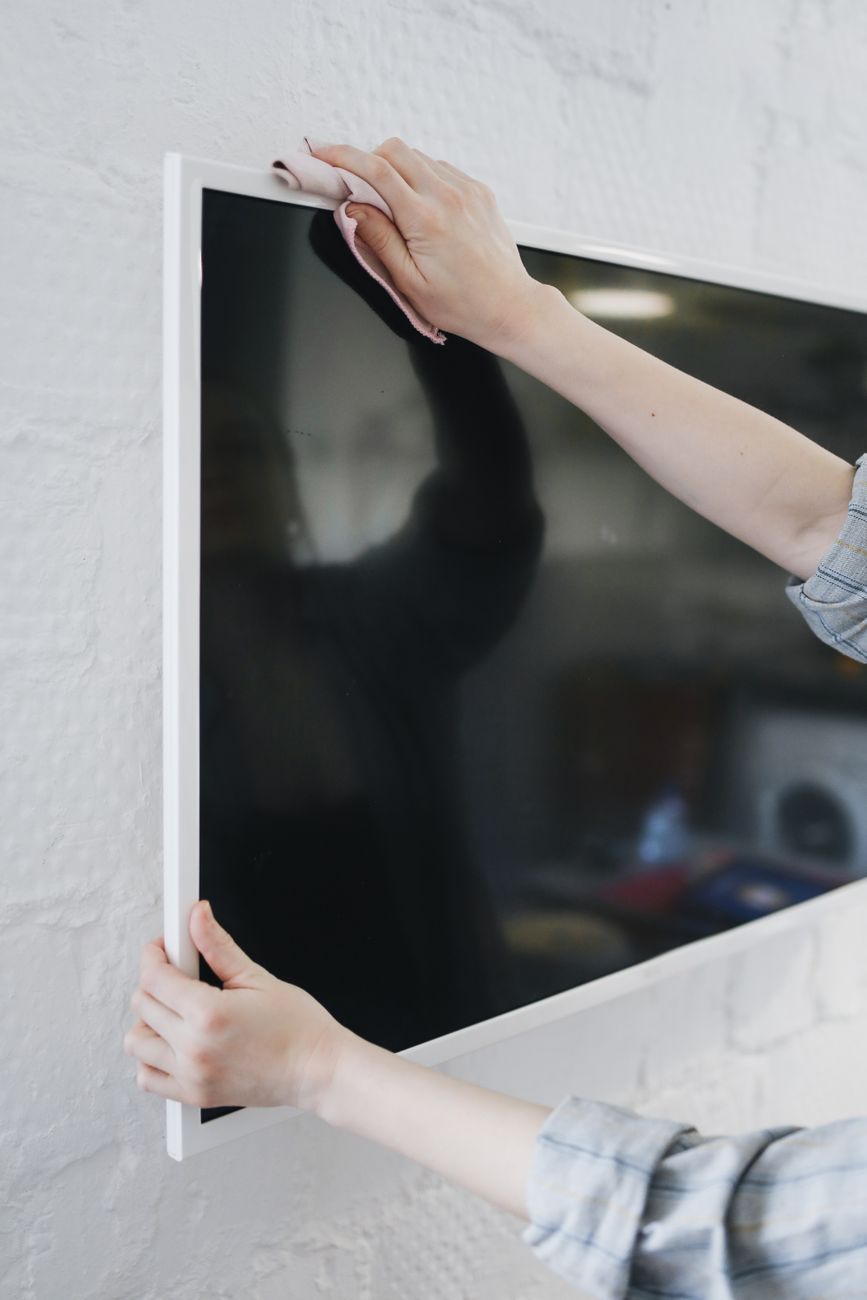
What to Use, What to Skip
- Skip glass cleaner and anything with ammonia. It eats the coating on modern screens.
- Use distilled water. Tap water leaves mineral spots as it dries.
- A microfiber cloth only. Paper towels and t-shirts scratch the surface.
The Method That Actually Leaves It Clean
Dampen the corner of a microfiber cloth with a little distilled water, then wring it out until it is barely wet. Wipe in one direction, not circles, and follow immediately with a dry section of the cloth. The dry pass is what removes the streaks. Go in straight lines from top to bottom.
For a stubborn spot, a drop of dish soap in the water helps, but go easy. Most screens need nothing more than a damp cloth and a dry buff. Mine has been streak free ever since I switched to this method.
📋 Quick Summary: Power off, wipe with a barely damp microfiber cloth and distilled water, then buff dry in one direction for a streak free screen.