How Putting Tape Over My Laptop Camera Led to a Much Bigger Privacy Overhaul
📋 Quick Summary
Photo by Matheus Bertelli on Pexels I used to mock people who put tape over their laptop cameras. It seemed paranoid, the kind of thing you see in movies about hackers and government surveillance.
I used to mock people who put tape over their laptop cameras. It seemed paranoid, the kind of thing you see in movies about hackers and government surveillance. I would notice the little square of black electrical tape on someone’s laptop at a coffee shop and silently judge them. Then I had a conversation that changed my mind.
A friend who works in information security — the kind of person who uses a password manager and enables two-factor authentication on everything — explained it to me this way: “The camera is just the most visible vulnerability. It is the one people can see, so they focus on it. But the microphone is just as accessible. So is your browsing history, your location, your contacts, your photos, and every keystroke you type.”
He was not trying to scare me. He was making the point that camera covers are a gateway — a visible reminder that our devices collect an enormous amount of data about us, and most of us have not taken the time to understand or control that collection.
That conversation prompted me to do a full privacy audit of my digital life. Here is what I changed, ranked from easiest to most impactful.
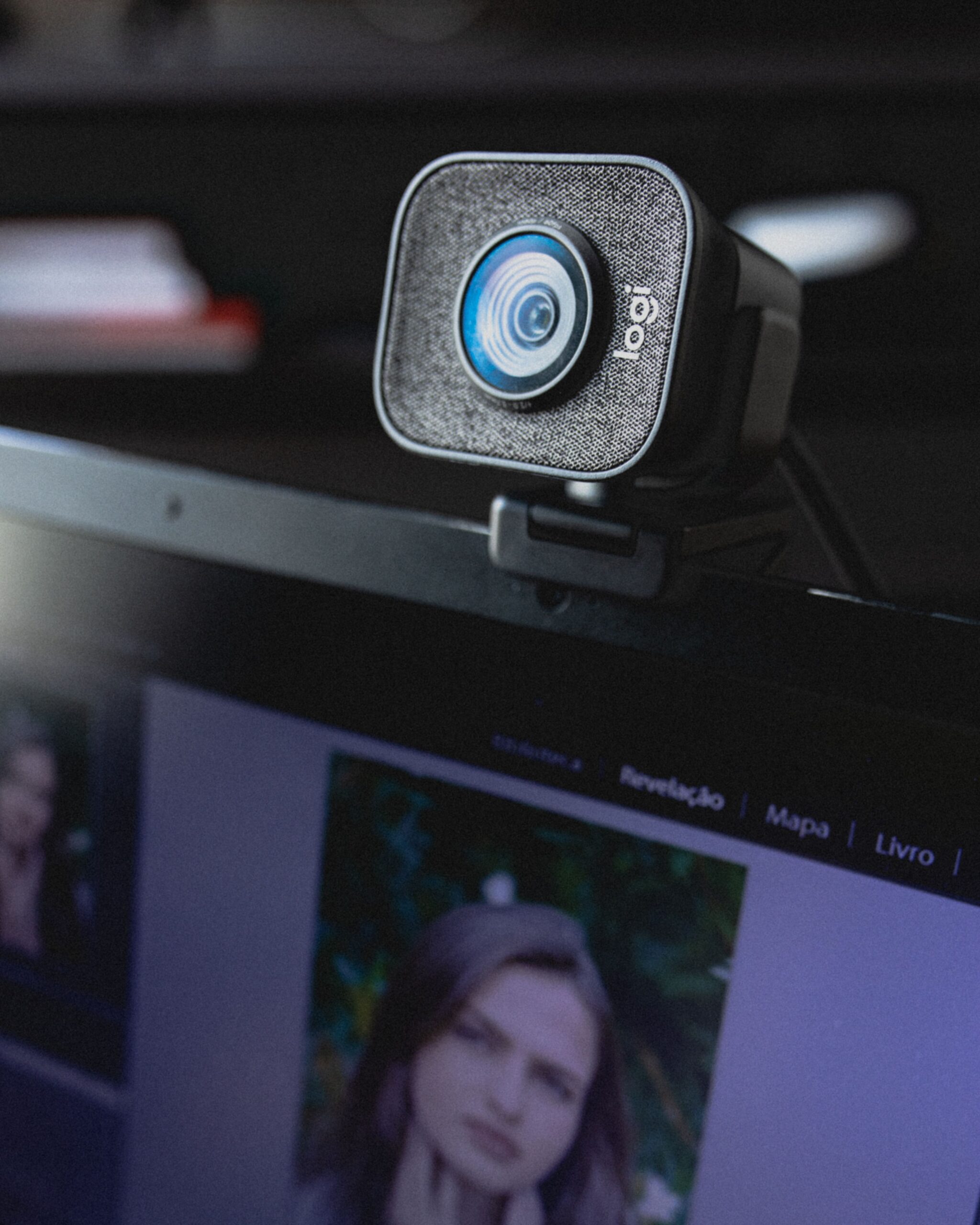
First, I put a camera cover on my laptop. Not tape — I bought a thin sliding cover that sticks on and lets me open or close the camera in a second. It cost three dollars for a pack of six. I put them on my laptop, my wife’s laptop, and my tablet. It is a physical barrier that no software hack can bypass.
Second, I reviewed app permissions on my phone. I was horrified. A calculator app had requested access to my contacts. A flashlight app wanted my location. Random free games had permission to access my microphone. I revoked permissions for everything that did not have a legitimate reason to need them. This took about twenty minutes.
Third, I started using a password manager. I had been reusing passwords across sites for years, which is the digital equivalent of using the same key for your house, car, office, and safety deposit box. A password manager generates unique, strong passwords for every site and remembers them so I do not have to. The setup took an hour. Now logging into anything takes less time than it did before.
Fourth, I enabled two-factor authentication on my email, banking, and social media accounts. This means that even if someone gets my password, they cannot log in without also having access to my phone. It is the single most effective security measure available to regular people, and it is free.
Fifth, I bought a microphone blocker — a small device that plugs into the headphone jack and makes the computer think a microphone is connected, which disables the internal microphone. Newer laptops without headphone jacks need a USB version. This is the digital equivalent of the camera cover for audio.
The camera tape was the beginning, not the end. It was the visible reminder that led me to fix the invisible vulnerabilities. I am not a security expert, and my setup is not impenetrable. But I have made myself a significantly harder target, and most privacy violations are crimes of opportunity. A locked door does not need to be unbreakable; it just needs to be harder to open than the neighbor’s door.