Extend Your Phone Battery Life by Disabling These Hidden Settings
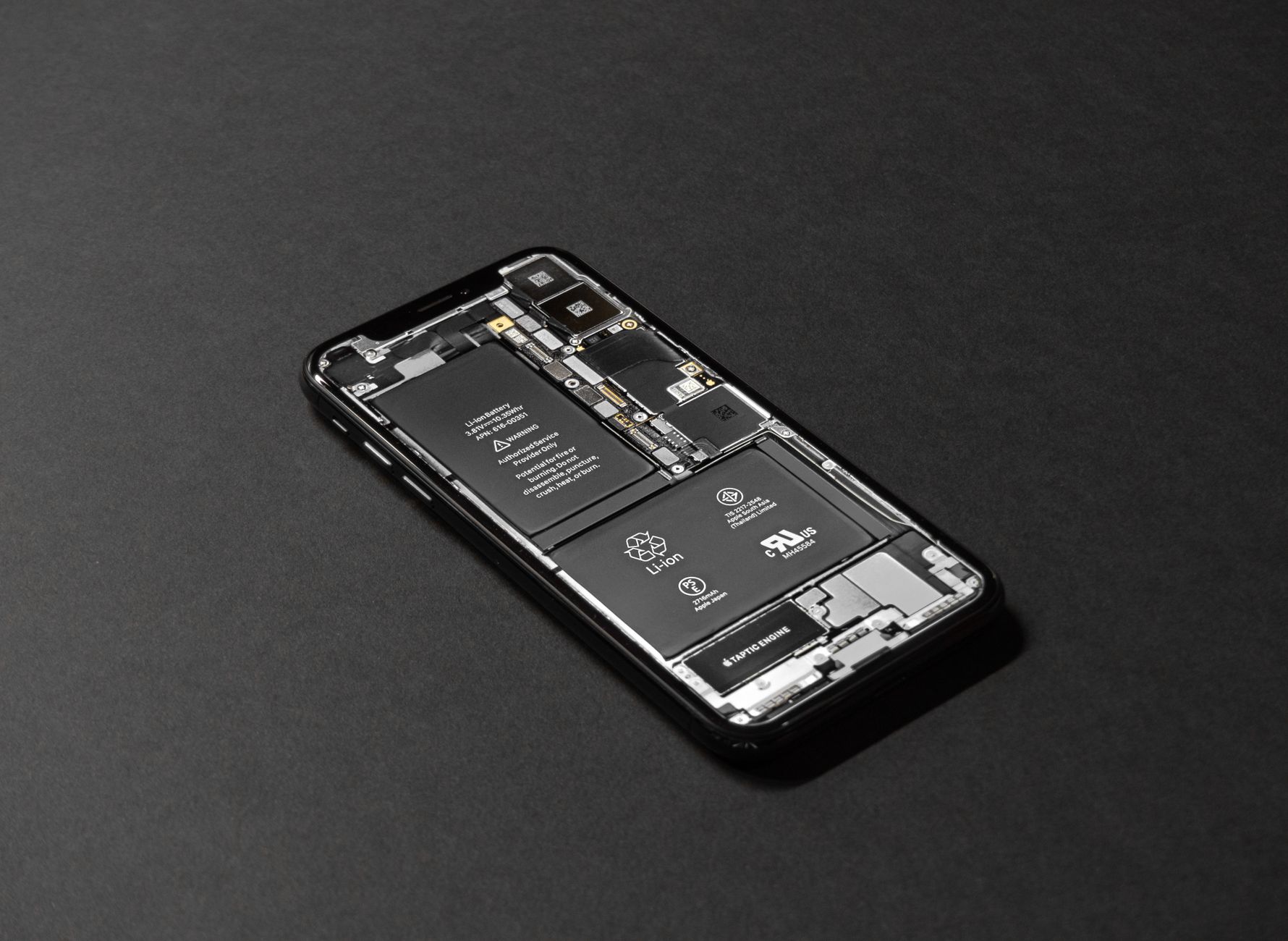
Your phone is not dying by 3 p.m. because the battery is bad. Most of the time it is a handful of background settings quietly chewing through power while the phone sits in your pocket.
Turning off a few of them gave me back hours of battery without changing how I actually use the phone.
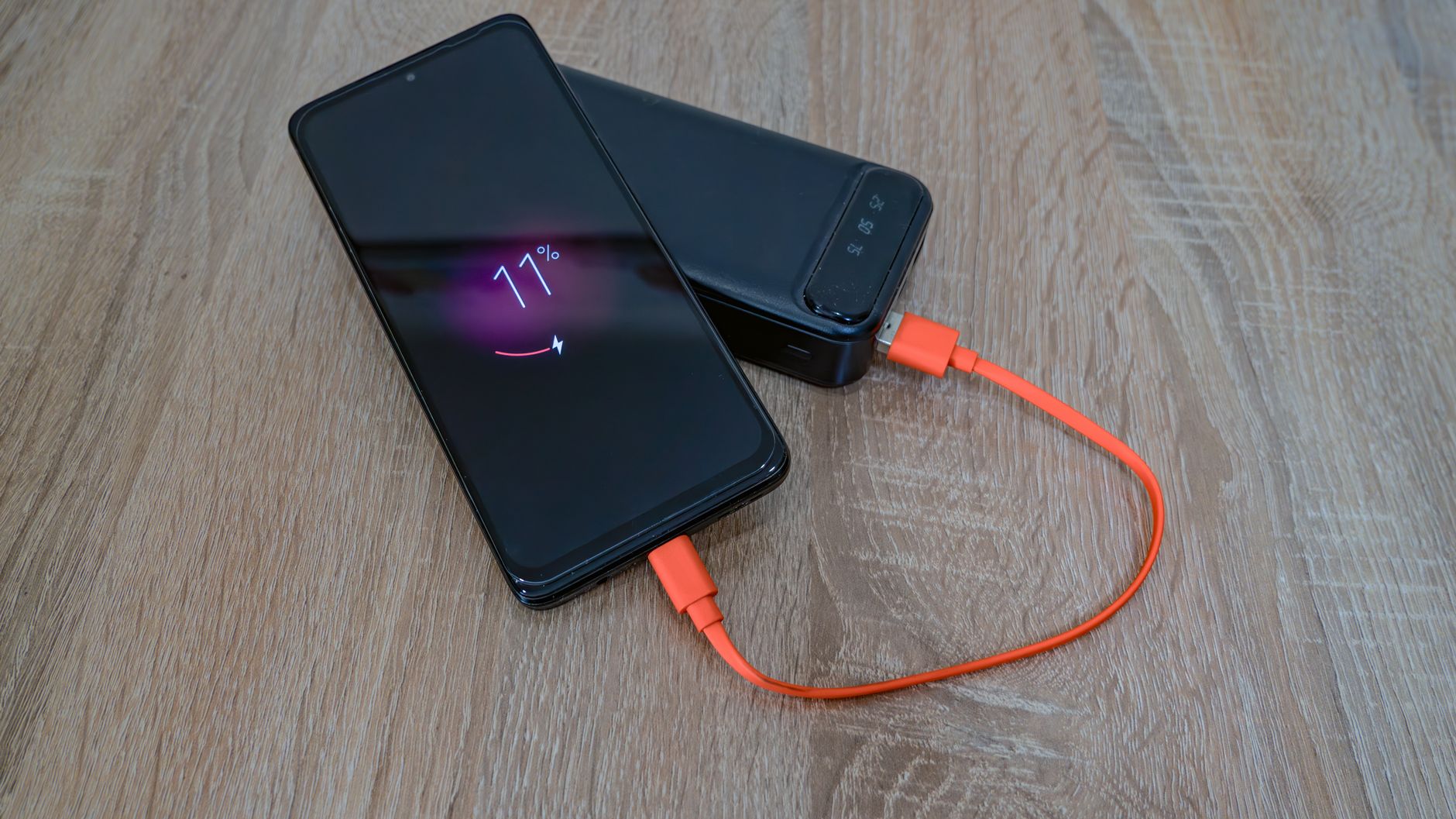
The biggest hidden drains
These run in the background whether you open the apps or not, and you will barely notice they are gone.
- Location services: set it to “while using” instead of “always” for apps that do not need it
- Background app refresh: turn it off for apps you do not need updating constantly
- Push email: switch from push to fetch every 15 or 30 minutes
- Wi-Fi and Bluetooth scanning: your phone hunts for networks even when both are off
The location one is the big winner. A weather app or a random game does not need to know where you are every minute of the day.
Two settings that matter more than you think
First, screen brightness. A bright screen is the single biggest power draw on a phone. Auto-brightness helps, but manually keeping it a notch lower than you think you need extends the day more than any app.
Second, notifications. Every notification wakes the screen and lights up the display, and some apps wake your phone hundreds of times a day. Muting apps you do not care about saves a surprising amount of juice and your attention at the same time.
📋 Quick Summary: Curb location and background refresh, switch email to fetch, turn off Wi-Fi and Bluetooth scanning, and lower your brightness. Hours of battery, no new habits.