Dust Your Electronics Without Ruining Them — I Learned the Hard Way
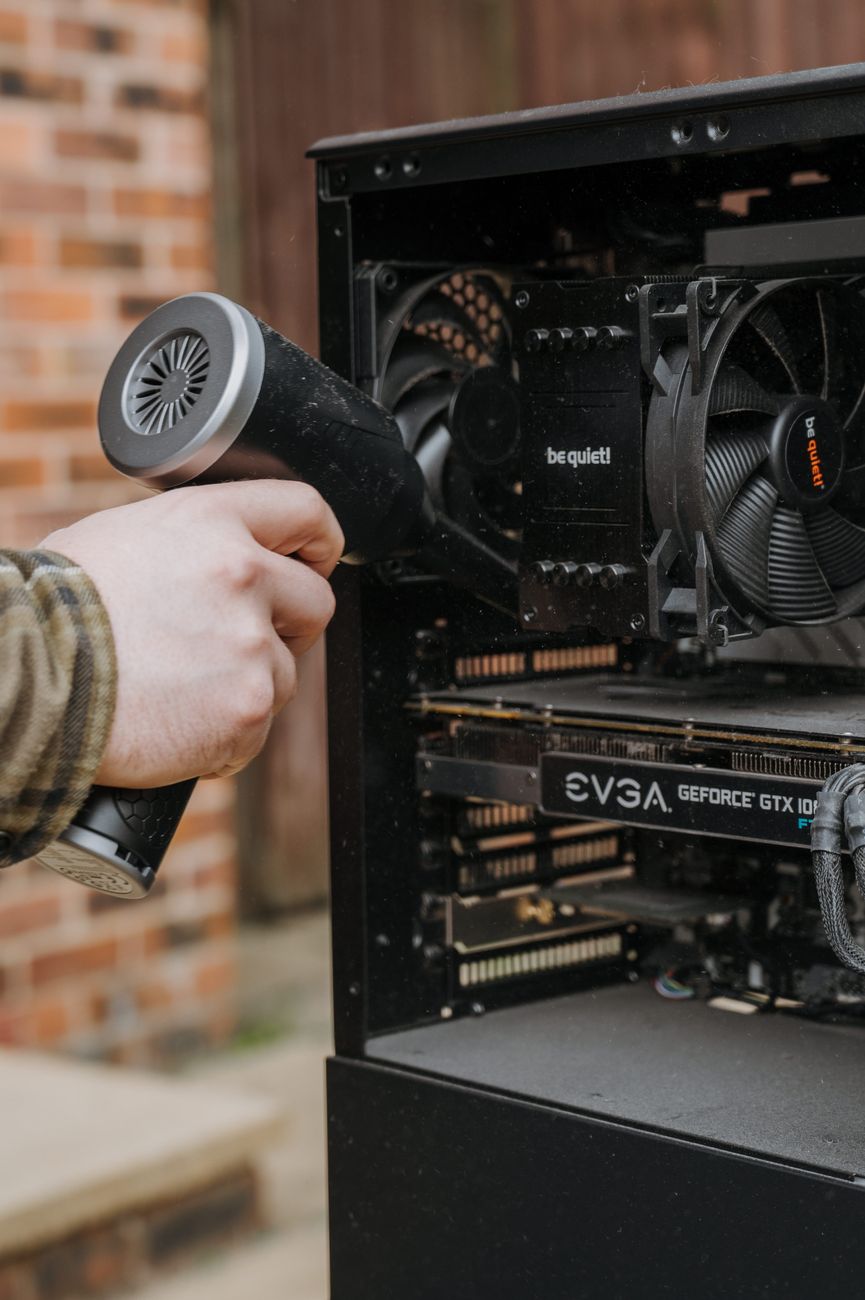
I killed a laptop keyboard with a can of compressed air. Held the can at a slight angle — which I did not realize was wrong — and shot freezing propellant directly onto the circuit board. The space bar never worked again.
That was an expensive lesson in reading instructions before using things.
Dust is more than ugly. It is an insulator — it traps heat. Electronics that run hot die younger. But cleaning them wrong is worse than not cleaning them at all.
The Tools You Actually Need
- Microfiber cloths. Not paper towels. Not your T-shirt. Paper towels leave lint; cotton can scratch screens.
- A soft-bristled paintbrush. A 2-inch brush from the hardware store — $3. Better than any “electronics cleaning brush” sold for $15.
- Compressed air — held upright. Tilting the can sprays liquid propellant. Keep it vertical. Short bursts, not continuous spray.
- Isopropyl alcohol, 70% or higher. For stubborn grime on non-screen surfaces. Spray on the cloth, never directly on the device.
What Not to Use
- Vacuum cleaners. They generate static electricity. One zap can fry a circuit board.
- Glass cleaner with ammonia. It strips anti-glare coatings off monitors. Your screen will look fine for a month, then develop permanent cloudy patches.
- Water, directly. One drip into a port or seam and you are in trouble.
The Order That Makes Sense
- Power down and unplug. Always. Not just for safety — dust sticks less to cool, unpowered surfaces.
- Dry brush first. Soft brush around vents, ports, seams. Get the loose stuff off before it turns into mud when you add liquid.
- Compressed air for vents and crevices. Short bursts, can upright. Do this outside or near an open window unless you want dust floating around your room for hours.
- Microfiber for screens. Dry first, then slightly damp with water or screen cleaner if needed. Wipe in one direction, not circles — circular wiping leaves swirl marks.
- Alcohol for grimy surfaces. Keyboards, mice, phone cases — alcohol on a cloth, wipe down. Kills germs and dissolves skin oils.
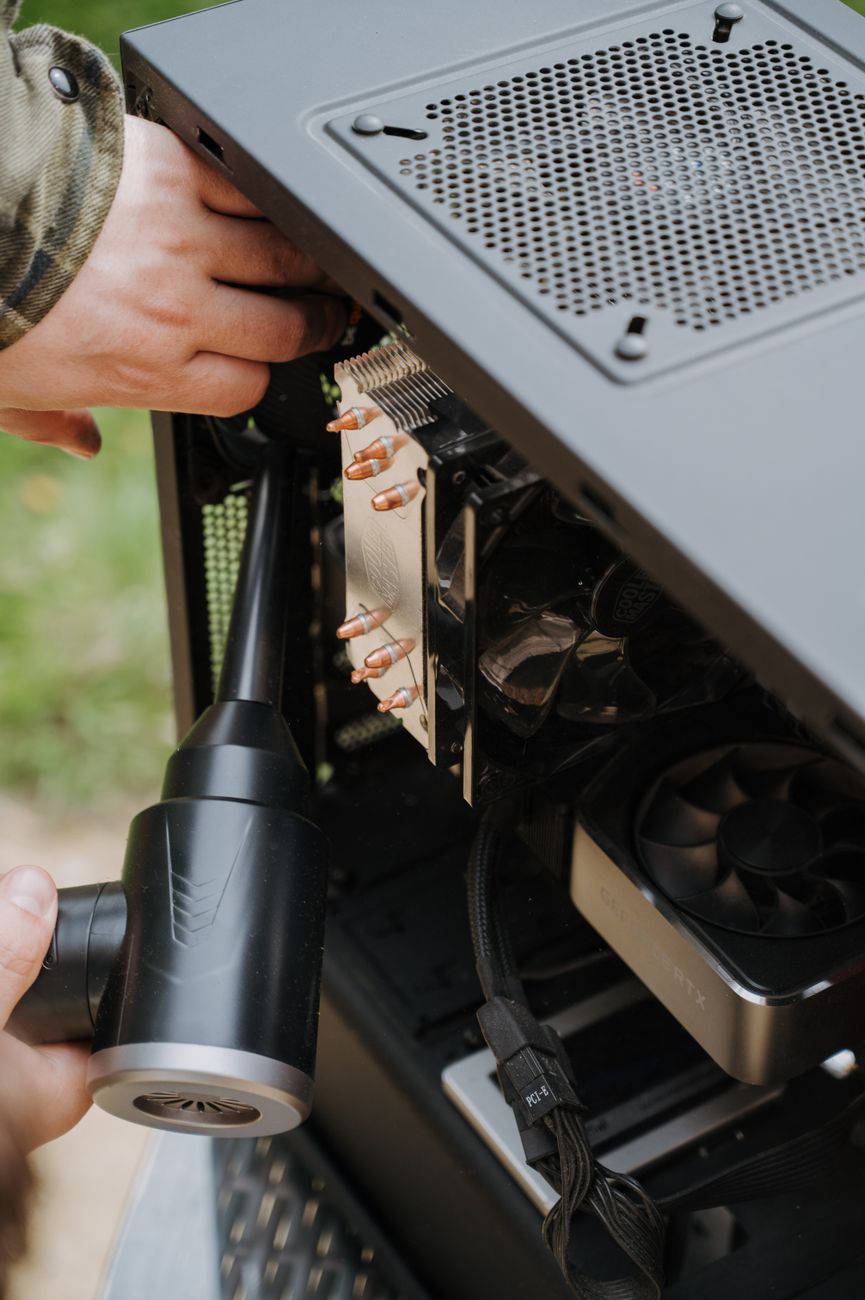
My current laptop is four years old and the keyboard still works perfectly. I clean it once a month with a dry brush and a microfiber cloth. Takes three minutes. The lesson from that first laptop cost me $400 — hopefully this saves you the same.
📋 Quick Summary: Power off. Dry brush loose dust first. Compressed air upright only. Microfiber cloth for screens — wipe in one direction. Isopropyl alcohol on cloth for grimy surfaces. Never vacuum electronics.