Desk Lamps Under Thirty Dollars That Do Not Flicker
I worked under a flickering desk lamp for six months before I realized it was giving me headaches. The flicker was invisible — I could not see it — but my eyes felt strained by the end of every workday and I was popping ibuprofen by three in the afternoon. A friend who works in lighting design suggested I point my phone camera at the lamp. Through the camera, the flicker was obvious — a rapid pulsing that my brain was processing even though my eyes could not consciously detect it.
LED flicker is caused by cheap drivers — the electronic component that converts wall power to the low voltage the LED needs. Cheap drivers pulse on and off rapidly to dim or regulate power. Better drivers maintain a steady current. The difference is invisible to the naked eye but your brain knows.
What to Look For
Flicker-free certification: Some lamps specifically advertise “flicker-free” and back it up with an IEEE 1789 risk rating. If the listing mentions IEEE 1789 and a “low risk” or “no risk” rating, the driver is good.
Phone camera test: Point your phone camera at the lamp at its lowest brightness setting. If you see bands or waves moving across the screen, the lamp flickers. This is the fastest way to check any lamp you already own or see in a store.
Color temperature matters too: For desk work, look for a lamp with adjustable color temperature — warm (around 3000K) for evenings, cool (around 5000K) for daytime focus. A single fixed color temperature around 4000K is a good compromise if you do not want adjustability.
Lamps Under Thirty Dollars Worth Buying
- LED desk lamps with a gooseneck and weighted base: The gooseneck lets you direct light exactly where you need it. A weighted base keeps it from tipping. Look for models with at least three brightness levels. Many are in the eighteen to twenty-five dollar range.
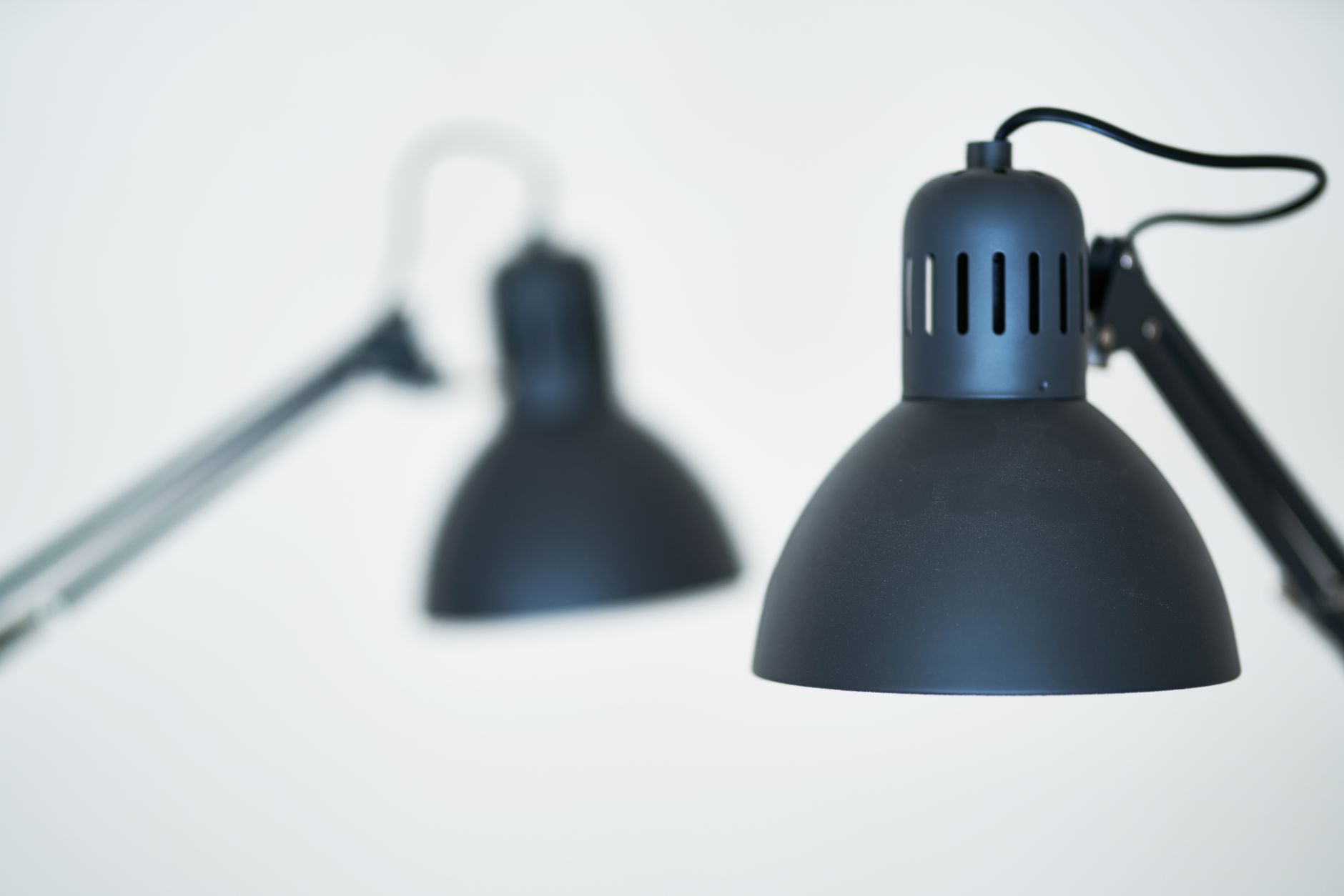
- Clip-on architect-style lamps: These clamp to the edge of your desk and have articulated arms. They save desk space and the longer arm reaches farther. The build quality varies — check reviews for complaints about the clamp breaking. Decent ones start around twenty dollars.
- Light bars that mount on top of your monitor: These sit on top of your screen and cast light down onto the desk without shining in your eyes or creating screen glare. They save the most desk space. The budget versions start at about twenty-five dollars — not as color-accurate as the premium BenQ ones, but flicker-free and glare-free.
I replaced my flickering lamp with a twenty-four-dollar gooseneck LED with three brightness levels and three color temperatures. The phone camera test showed zero flicker. The headaches stopped within a week. The old lamp is in the garage now where nobody has to stare at it for eight hours.
📋 Quick Summary: Test for flicker with your phone camera. Look for “flicker-free” or IEEE 1789 certification. Good desk lamps under thirty dollars: gooseneck LED, clip-on architect lamp, or monitor light bar.